Feature Operations /
163
When you receive a Priority Call:
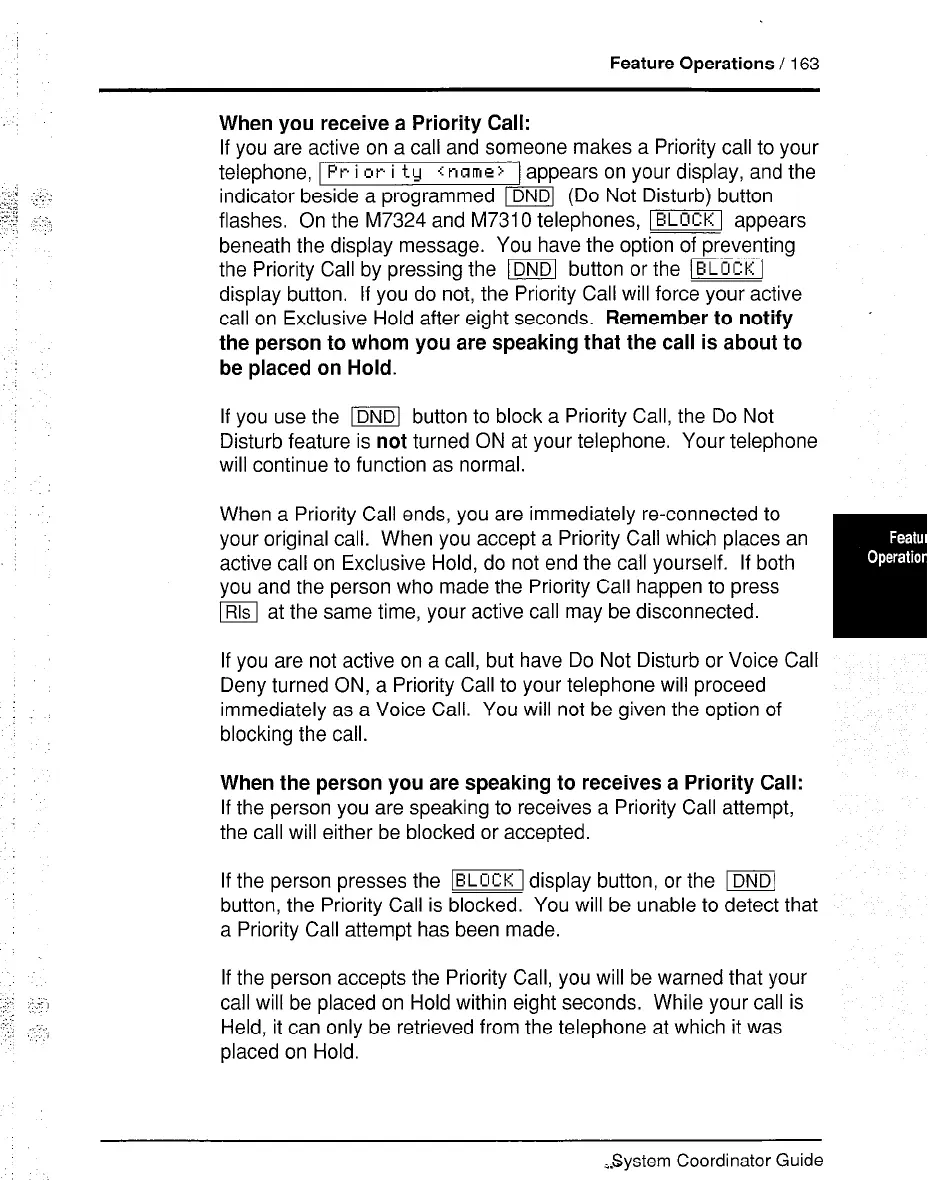
If you are active on a call and someone makes a Priority call to your
telephone,
Pr i or i ty <name>
) appears on your display, and the
indicator beside a programmed m (Do Not Disturb) button
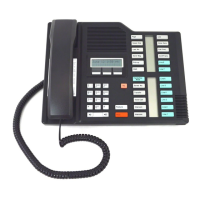
flashes. On the M7324 and M7310 telephones, m appears
beneath the display message. You have the option of preventing
the Priority Call by pressing the m button or the (BLUCKI
display button. If you do not, the Priority Call will force your active
call on Exclusive Hold after eight seconds. Remember to notify
the person to whom you are speaking that the call is about to
be placed on Hold.
’
If you use the m button to block a Priority Call, the Do Not
Disturb feature is not turned ON at your telephone. Your telephone
will continue to function as normal.
When a Priority Call ends, you are immediately re-connected to
your original call. When you accept a Priority Call which places an
active call on Exclusive Hold, do not end the call yourself. If both
you and the person who made the Priority Call happen to press
m at the same time, your active call may be disconnected.
If you are not active on a call, but have Do Not Disturb or Voice Call
Deny turned ON, a Priority Call to your telephone will proceed
immediately as a Voice Call. You will not be given the option of
blocking the call.
When the person you are speaking to receives a Priority Call:
If the person you are speaking to receives a Priority Call attempt,
the call will either be blocked or accepted.
If the person presses the -1 display button, or the m
button, the Priority Call is blocked. You will be unable to detect that
a Priority Call attempt has been made.
If the person accepts the Priority Call, you will be warned that your
call will be placed on Hold within eight seconds. While your call is
Held, it can only be retrieved from the telephone at which it was
placed on Hold.
System Coordinator Guide



 To Next Page