42
/ Administration
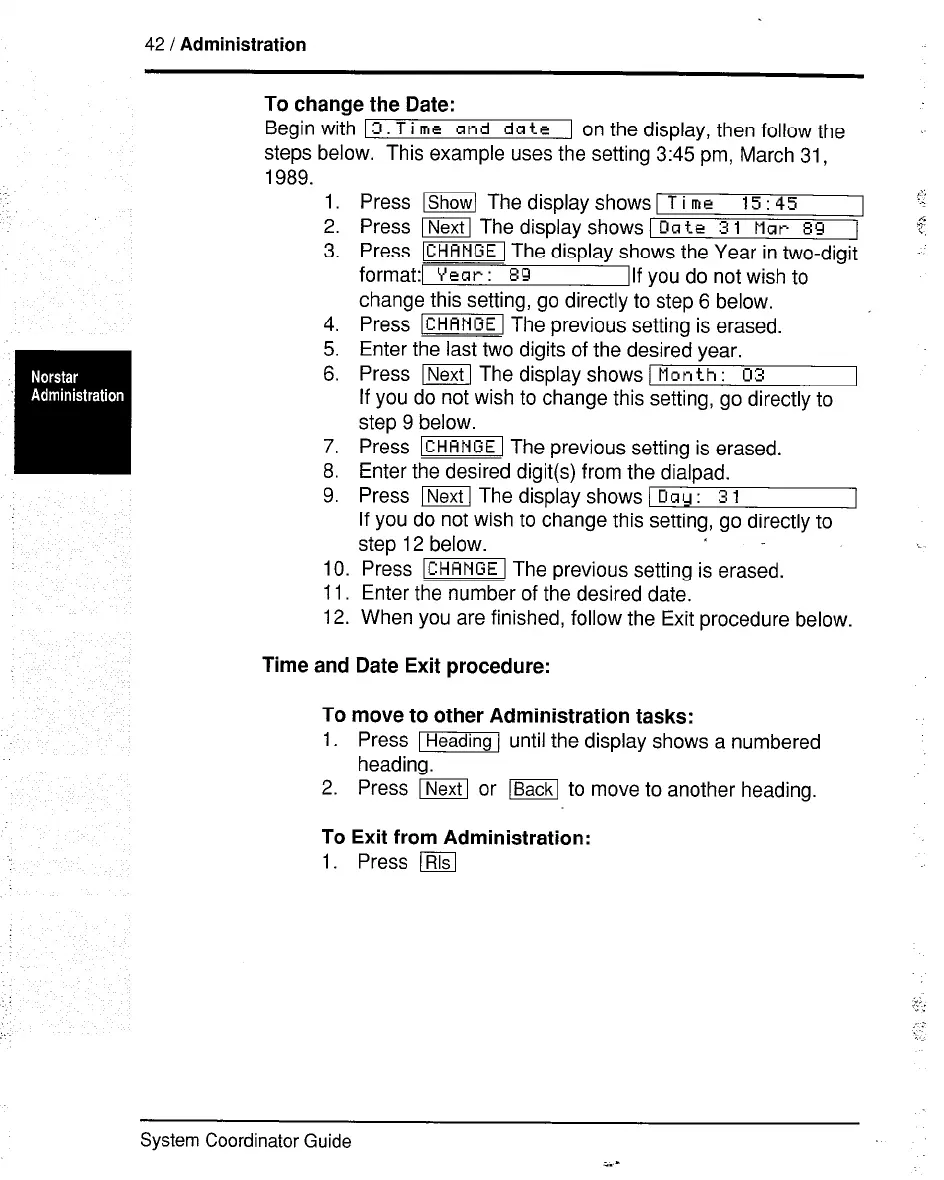
To change the Date:
Begin with
13.
T i me and
date
1 on the display, then follow the
steos below. This example uses the setting 3:45 pm, March 31,
-Isis.
1.
2.
3.
4.
5.
6.
7.
8.
9.
Press lShow[ The display shows 1 T i me
15:45
Press m The display shows [Date
3 1 Mar 89 1
Press m The display shows the Year in two-digit
format:1 Year: 89
Ilf
you do not wish to
change this setting, go directly to step 6 below.
Press m The previous setting is erased. ’
Enter the last two digits of the desired year.
Press I] The display shows I Man
th : 03
If you do not wish to change this setting, go directly to
step 9 below.
Press m The previous setting is erased.
Enter the desired digit(s) from the dialpad.
Press m The display shows ( Oay :
3 1
If you do not wish to change this setting, go directly to
step 12 below.
10. Press m The previous setting is erased.
11. Enter the number of the desired date.
12. When you are finished, follow the Exit procedure below.
Time and Date Exit procedure:
To
1.
2.
move to other Administration tasks:
Press m until the display shows a numbered
heading.
Press m or m to move to another heading.
To Exit from Administration:
1. Press (
System Coordinator Guide



 To Next Page