Administration / 49
4.
5.
6.
7.
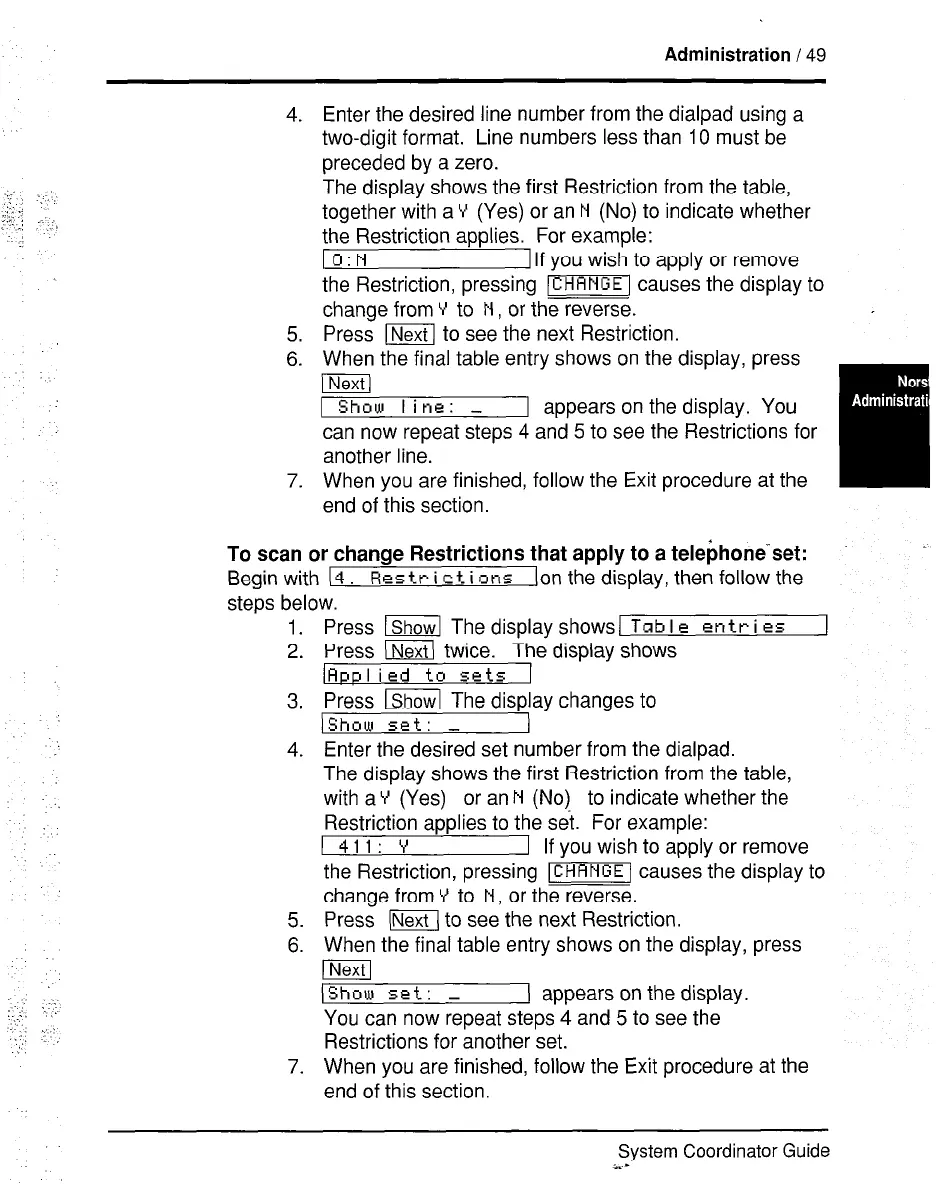
Enter the desired line number from the dialpad using a
two-digit format. Line numbers less than 10 must be
preceded by a zero.
The display shows the first Restriction from the table,
together with a Y (Yes) or an N (No) to indicate whether
the Restriction applies. For example:
I O:N 1 If you wish to apply or remove
the Restriction, pressing -1 causes the display to
change from Y to N , or the reverse.
Press m to see the next Restriction.
When the final table entry shows on the display, press
pa
1 Show line: -
1 appears on the display. You
can now repeat steps 4 and 5 to see the Restrictions for
another line.
When you are finished, follow the Exit procedure at the
end of this section.
To scan or change Restrictions that apply to a telebhone-set:
Begin with (4 Rp_s tr i c t i clns Ion the display, then follow the
steps below.
1.
2.
3.
4.
5.
6.
7.
Press lShow] The display shows/
Tab I e
entr i es
Press (1 twice. The display shows
(Applied to sets 1
Press lShowl The display changes to
IShow set: -
Enter the desired set number from the dialpad.
The display shows the first Restriction from the table,
with a Y (Yes) or an N (No) to indicate whether the
Restriction applies to the set. For example:
I 411: Y
1 If you wish to apply or remove
the Restriction, pressing -1 causes the display to
change from V to N, or the reverse.
Press (Next1 to see the next Restriction.
When the final table entry shows on the display, press
p&F
IShow set: -
I appears on the display.
You can now repeat steps 4 and 5 to see the
Restrictions for another set.
When you are finished, follow the Exit procedure at the
end of this section.
System Coordinator Guide
i.-



 To Next Page