_’
:
Administration / 71
Explanation of Permissions Overview
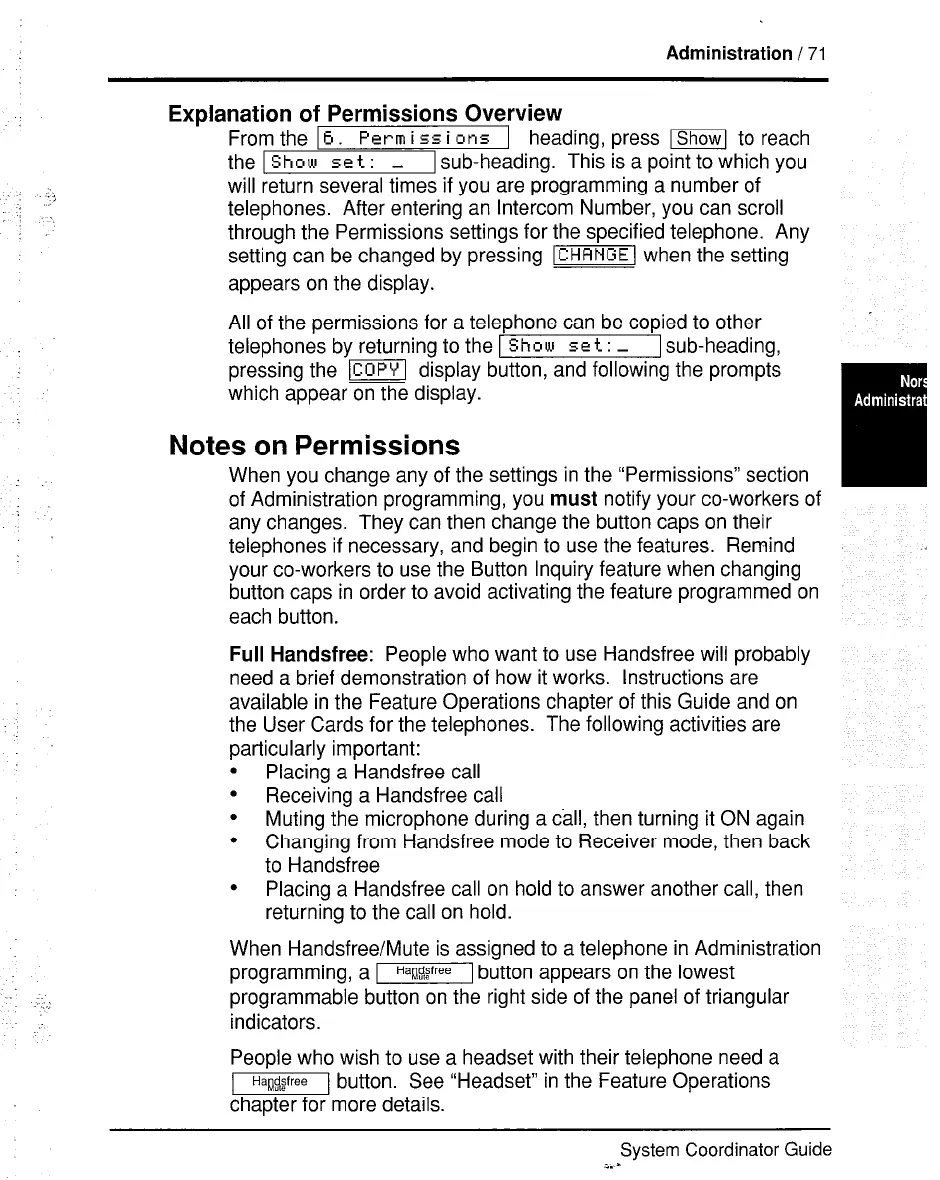
From the 16.
Pcrm i
ss
i
or15 1 heading, press -1 to reach
the 1
Show set
: _ 1 sub-heading. This is a point to which you
will return several times if you are programming a number of
telephones. After entering an Intercom Number, you can scroll
through the Permissions settings for the specified telephone. Any
setting can be changed by pressing -1 when the setting
appears on the display.
All of the permissions for a telephone can be copied to other
telephones by returning to the [Show set : - 1 sub-heading,
pressing the lcopyl display button, and following the prompts
which appear on the display.
Notes on Permissions
When you change any of the settings in the “Permissions” section
of Administration programming, you
must
notify your co-workers of
any changes. They can then change the button caps on their
telephones if necessary, and begin to use the features. Remind
your co-workers to use the Button Inquiry feature when changing
button caps in order to avoid activating the feature programmed on
each button.
Full Handsfree:
People who want to use Handsfree will probably
need a brief demonstration of how it works. Instructions are
available in the Feature Operations chapter of this Guide and on
the User Cards for the telephones. The following activities are
particularly important:
.
Placing a Handsfree call
.
Receiving a Handsfree call
l
Muting the microphone during a call, then turning it ON again
l
Changing from Handsfree mode to Receiver mode, then back
to Handsfree
.
Placing a Handsfree call on hold to answer another call, then
returning to the call on hold.
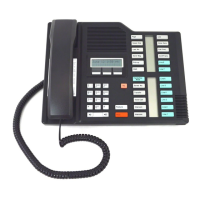
When Handsfree/Mute is assigned to a telephone in Administration
programming, a m button appears on the lowest
programmable button on the right side of the panel of triangular
indicators.
People who wish to use a headset with their telephone need a
71 button. See “Headset” in the Feature Operations
chapter for more details.
System Coordinator Guide
i. -



 To Next Page