1200 Series Display, Rev. A2 Connections — Page 19
12- and 24-volt systems, Northstar recommends powering
the display from the 24-volt system.
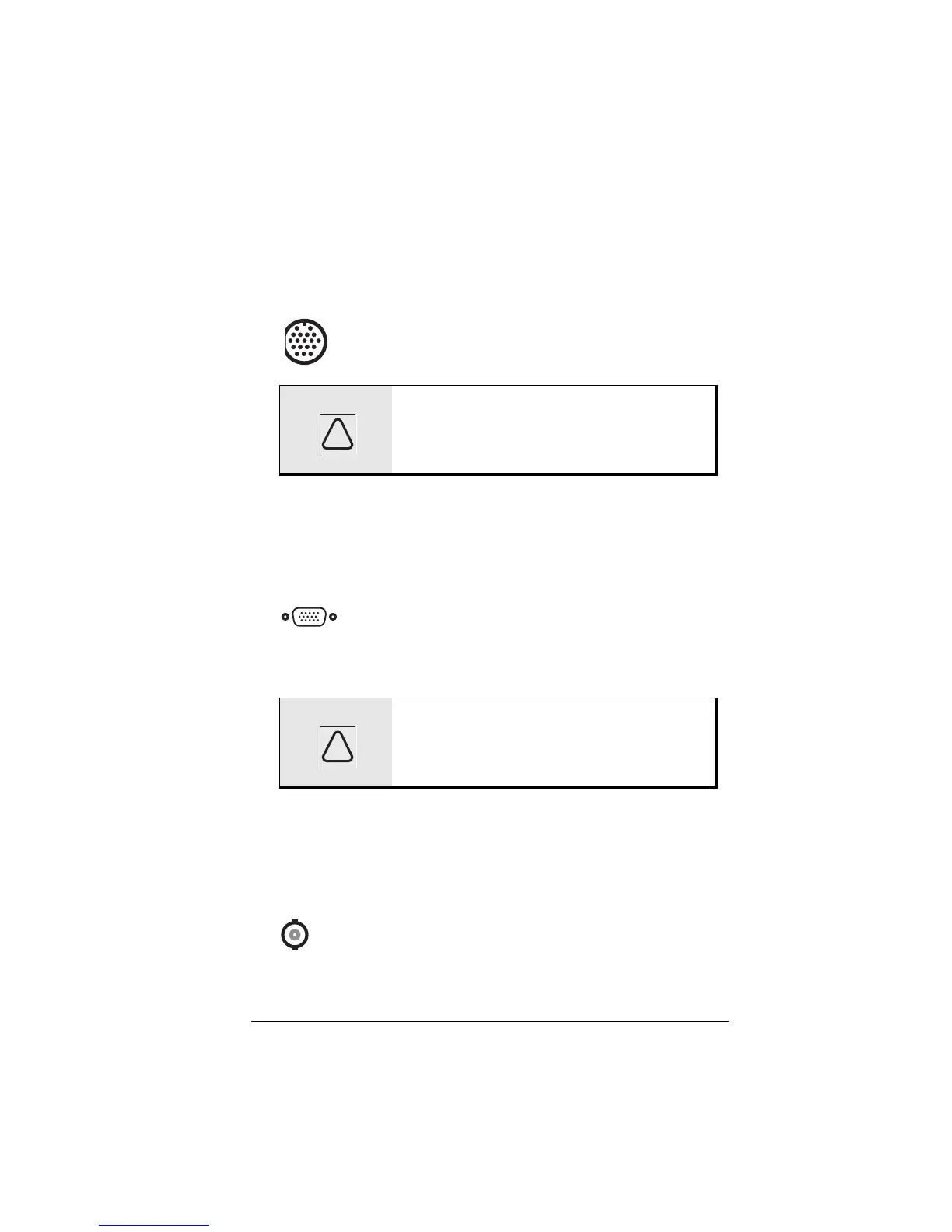
The vBox Connector
The vBox connector is an 18-pin circular connector
located in the center of the rear panel. It is used to
connect the optional vBox to the display.
The four-foot cable that connects the display to the vBox is
supplied with the vBox. The cable is terminated at the factory
with the appropriate connectors.
The VGA Connector
The 15-pin male VGA connector is located on the
right side of the rear panel. It allows connection of a
VGA data source such as a “black box” marine electronics
device or computer to the display.
Northstar encourages the use of high quality cable and
connectors (see page 23) in your installation. Using inferior
cables and connectors can result in poor picture quality.
The Video (BNC) Connector
The Video connector is a female BNC-type connector
located on the lower right corner of the back of the
display. A video source such as a camera, DVD player, etc. is
connected here.
WARNING: Do not use the vBox connector if a
cable is connected to the 15-pin VGA
connector. Use one or the other.
WARNING: Do not use the VGA connector if a
cable is connected to the 18-pin vBox
connector. Use one or the other.
!
!



 To Next Page