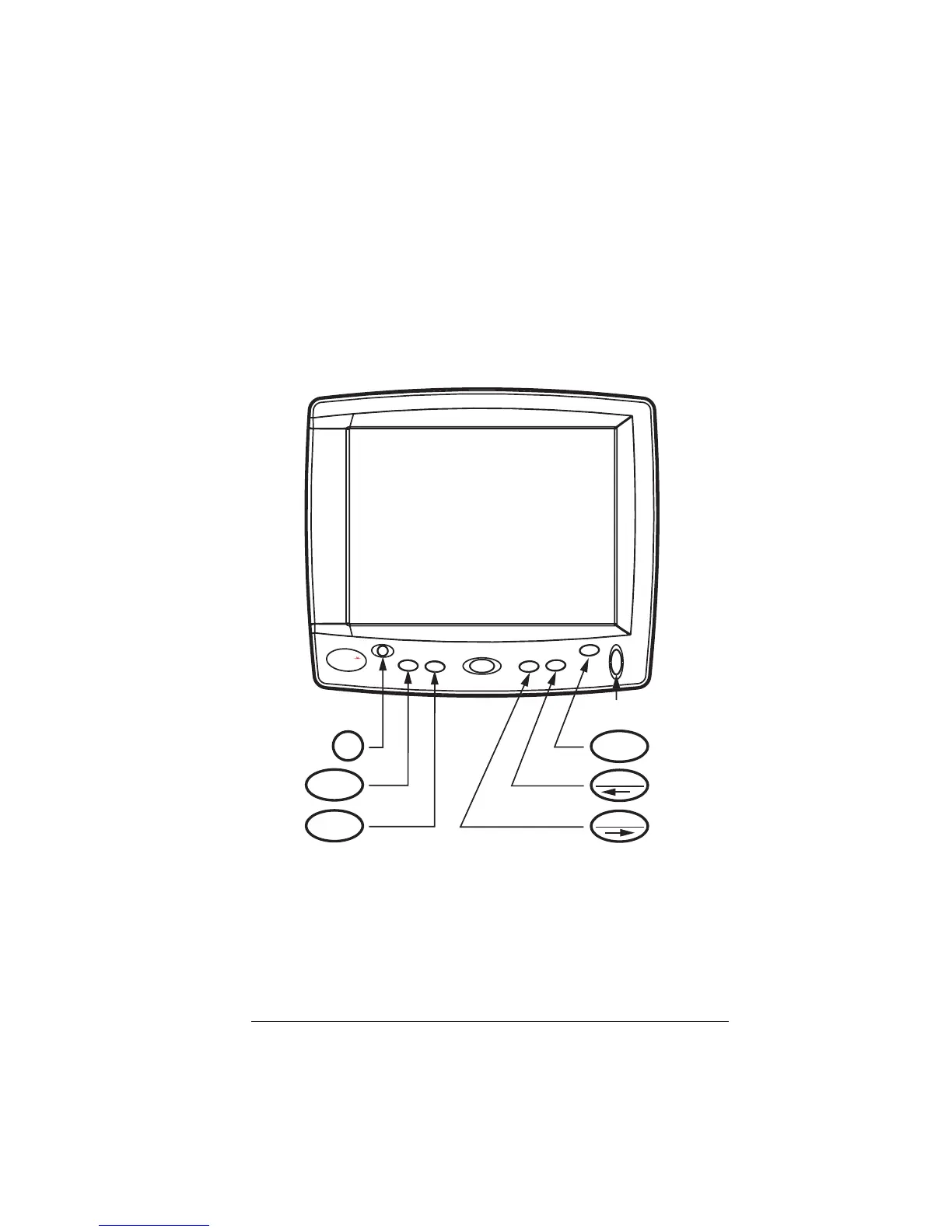
1200 Series Display, Rev. A2 Front Panel — Page 5
Front Panel
The Northstar 1201 and 1202 displays have several buttons
along the bottom of the display that are used to select data
sources as well as Hi/Lo* and Red* modes.
There is also a control to adjust the brightness of the display.
The figure above shows the front panel and its controls. Each
control is described below.
* Note that Red mode and Hi/Lo mode require the optional vBox.
1202
N
ORTHST
AR
RED
HI/LO
DATA
V
IDE
O
MEN
U
PWR
HI/LO
MENU
RED
VIDEO
DATA
Brightness
Control



 To Next Page