Northstar Explorer 557/567 Installation and Operation Manual
15
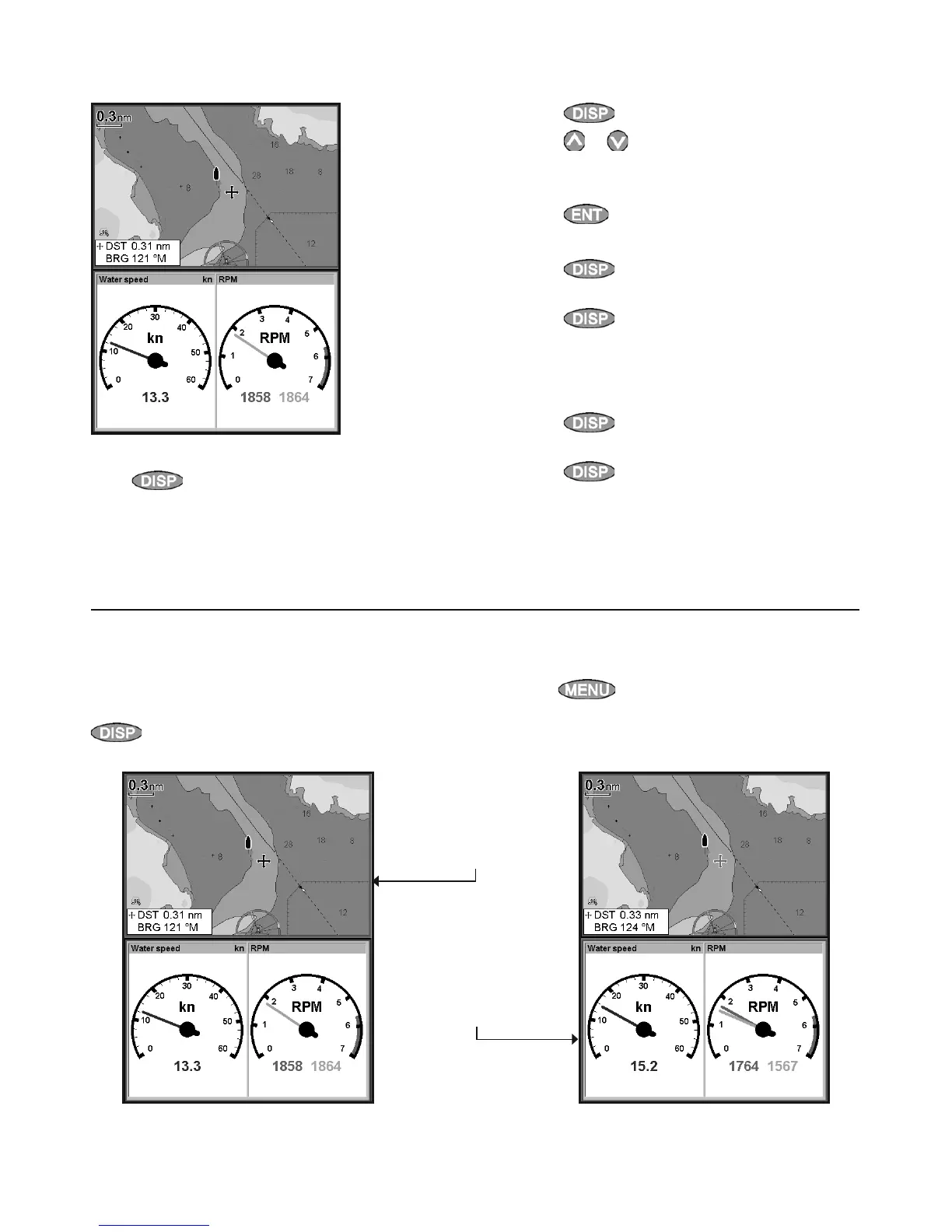
The 557/567 can show two windows at once.
Adding a window to the display
Press
, select Add window and select a
window to add. The 557/567 automatically
rearranges the display to show the new
window.
Changing window size
1 Press
and select Split ratio.
2 Press
or
to change the height of the
windows.
Note: Some windows are fixed in size.
3 Press
.
Exchanging two windows on the display
1 Press twice to change the active
window.
2 Press
, select Replace and select the
second window.
The 557/567 exchanges the two windows.
Replacing a window on the display
1 Press
twice to change the active
window.
2 Press
, select Replace and select a new
window that is not currently visible.
Note: When some windows are small then not all
the data is shown.
The active window
If there is more than one window displayed, the
active window is indicated by a red border. Press
twice to change the active window.
2-8-1 Multi window displays
Pressing
will display the options menu for
the active window.
Chart is active
Red border
Gauges is active
Red border



 To Next Page