Northstar Explorer 557/567 Installation and Operation Manual
27
6 Navigation: Routes
A route is a list of waypoints that the boat can
navigate along. Routes can be created, changed
and deleted.
The 557/567 can have up to 25 routes. Each route
can have up to 50 waypoints.
A route can:
Start and stop at the same waypoint .
Include waypoints more than once.
The 557/567 can navigate along a route in either
direction. Waypoints on the route can be skipped.
Routes are a powerful feature when the 557/567 is
connected to an autopilot, allowing the vessel to
be automatically guided along the route.
6-1 Routes window
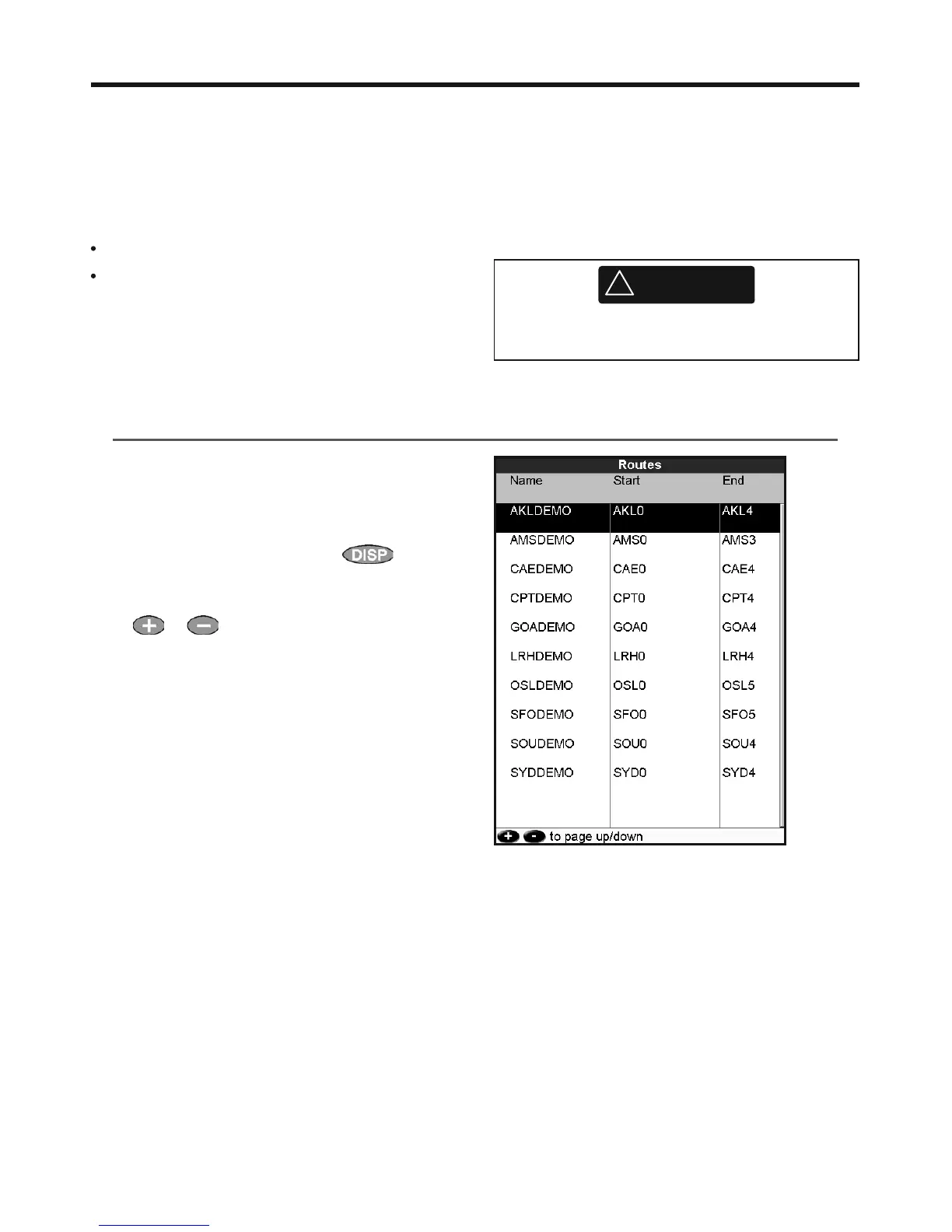
The routes window is a list of the routes that
have been entered, each with route name, start
waypoint, end waypoint, number of legs and
total distance.
To go to the routes window, press
, select
More, then select Routes.
If there are more routes than will fit on the display,
press
or to scroll up or down a page at
a time.
!
WARNING
Make sure that routes do not cross land or
dangerous water.



 To Next Page