Northstar Explorer 557/567 Installation and Operation Manual
55
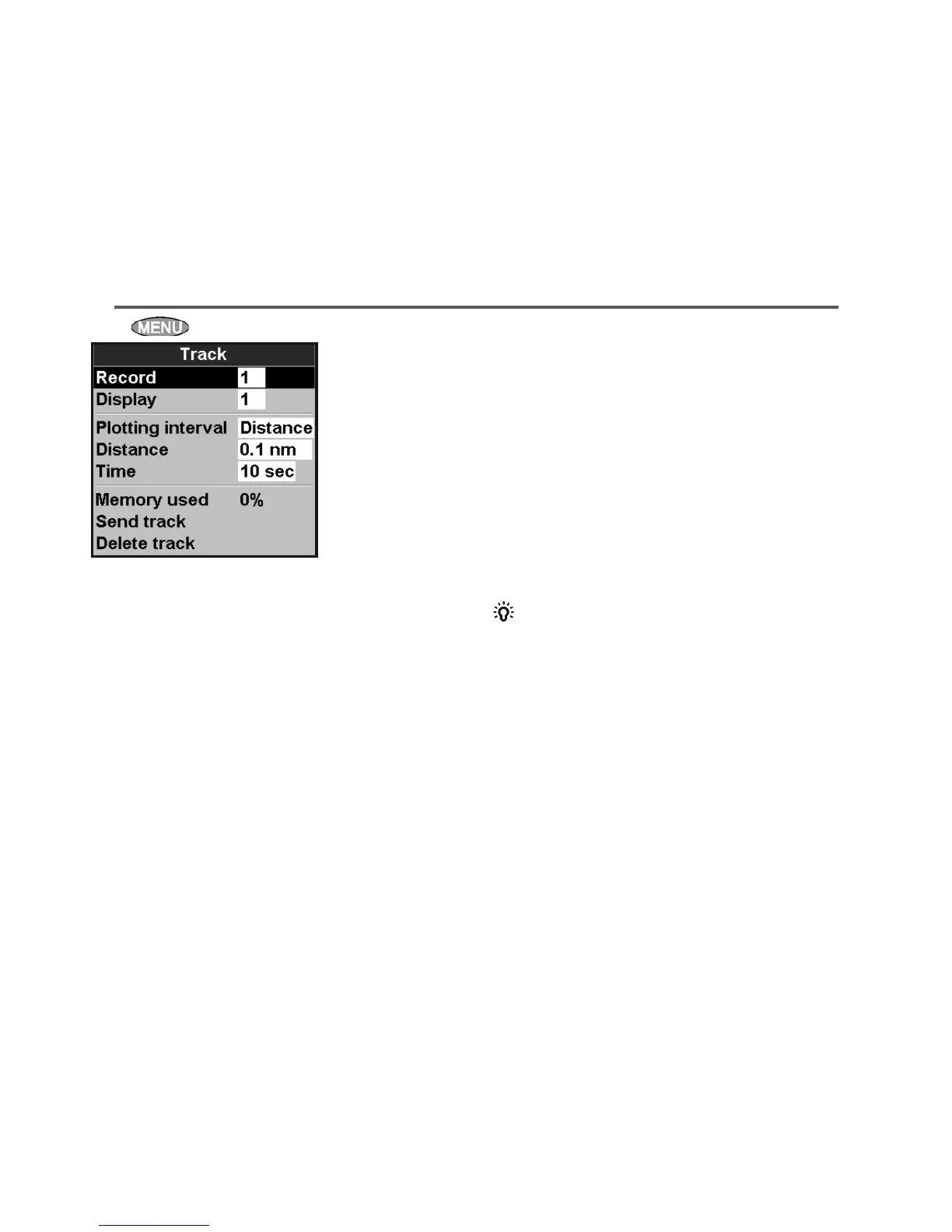
15-5 Setup > Track
Press twice, then select Track:
Tracking records and displays the boat’s course
on the chart (see section 3-5). Five different tracks
can be recorded: track 1 has up to 2000 points
and tracks 2, 3, 4 and 5 have up to 500 points
each.
Record
Off: The 557/567 stops recording a track.
1 to 5 (select a track number): The 557/567
starts recording the boat’s course into the
selected track.
Display
Off: No track is shown on the chart.
1 to 5 (select a track number): The
selected track is shown on the chart.
Plotting Interval
The options are Distance or
Time.
Distance
Select the distance plotting interval: 0.01, 0.05, 0.1,
0.5, 1.0, 2.0, 5.0 or 10.0 distance units.
Time
Select the time plotting interval: 1, 5, 10 or 30
seconds or 1 minute.
Memory used
The percentage of memory used in the track
being recorded.
Tip: Use the user card window to check the
number of points recorded in each track (see
section 12).
Send track
This option is included for compatibility with
older units. For information, see your Northstar
dealer.
Delete track
The data in the track selected for Record (see
above) is deleted.
Speed source
If both water speed and ground speed are
available, select which to use for fuel calculations
(see section 10-5-1).
Max fuel flow
The maximum fuel flow from a fuel tank to be
displayed on an analog fuel flow gauge (see
section 8)



 To Next Page