SIM Installation
NOTE: The SIMinstallation section applies only to models UMT 2202 and UMT 2203.
The MT 4100 UMT versions include an onboard SIM carrier supporting 1.8/3V SIM cards. This section
applies only to a version with a SIM. There is no external access to the SIM.
NOTE: You must obtain a SIM card from your network service provider. The operator must provision
the SIM card for data. Without the SIM installed, the MT 4100 modem cannot communicate with the
network.
NOTE: To prevent damaging the device, use the Metal Lever (Novatel Wireless part number K1T2418)
when opening the MT 4100.
WARNING! Use proper Electrostatic Discharge precautions when handling the open device.
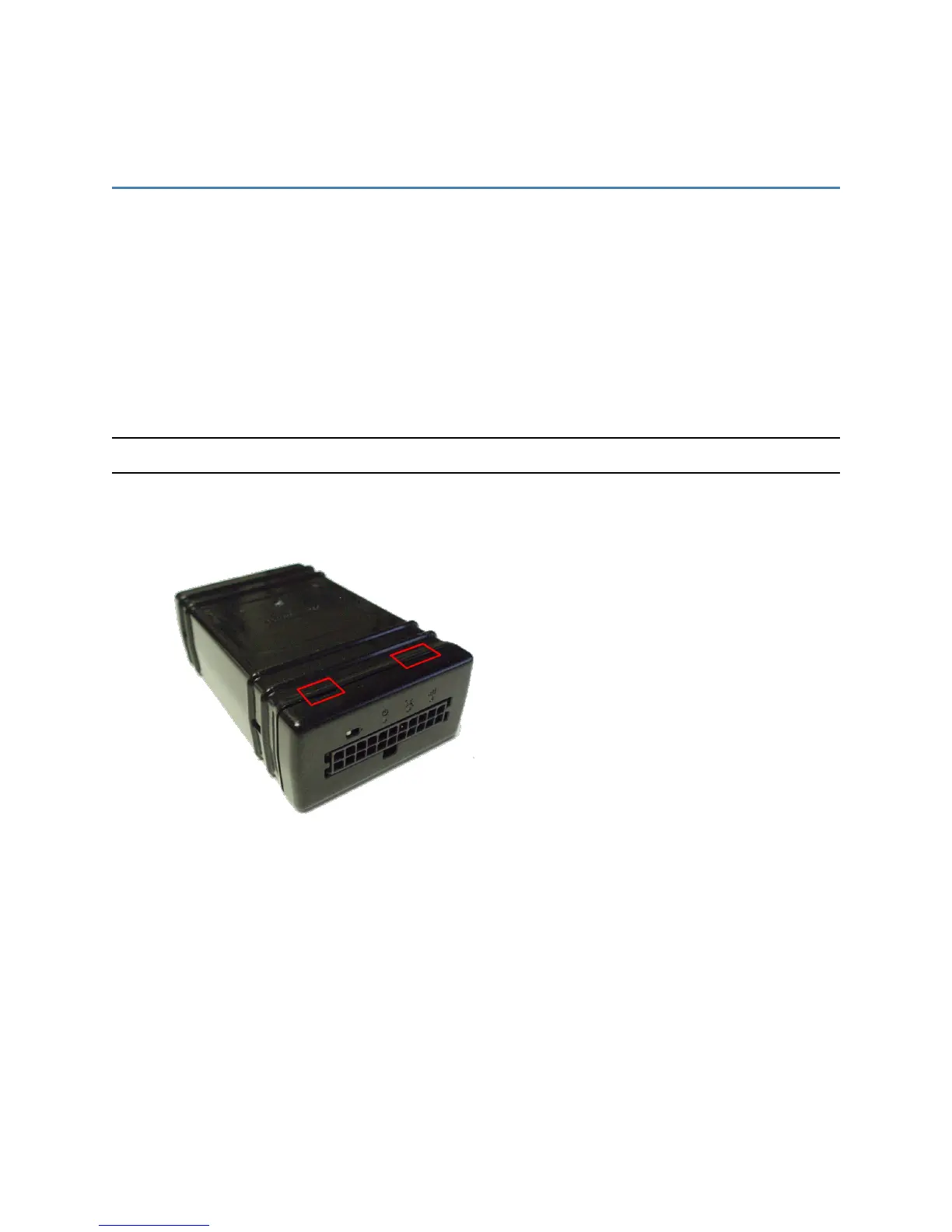
To install a SIM into the MT4100:
1. Locate the retainer snaps on the top of the device.
MT 4100 User Guide 18



 To Next Page