MT 4100 User Guide 32
Verifying Server Connectivity
For the following tests, ensure that you have Java Runtime installed on your computer. To install Java
Runtime, please visit the Java website at http://www.java.com/en/download/manual.jsp.
1. Start a web browser and navigate to the following URL:
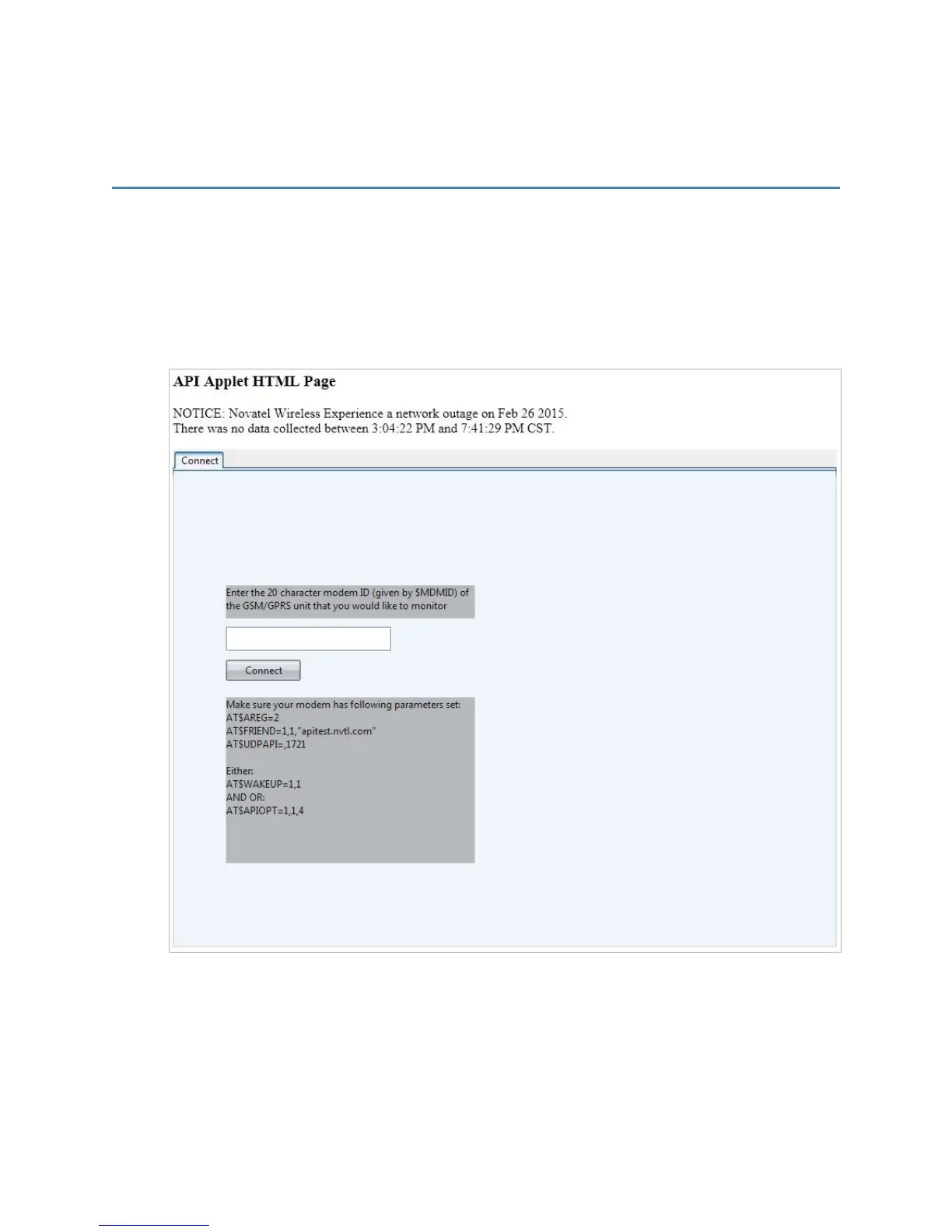
http://apitest.nvtl.com/udpapp/
The APIApplet HTMLpage opens.
2. In Port, enter the Server port.
NOTE: This example uses 1721, as defined in AT$UDPAPI=,1721.
3. In Modem ID (MDMID) command, enter the GSM/GPRSunit to monitor.
4. Click Connect.



 To Next Page