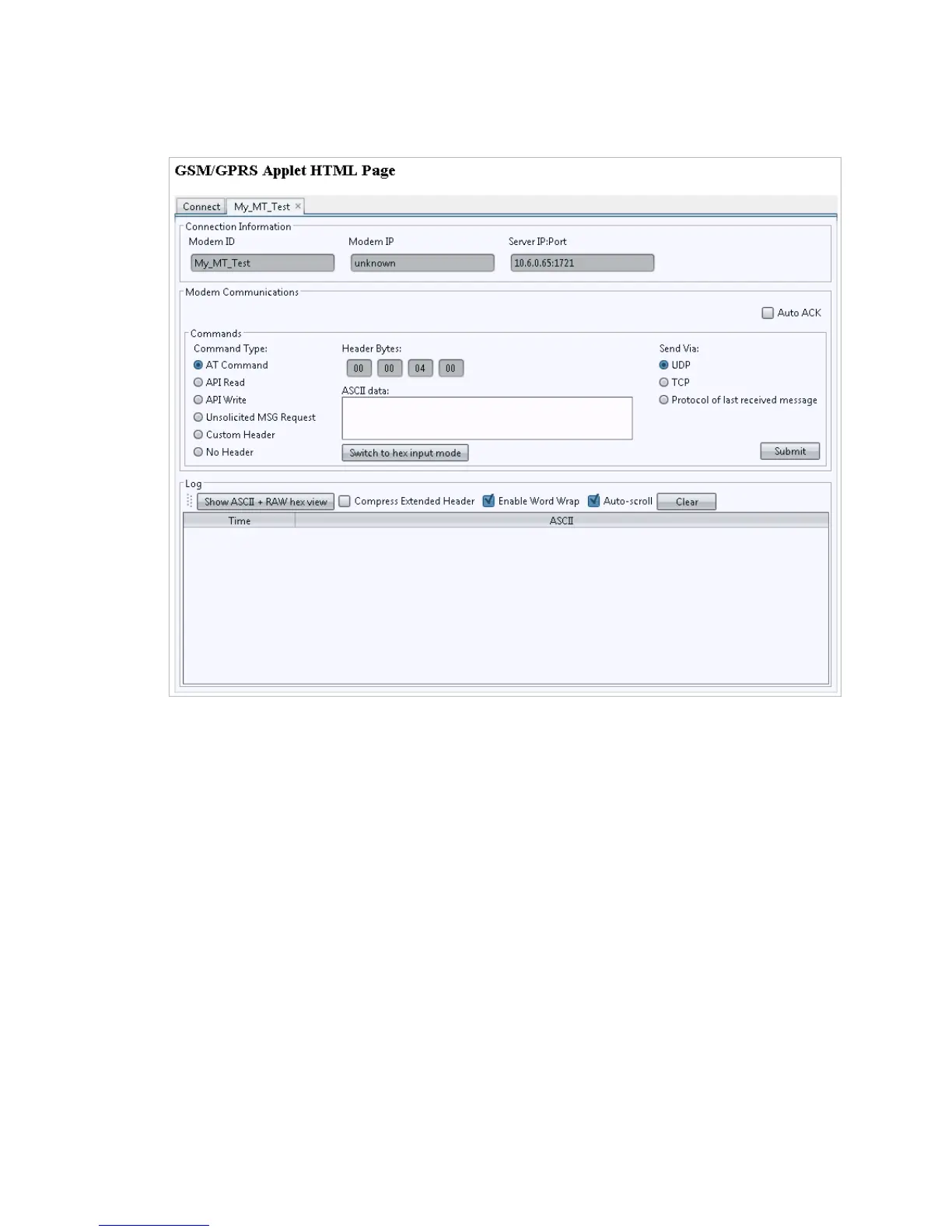
The GSM/GPRSApplet HTMLpage opens.
5. Click the tab with the modem name (My_MT_Test).
Within approximately 60 seconds you should see a wakeup message in the window.
NOTE: Clicking the Clear button erases the contents from the (ASCII Data) window.
6. Enter the following command in the Command/Data text box: ATI
7. Click Submit.
8. Verify that you see the modem response: Novatel Wireless, Inc. If so, you have
successfully configured the modem to talk with the server.
MT 4100 User Guide 33



 To Next Page