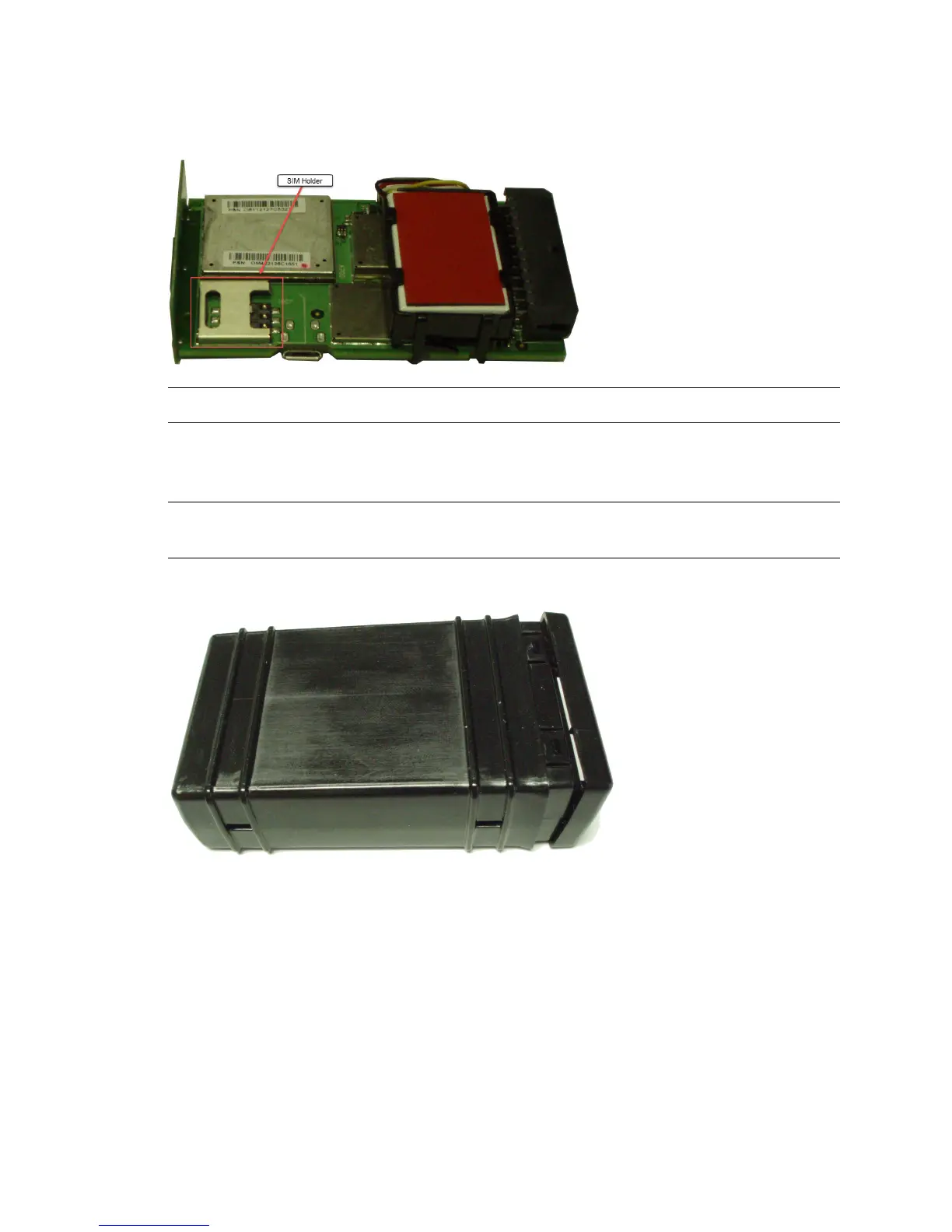
5. Insert the SIM into the SIM holder of the MT 4100.
CAUTION! Always take care to protect the SIM.
6. Place the MT 4100 cover onto the base so that the LED symbols on the cover align with the LED
placement inside the device.
CAUTION! Take care not to disconnect the battery connector on devices with a backup
battery.
7. Carefully press the lid against the base until it snaps in place.
MT 4100 User Guide 20



 To Next Page