NOVUS AUTOMATION www.fieldlogger.net 59/104
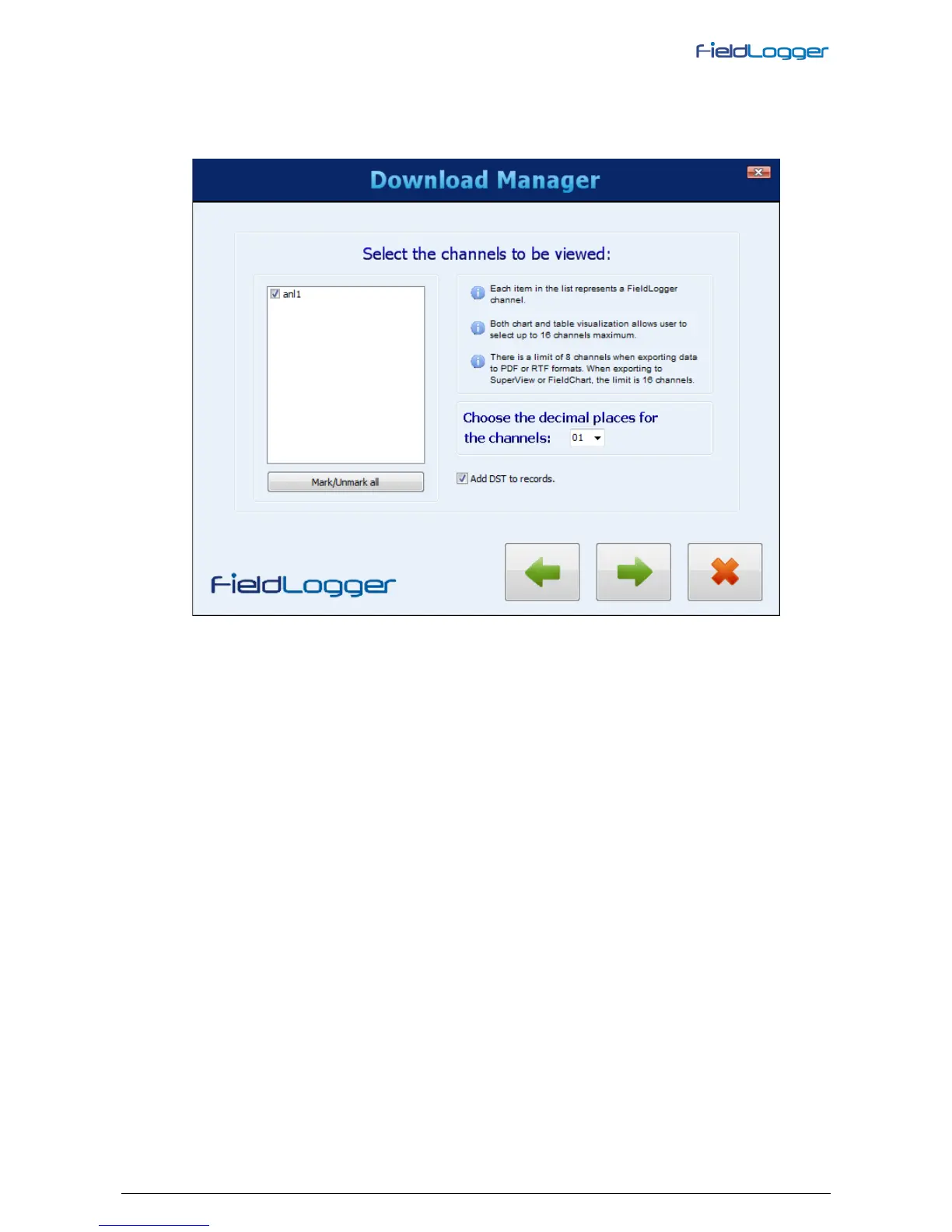
At last, user must choose which channels must be viewed or exported, as well as the number of decimal places for
the channels.
By checking the option “add DST to records”, all timestamps will be added 1 hour in order to simulate the extra hour
due to daylight saving time. By leaving it unchecked, original timestamps will be shown. This option does not change
the downloaded data, but only the way they are visualized.
Table format view
This kind of view shows data in a table sorted by time, with oldest data first. There are a few buttons for navigation in
the upper side, where user can forward or back one screen, a hundred screens or go to the beginning or end of data.
In order to view data in this format, no more than 16 channels can be viewed.


 To Next Page