NOVUS AUTOMATION www.fieldlogger.net 96/104
EQUIPMENT SOFTWARE (FIRMWARE) UPDATE
The FieldLogger allows the update of its embedded software (firmware) in the field, through a USB flash drive. The
versions of this software for this equipment are available on the equipment web site. Following is the procedure for
updating the software.
Before performing the update, proceed with the data download and, if desired, also
lost in the upgrade process.
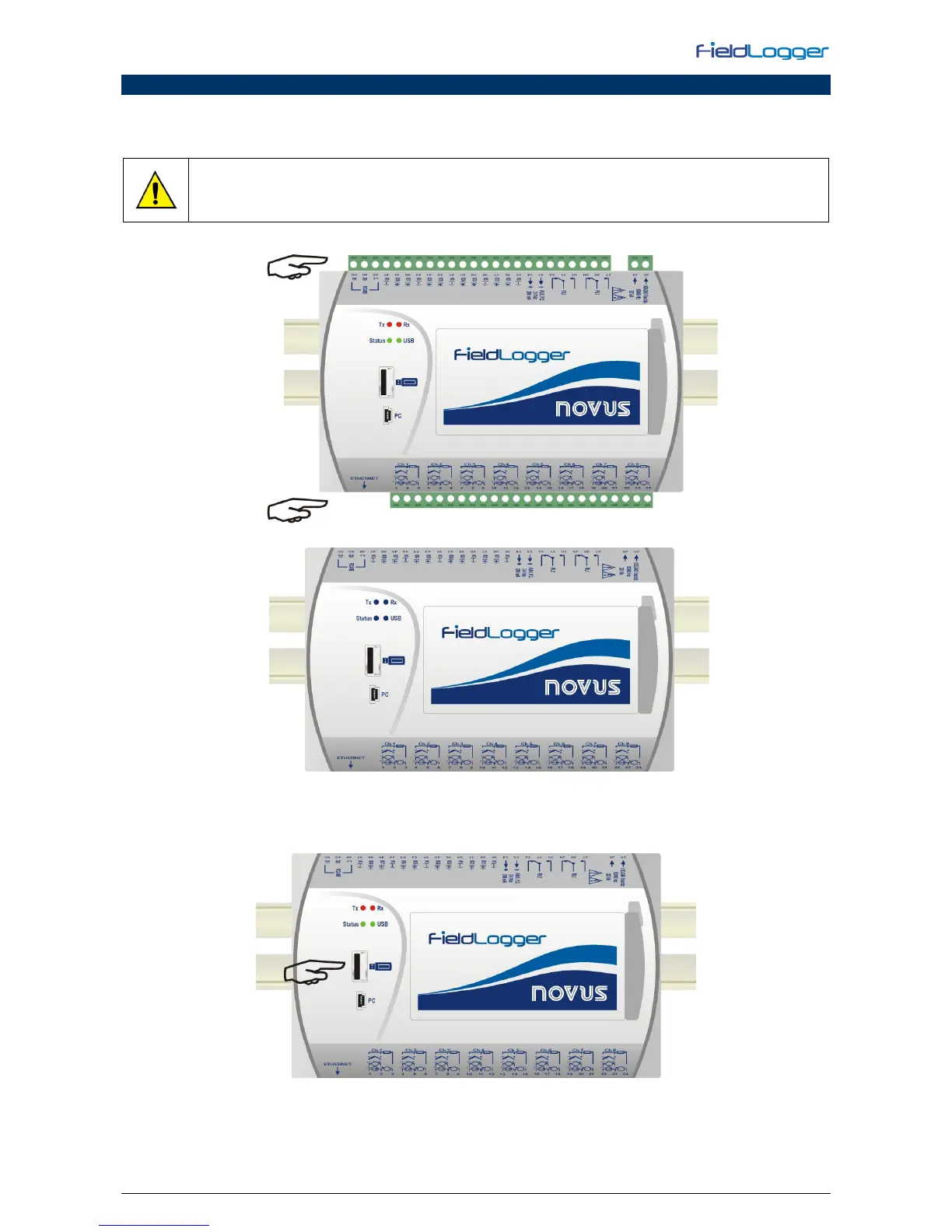
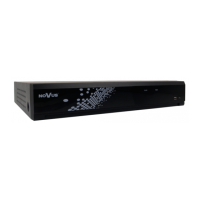
1. Turn off and unplug all FieldLogger connectors attached to it.
2. Copy the flogger.flb file, which is the binary firmware file of the FieldLogger, into USB flash drive root folder.
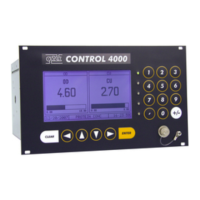
3. Insert the USB flash drive into the USB host of the FieldLogger (that must remain off).


 To Next Page