NOVUS AUTOMATION www.fieldlogger.net 67/104
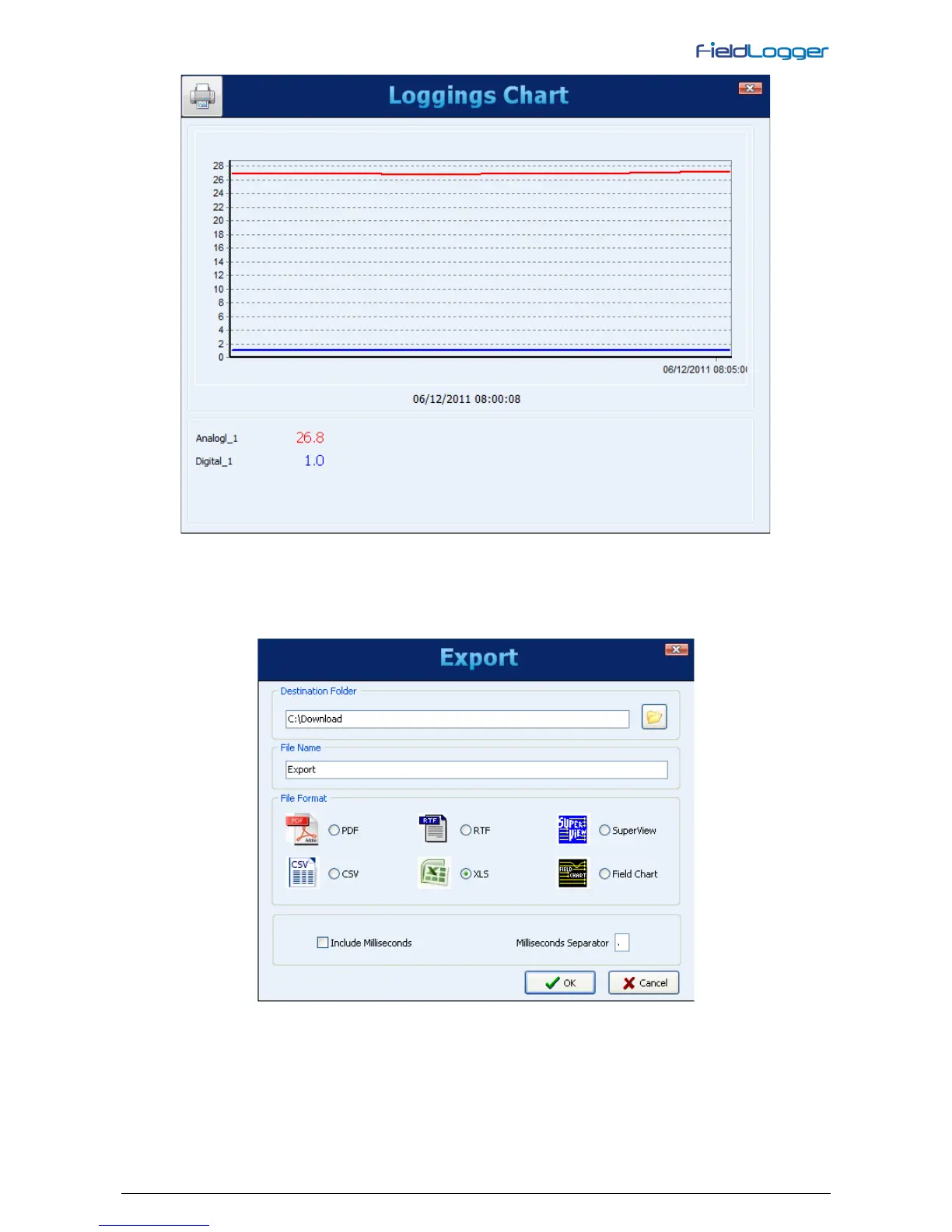
Viewing logged data in chart format
There is a button on the upper left corner that allows users to print the chart.
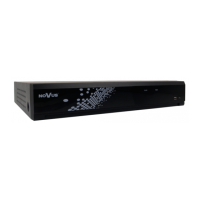
To export the selected data, you must click on the “Export” button. After a prior processing, a window will appear where
you must select the destination folder, the file name and the file extension to be exported.


 To Next Page