NV-DVR1104/CD, NV-DVR1108/CD and NV-DVR1116/CD ver. 1.1 - user's manual
All rights reserved © NOVUS Security Sp. z o.o.
42
BACKUP
7.2 CD backup
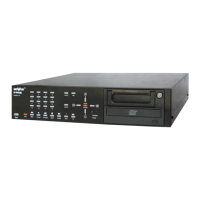
NV-DVR1104/CD, NV-DVR1108/CD and NV-DVR1116/CD are equipped with built-in CD-RW
recorder. It enables to backup records on CD-R and CD-RW. In order to avoid compatibility and copy
durability problems only reputable CDs are recommended.
NOTICE: DVD backup is unavailable..
Size of copied file depends on time of copied file, recording speed and image quality. All recorded
channels are copied.
NOTICE: during CD backup process computer network connections are hung. In order to restore
image , when data backup is done network connection should be refreshed in IE Web browser.
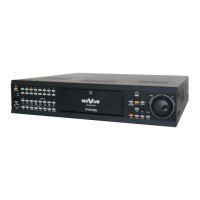
In order to CD backup, insert CD/CD-RW into recorder and enter CD/DVD BACKUP menu.
In START TIME SETUP position current duration of copied file is displayed
In order to set start time and date of backup record START TIME SETUP option should be selected
and ENTER button must be pressed
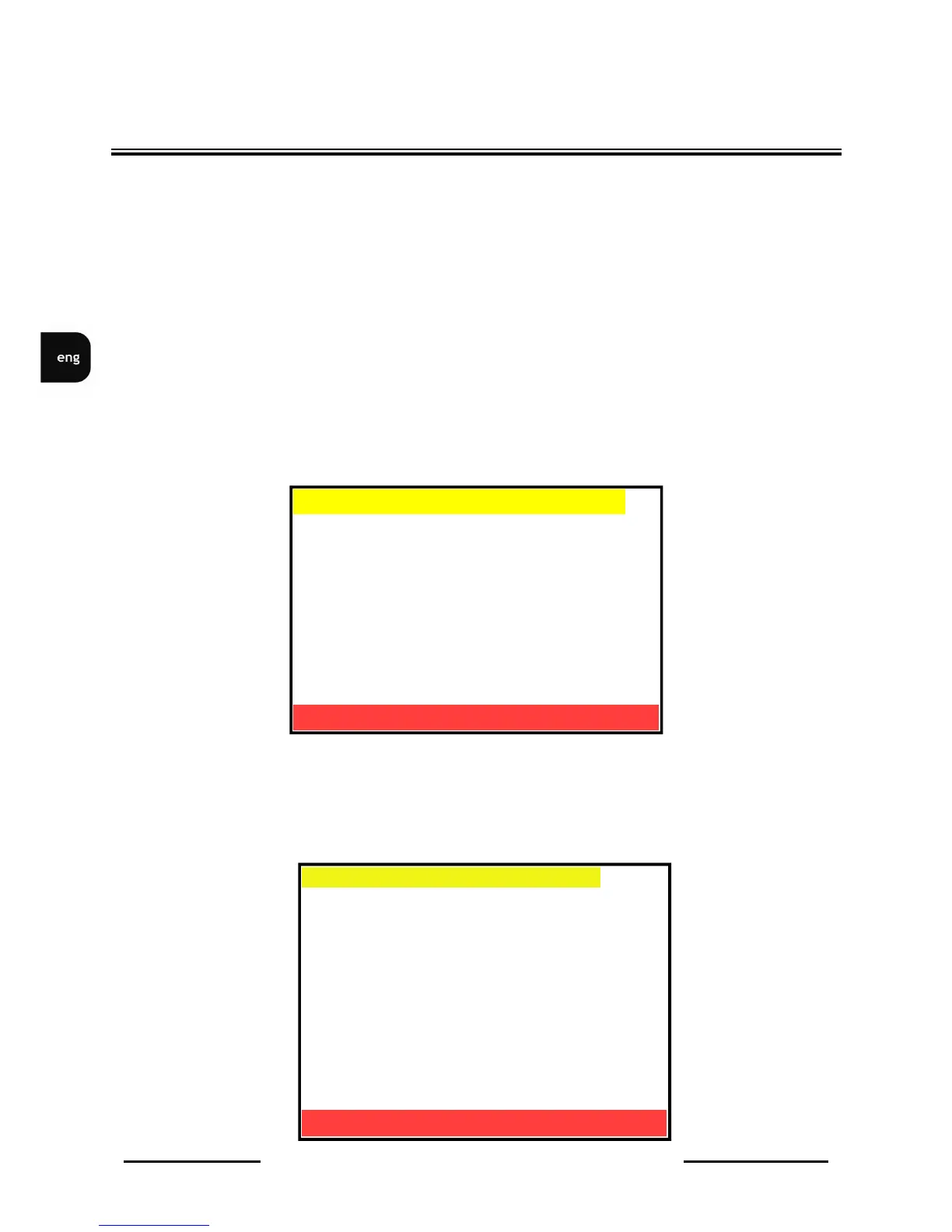
Following menu will be displayed on the screen
YY/MM/DD HH:MM:SS
2006 / 08 / 23 13 : 10 : 37
[MASTER HDD]
START TIME:
2006 / 08 / 23 10 : 12 : 37
END TIME:
2006 / 08 / 22 17 : 13 : 39
[SLAVE HDD]
START TIME:
NONE
END TIME:
NONE
START TIME SETUP
ENTER -SET
MENU EXIT
▪ START TIME SETUP [
]
START: 2006/08/28 16:24:30
END: 2006/08/28 16:25:30
▪ BACKUP SIZE: 0004MB [
]
▪ CLOSE DISK: NO
▪ ERASE DISK: NO
▪ BACKUP DISK START [
]
CD/DVD BACKUP
ENTER -SET
MENU EXIT


 To Next Page