NV-DVR1104/CD, NV-DVR1108/CD and NV-DVR1116/CD ver. 1.1 - user's manual
All rights reserved © NOVUS Security Sp. z o.o.
66
BACKUP PLAYBACK
13.4 Flash memory backup printing
When playback is run it is possible to print played images, using system printer directly, with no need
of use additional software.
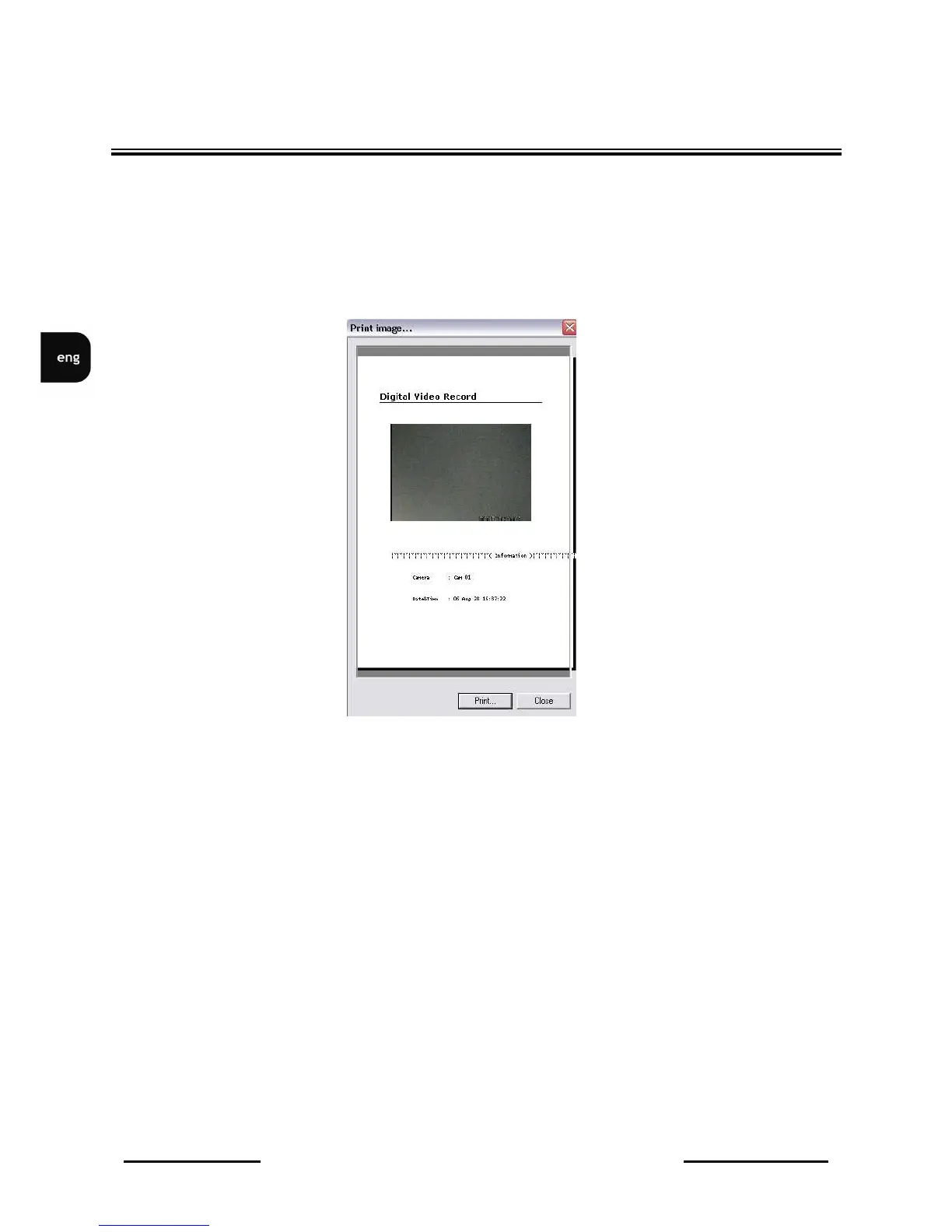
In order to print single image right mouse button should be clicked on the camera image and Print
"CamNo 01" Image should be selected. Following window will be displayed on the screen:
Together with camera image, video channel and printing time information, will be printed.
When Print… position is clicked printer settings menu will be displayed. When Close is selected
menu window is closed.



 To Next Page