NV-DVR1104/CD, NV-DVR1108/CD and NV-DVR1116/CD ver. 1.1 - user's manual
All rights reserved © NOVUS Security Sp. z o.o.
18
4.1 System setup
Utilizing SYSTEM SETUP menu following system settings may be applied:
(1) DATE FORMAT one of three date formats available can be selected (displayed)0,,
Y– year, M- month, D- day;
(2) DATE date setting;
(3) TIME time setting;
When multiplexer is network connected and all settings are executed there is possibility of manual time
synchronization between the multiplexer and standard time server (NTP protocol). Enter time setting
field and press 1 button for approximately 3 seconds. Following massage will be displayed:
[CAUTION]
WILL BE SYNCHRONIZED WITH NTP
ARE YOU SURE?
▪ YES ▪ NO
If YES is selected system time will be synchronized.
(4) SEQUENCE TIME display time of each camera in sequence mode on Main
monitor, time is defined in seconds (2-99s range)
(5) SPOT MONITOR when this option is selected and ENTER button is pressed
spot monitor submenu is displayed;
CAUTION: only full screen display mode is available on spot monitor (divided screen is unavailable).
On Split monitor there are no descriptions displayed (camera name, system time, etc.) DVR software
version information is displayed on the yellow background.
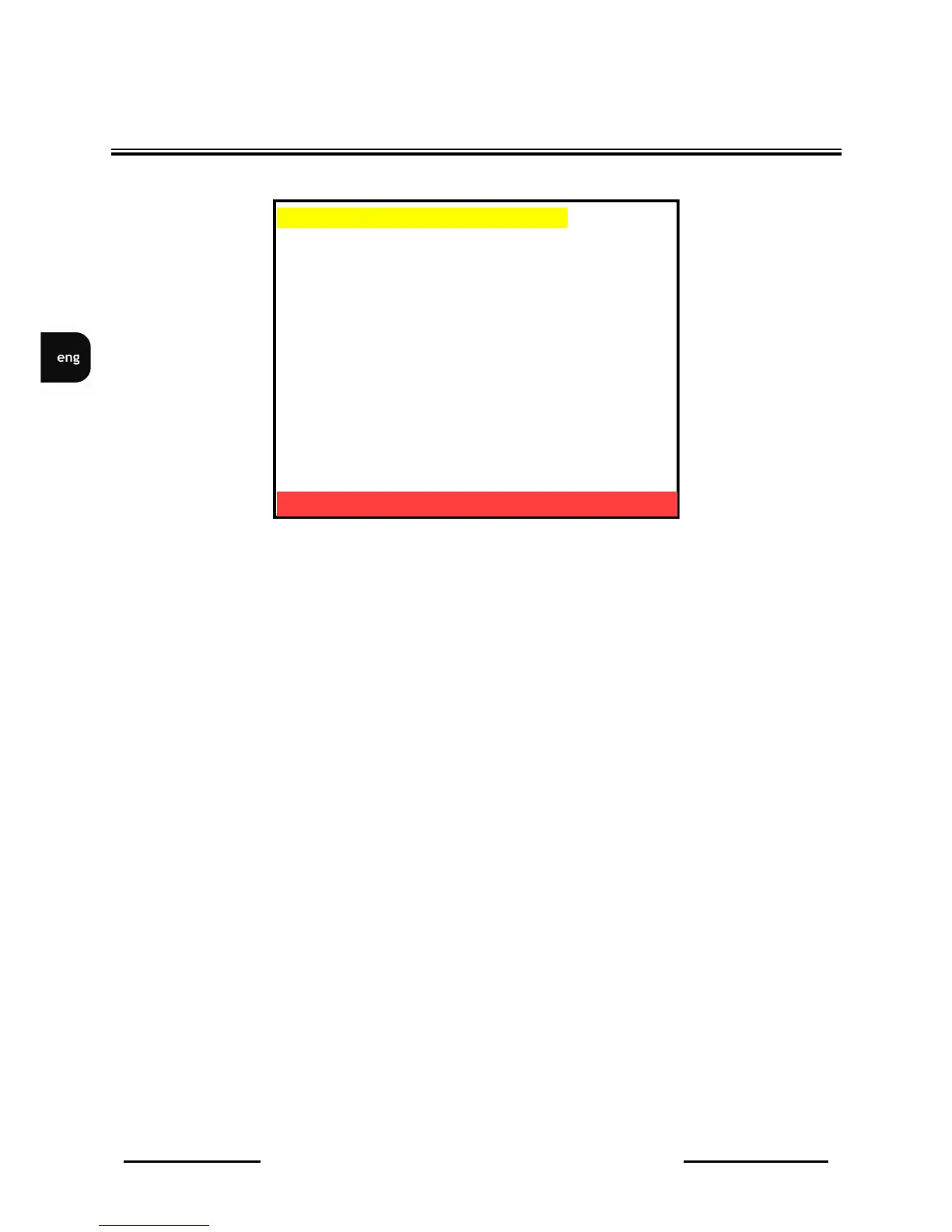
DEVICE MENU
▪ DATE FORMAT Y-M-D
▪ DATE 2006/06/10
▪ TIME H:M:S 10:10:10
▪ AUTO SWITH DWELL 02 SEC
▪ SPOT SETUP [
]
▪ DATE AND OSD DISPLAY ENABLE
▪ SYSTEM TYPE PAL
▪ KEYBOARD LOCK OFF
▪ ID NUMBER 01
▪ LANGUAGE SELECT ENGLISH
▪ PASSWORD MODE ENABLE
▪ PASSWORD 1111
▪ EXIT
SYSTEM SETUP 0F0GBD N3.12
ENTER -SET
MENU EXIT



 To Next Page