NV-DVR1104/CD, NV-DVR1108/CD and NV-DVR1116/CD ver. 1.1 - user's manual
All rights reserved © NOVUS Security Sp. z o.o.
24
4.4 Recording
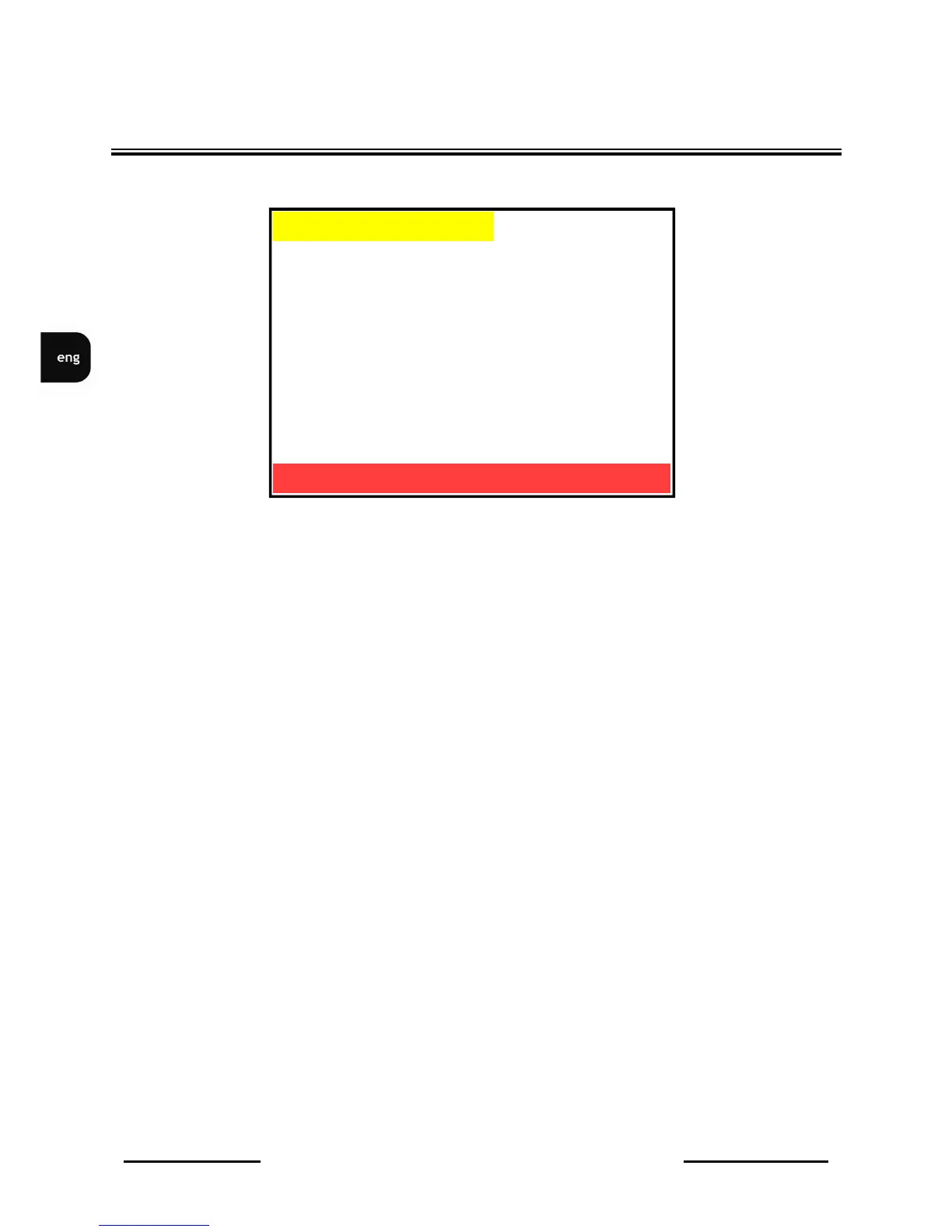
In RECORD SETUP menu following settings can be adjusted:
(1) SCHEDULE This function is used to set various recording modes for different
periods of time. If this option set to ON Schedule recording is
activated. in order to enter Schedule submenu ENTER button must be
pressed. For more details on programming Schedule recording see
chapter 5..
(2) NORMAL RECORD This option is used to set recording speed for normal and manual
recording. Speed values are expressed in fields per second rate.
Following values are available: 100, 50, 25, 12, 5, 1, 0,5, 0,2 and 0 .
Recording speed applies to entire multiplexer. Depending on number of
recording cameras the multiplexer resources are equally divided between
each camera. When only one camera is recorded it is not recommended
to select 50P speed. This position is available only when schedule
recording is inactive.
(3) ALARM RECORD This option is used to set recording speed during alarm mode (alarm
inputs and motion detection). Speed values are expressed in fields per
second rate. Following values are available: 100, 50, 25, 12, 5, 1,
0,5, 0,2, and 0. Recording speed applies to entire multiplexer
Depending on number of recording cameras the multiplexer resources
are equally divided between each camera. When only one camera is
recorded it is not recommended to select 50P speed. This position is
available only when schedule recording is inactive.
DEVICE MENU
▪ SCHEDULE RECORD OFF
▪ NORMAL RECORD FPS 25P
▪ ALARM RECORD FPS 50P
▪ ALARM RECORD DWELL 5 SEC
▪ RECORD QUALITY HIGH
▪ AUDIO RECORD ON
▪ EXIT
RECORD SETUP
ENTER -SET
MENU EXIT



 To Next Page