NV-DVR1104/CD, NV-DVR1108/CD and NV-DVR1116/CD ver. 1.1 - user's manual
All rights reserved © NOVUS Security Sp. z o.o.
58
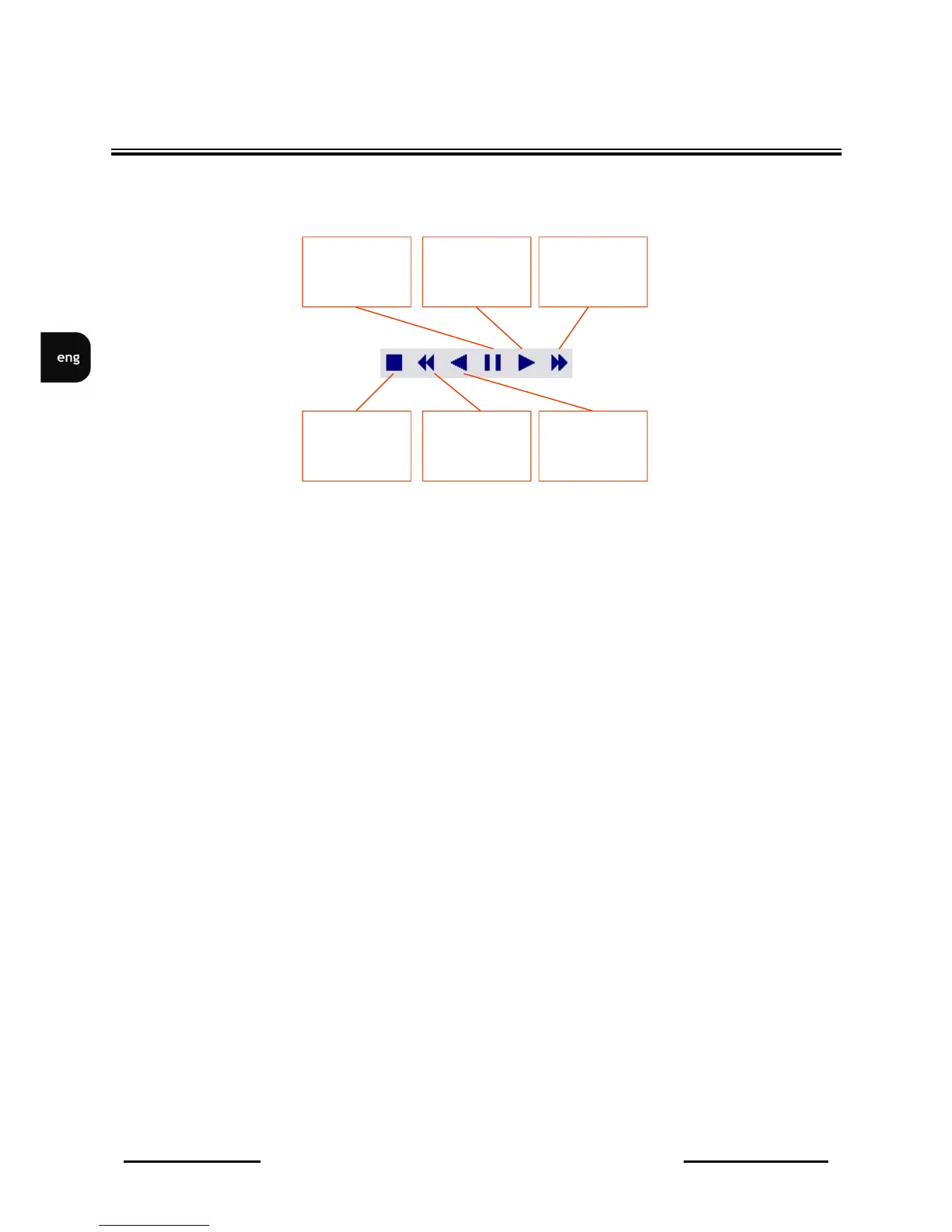
Selection of camera channel and screen division can be done in the same way as in „live” mode. In
order to change playback speed and direction, during playback, following icons/buttons should be used.
Each additional icon click will switch playback speed as follows x2, x4, x8, x16, x32.
In order to proceed to „live” mode, STOP icon should be clicked.
Played record time together with playback status (speed and direction) are displayed in the bottom of
the screen.
NETWORK CONNECTION FEATURE
Stop
Backward
playback
acceleration
Backward
playback
Pause
Forward
playback
Forward
playback
accelaration



 To Next Page