28
Program Selecon
●Using CH+/CH- on the panel of TV or on the remote control.
Press CH+ to increase channel number.
Press CH- to decrease channel number.
●Using 0-9 digital buon.
You can select the channel number by pressinng 0 to 9 in TV/DTV mode.
● Example
To select-channel(e.g.channel 5):Press 5.
To select-channel(e.g.channel 20):Press 2 and 0 in a short me.
Volume Adjustment
● Press VOL+/- buon to adjust the volume.
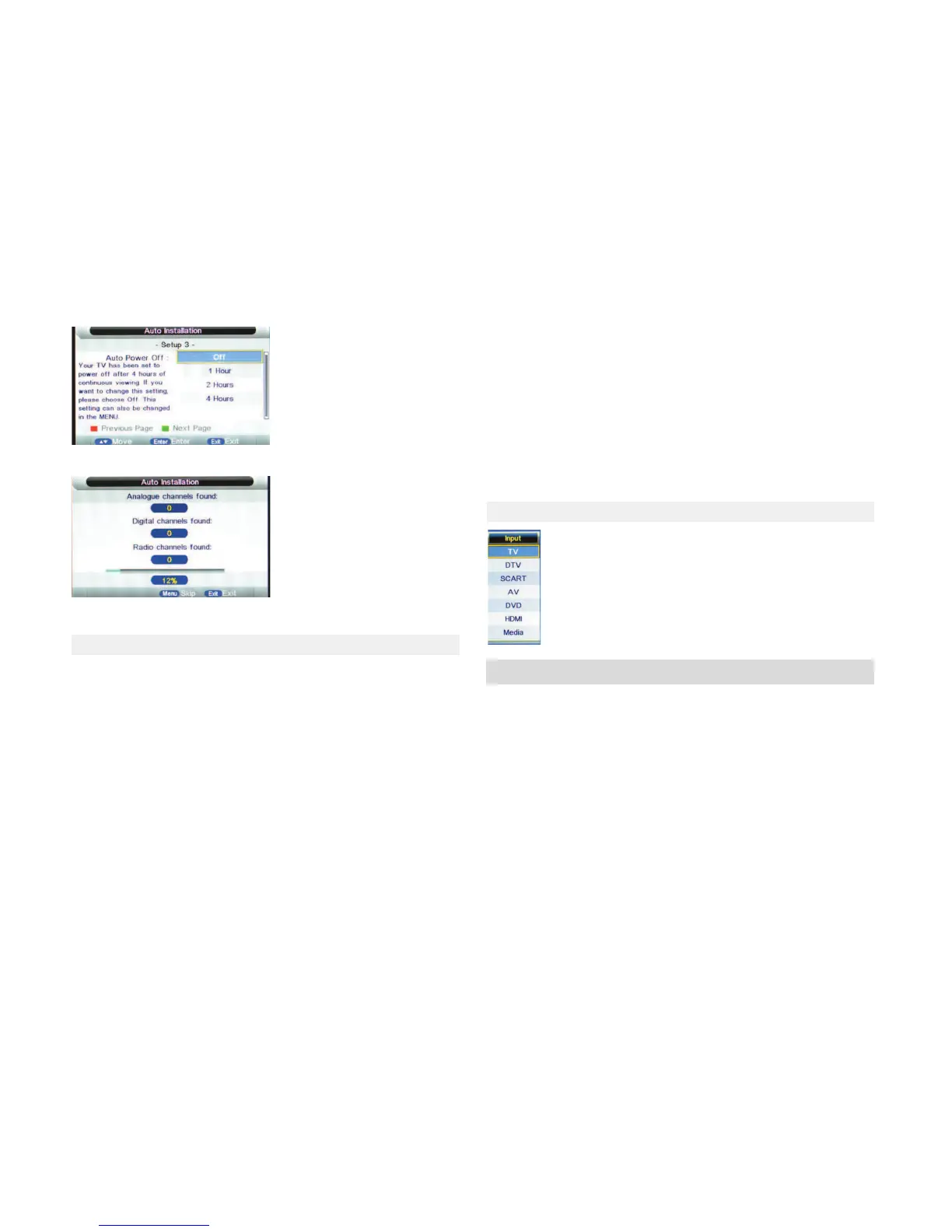
4.Press Enter to start auto tuning
5.You can watch TV programs when auto tuning is finished.
4.2 TURNING ON AND OFF THE TV
●Turn on the TV
Connect the power cord to mains, and the TV will enter in standby mode.
Press the POWER buon on the remote control to turn on TV from standby
mode.
●Turn off the TV
To enter the standby mode, Press the POWER buon again on the remote
control.
Do not leave your TV in standby mode for long periods of me.It is best to
unplug the mains and antenna from the TV.
●No signal
A message will be displayed on screen when there is no signal. If there is no
signal in five minutes in TV/DTV mode ,the TV will turn off automacally. The
TV will automacally turn off in 16 seconds in case of no input signal in PC-
RGB mode.When VGA cable is connected, the TV turns on automacally.
You can select input source by pressing SOURCE buon on the re-
mote control. Press ▼/ ▲buon to choose your preferred source
and press ENTER buon to confirm your choice.
4.3 CHANGING THE INPUT SOURCE
5. MENU OPERATION
How to Navigate through Menus
Before using the TV follow below steps to learn how to navigate through
menus in order to select and adjust different funcons.The access step may
differ depending on the selected menu.
1.Press MENU buon to display the main menu.
2. Press ▼/ ▲buon to cycle through main menu.
3. Press Enter to skip to sub menu.
4. Press the ▼/ ▲buon to select the desired sub item.
5. Press the ENTER buon to access the submenu.
6. Press ◄ / ► buon to select the desired value.The adjustment in the OSD
may differ depending on the selected menu.
7.Press MENU buon to return to the previous menu.
8. Press EXIT buon exit from the menu.


 To Next Page
 Loading...