12.10 Accounts and sync
Press "ON" to acvate accounts and sync. This secon will show the accounts
added to the device.
40
Output Mode
Select the video output opons like resoluon and refresh rate.
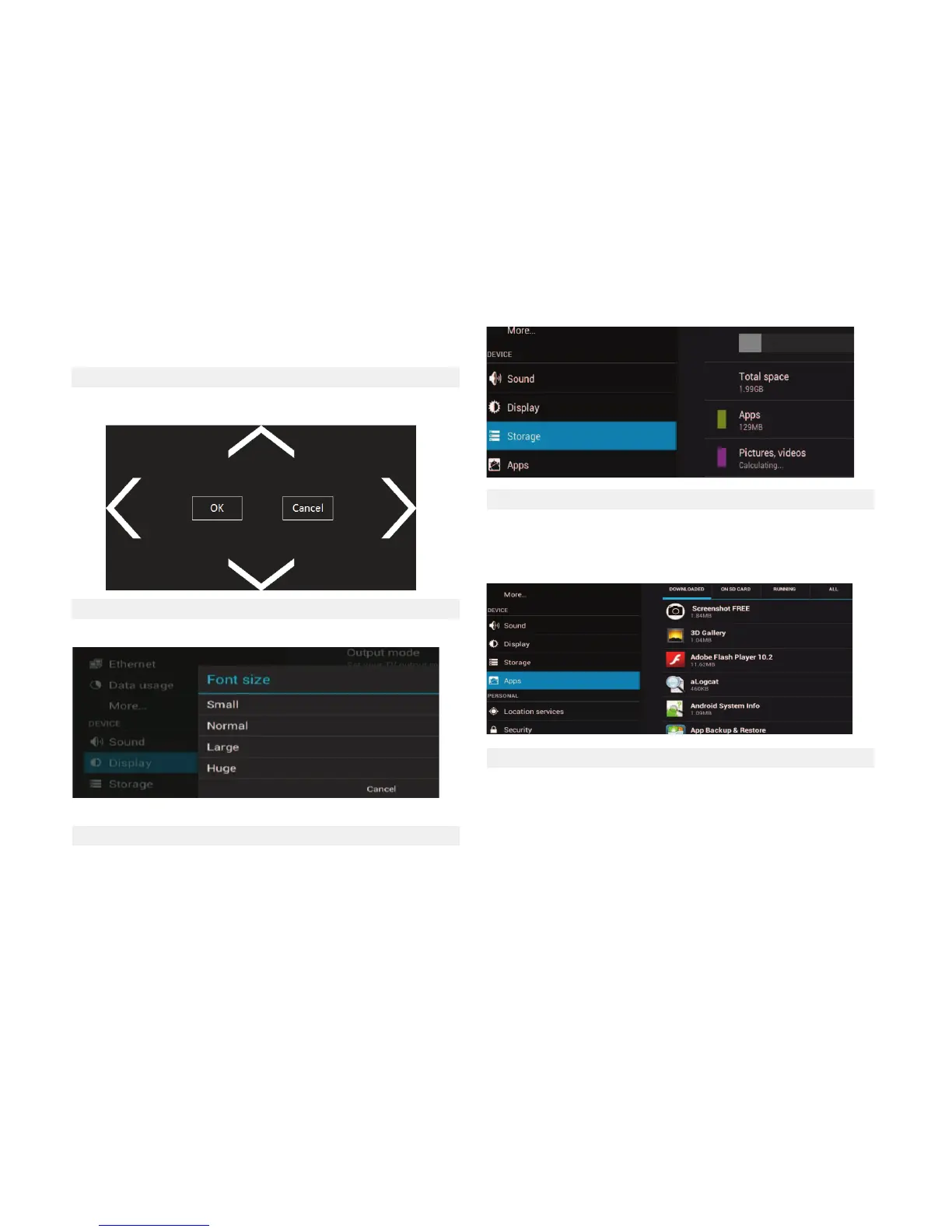
12.6 Image Posion
Use the Arrow keys and Enter / OK on the remote control to adjust the pic-
ture posion to adjust properly to the TV screen.
12.7 Font Size
Change the font size of the OSD
12.8 Storage
Displays the used space on the OS and on the SD card.
12.9 Applicaons
Displays a list of all applicaons in different states (Downloaded, running pro-
cesses and all applicaons. Can perform acons on each of the applicaons
such as, uninstall, force stop, clear data of the applicaon (restores factory
state the selected applicaon) or delete the default sengs.



 To Next Page