39
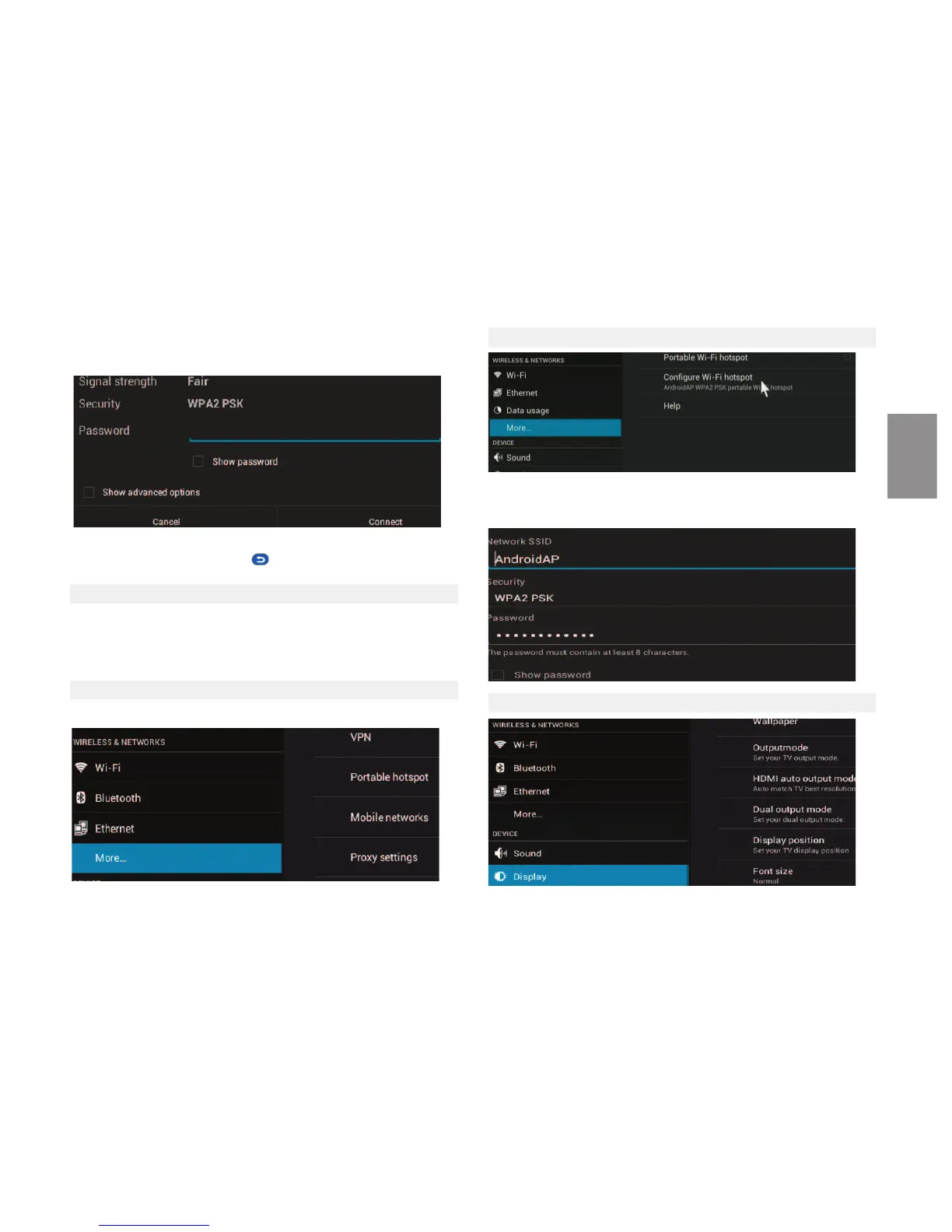
Tip: When using the onscreen keyboard, when you finish entering your
password click the "back" buon to hide the keyboard.
12.2 Ethernet
Change the status switch to "ON" in the Ethernet configuraon to automacally
connect to the network. Select DHCP to obtain an IP automacally from your
router or select Stac IP if your router does not have the DHCP service acve
and need to enter the data manually.
12.3 More
Includes VPN configuraon, portable hotspots Proxy
12.4 Configure Wi-Fi Hotspot
You can choose between different ways of sharing your network security.
When using the portable connecon, disconnect the Wi-Fi and Ethernet con-
necon. Portable HI-Fi hotspot can not be acve at the same me.
12.5 Display
Press the status selector to switch it to "ON" in Wi-Fi sengs to scan wifi net-
works. For internet connecon select the name of your Wi-Fi network, then
enter the password to access your network and press connect
ENGLISH



 To Next Page