34
7.1 TIMESHIFT ( DVB Mode)
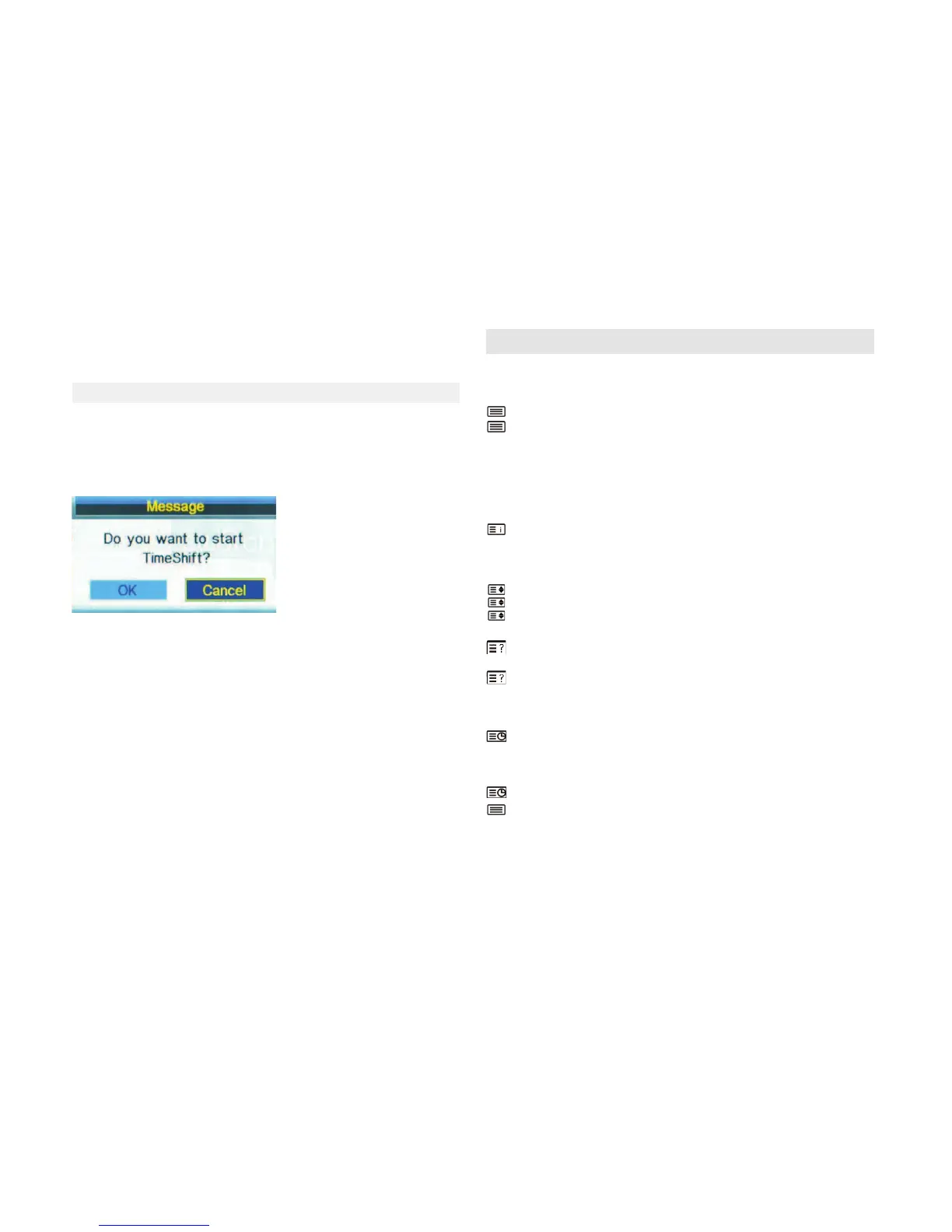
Press the TimeShi buon on the remote control, and a window will pop up, select
OK to start the meshi. The power indicator flickers in red and green indicang that
meshi is acvated , on top right corner of the screen ’00:00:00’ shows and you can
play or pause the current program. Press the STOP buon , there will be a prompt on
the screen asking you if you want to stop Timeshi, select Ok to Exit.
8. TELETEXT
●Display teletext
1. Select a TV staon with a teletext signal./Select a channel that offers tele-
text
2. Press this buon to enter teletext mode.
3. Press this buon again return or exit to the normal TV/DTV mode.
●Page selecon
1.Enter the page number(three digits)using the number buons.If you press a
wrong number during input,you must complete the three digit number and
then reenter the correct page number.
2.The CH-/CH+ buon can be used to select the preceding or following page.
●Index
Press this buon to enter the main index page directly.
●Enlarging Text
When a page is displayed,you can double the size of the text to make it easier
to read.
1. Press this buon to enlarge the top half of the page.
2. Press this buon again to enlarge the boon half of the page.
3. Press this buon once more to return to the normal display.
●Reveal mode
You can display concealed teletext informaon(e.g.Answer to puzzles or
riddles etc.) by pressing this buon.
Press this buon again to remove the informaon form the display.
●Subpage
Some teletext may contain several sub-pages which are automacally paged in
a certain cycle by the TV staon.
1.You can enter into a certain sub page by pressing this buon directly and
select the page number with number
Buon.Enter the sub page number(e.g.0003 for the third sub page)./ Press the
buon and enter the sub page number to enter into sub page mode
2.Press this buon again to exit the sub page mode
3. Press this buon to return to the mormal TV mode.
●Color buons (Red,Green,Yellow and Blue)
Press these buons to access directly to the corresponding color pages displa-
yed at the lower part to the teletext
screen.
6. CH+/CH-
Page up or page down the files.


 To Next Page
 Loading...