42
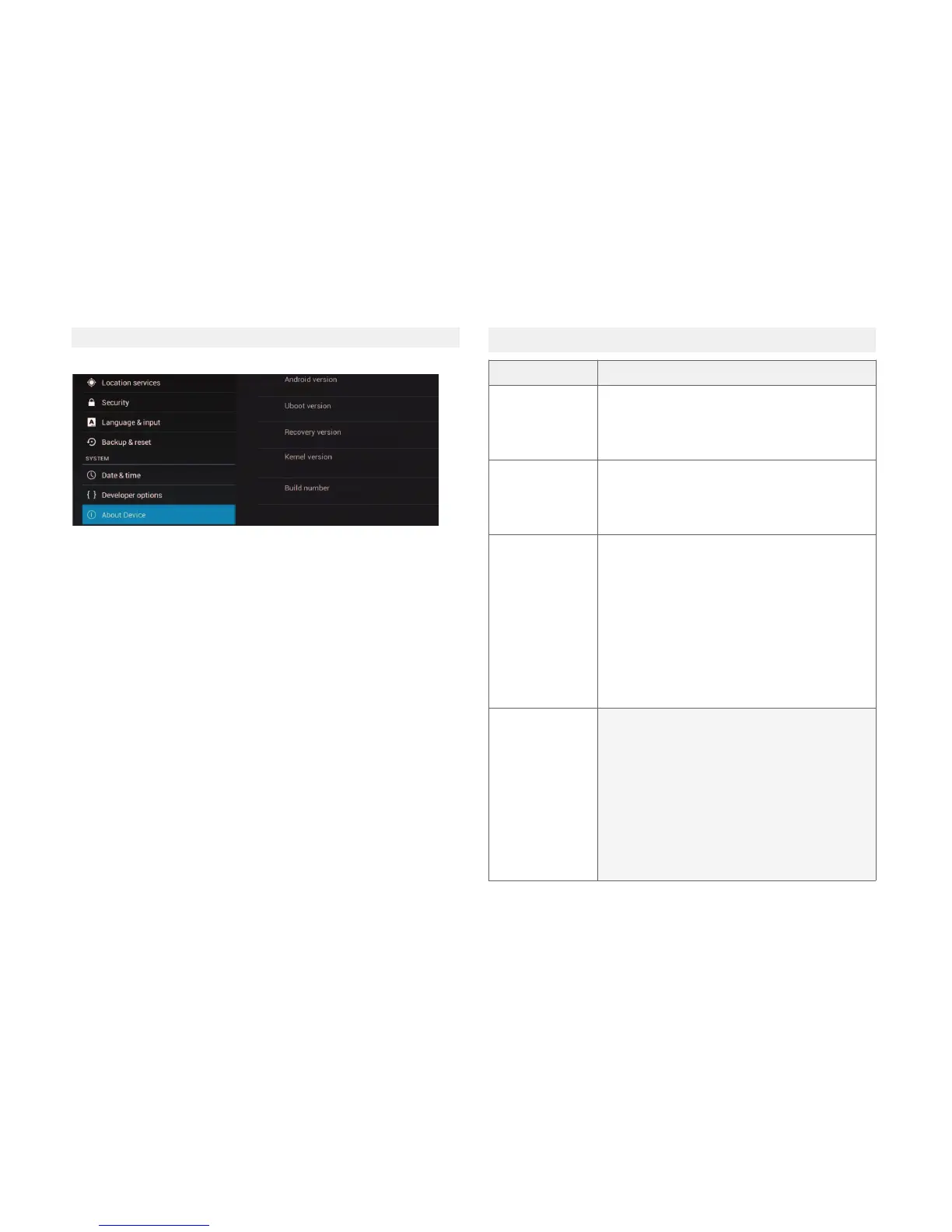
12.15 About device
Here you will find the version of the soware.
SYMPTOM CHECKLIST
The LED screen
remains dark.
Check that the power is on and that the
connecons are correct. Check that the
power cord is properly connected.
No sound
Make sure the connecon are set correctly.
Check that the speakers are on.
No image or the
image moves up
and down so
unstable
Check the connecons to the external AV
signal source are correct.
Properly configure the Picture menu op-
ons.
Check if the input video type is correct for
the device
Check that the device is turned on and the
video type is correct.
The remote
control doesn´t
work
Check that there are no obstacles between
the remote control and the device.
Check that the remote control is pointed at
the TV.
Check that the baeries are loaded and
that the polarity is correct.
Check that the baeries are not dischar-
ged. Replace the discharged baeries.
13. TROUBLESHOOTING



 To Next Page