1 - 10 en-938872/2
1.2.5 Loops with Control Variable
Syntax
FOR (variable) = (expression 1) TO/DOWNTO (expression 2) BY (value) DO
(instructions)
ENDF
The instructions are executed for «variable = expression 1». Then «variable» is
incremented (TO) or decremented (DOWNTO) by «value» before the «instructions»
are executed again, and the process is continued until «variable» is equal to
«expression 2».
The word «BY» is optional.
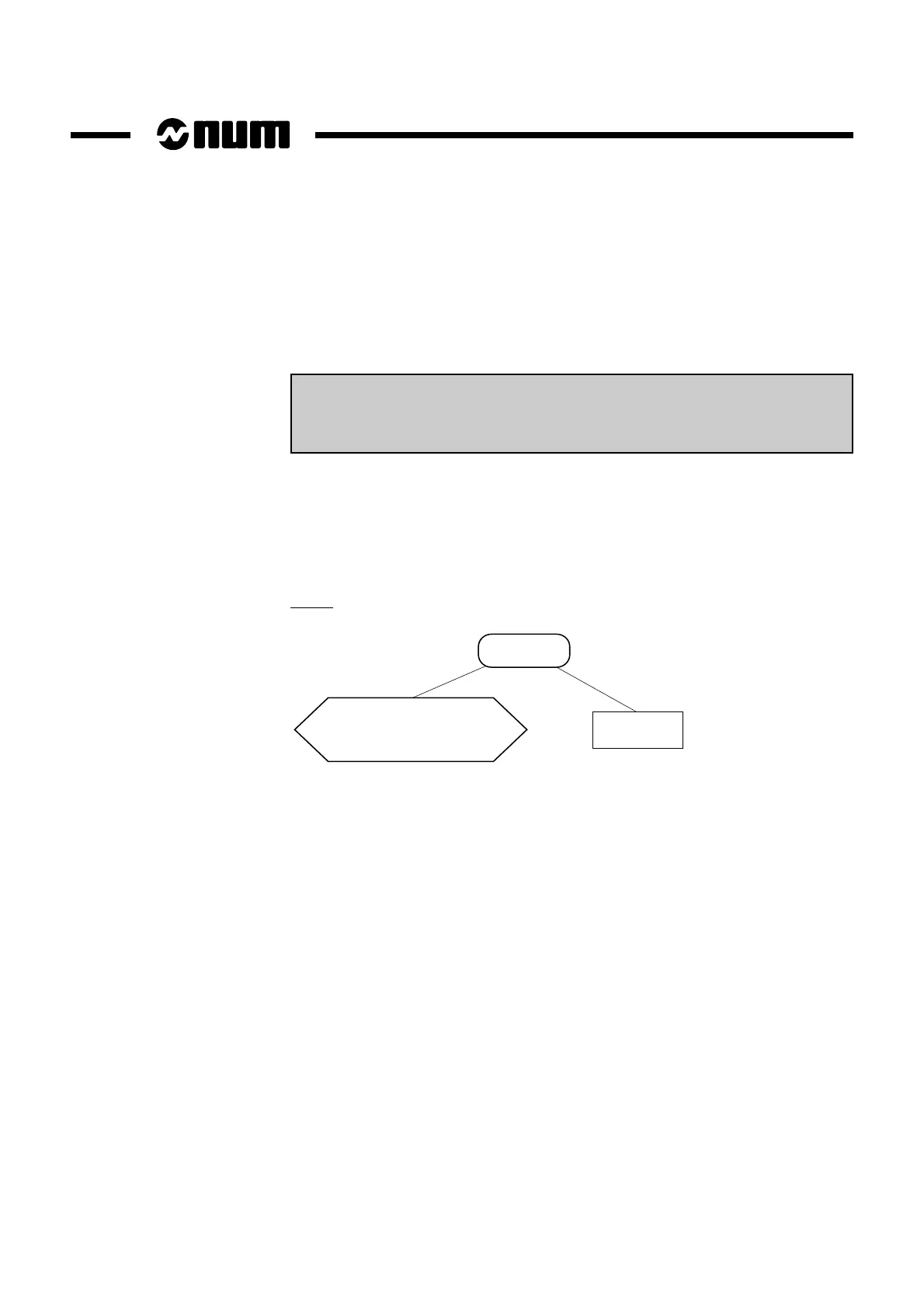
Graph
For
instructions
Variable = expression 1
to expression 2
by ± value
The variable can be:
- an L programme variable,
- a symbolic variable,
- a parameter E80000, E81000 or E82000 (be careful about stopping computations
for L100 to L199, Exxxxx and the symbolic variables).
The expressions are positive or negative integers. The system rounds them off (down
to 0.5 and up above 0.5).



 To Next Page