Creating and Managing Symbolic Variable Tables
en-938872/2 4 - 9
4
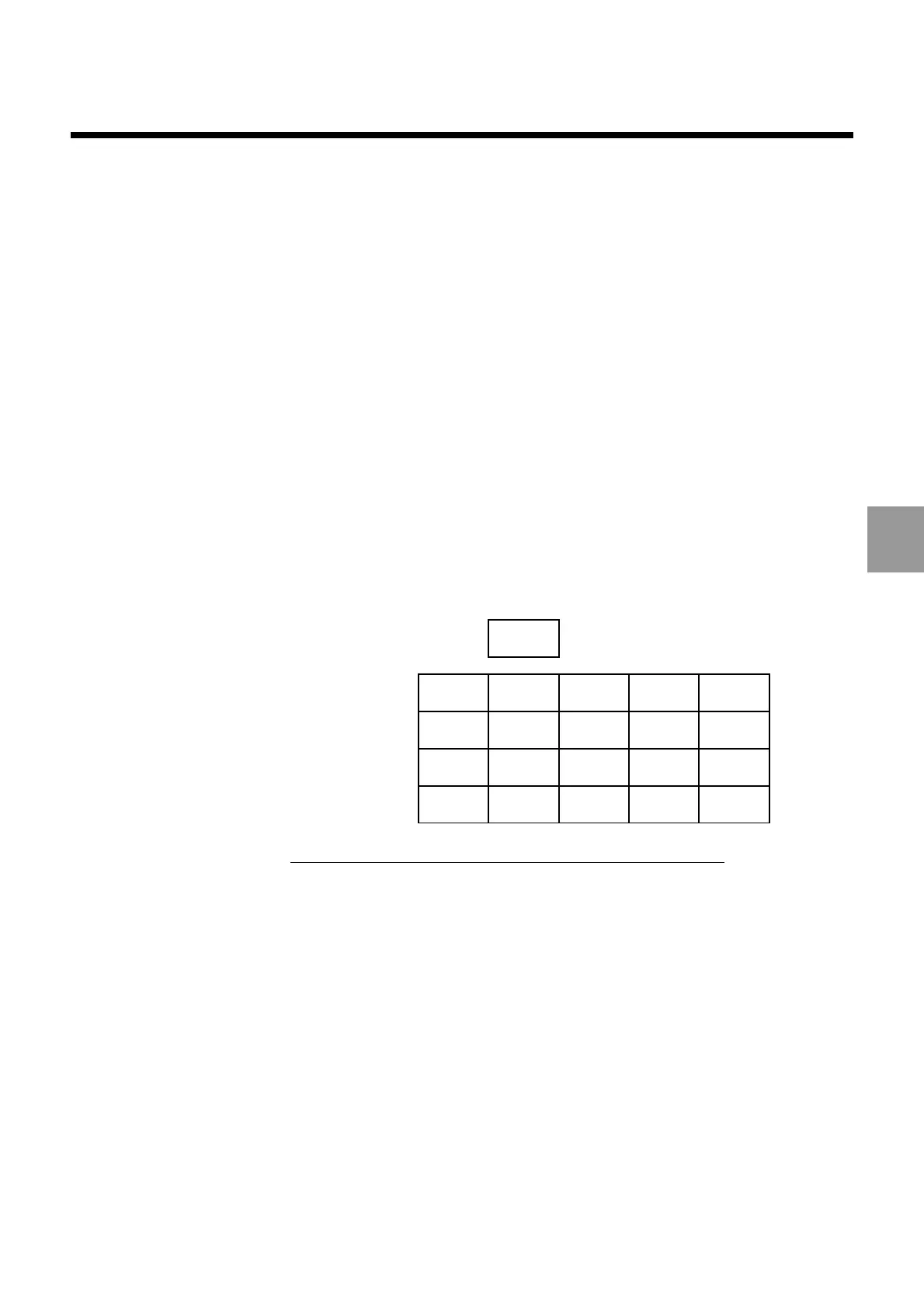
Programming the table name TAB and variable NB automatically creates a two-
dimensional table.
Example:
%555 %55
N10 ... G.. ...
First block of the profile
N.. G.. ...
N.. G.. ...
BUILD [TAB(G/X/Y/I/J,NB)] H55 G.. ...
Last block of the profile
N..
Two-dimensional table created by the above programme:
- first dimension: 5 entries,
- second dimension: 4 entries (blocks).
..
..
..
..
..
..
..
..
...
...
...
...
..
..
..
..
..
..
..
..
4
NB
(blocks)
TAB
Allocation of Additional Entries in a Field of the BUILD Function
Additional entries can be allocated in the first table dimension if they are not initialised
by data in the blocks. In this case, the entries are declared by «0s» separated by the
character /.
Example:
%55
N10 ...
N..
N110
First block of the profile
N..
N..
N220
Last block of the profile
N..
BUILD [PROF1(G/X/Y/Z/0/0,NB)] N110 N220
The first table dimension includes
6 entries



 To Next Page