4 - 12 en-938872/2
Defining the Seven Entries of the First Dimension with the P.BUILD Function
- entry 1: Type of interpolation:
value = 0 for linear interpolation,
value = -1 for clockwise circular interpolation,
value = +1 for anticlockwise circular interpolation.
- entry 2: End point, value of the dimension on the X axis.
- entry 3: End point, value of the dimension on the Y axis.
- entry 4: Position of the centre:
value on the X axis for circular interpolation, else value = 0.
- entry 5: Position of the centre:
value on the Y axis for circular interpolation, else value = 0.
- entry 6: Start point, value of the dimension on the X axis.
- entry 7: Start point, value of the dimension on the Y axis.
Example:
%70 %80
N10 G17 X10 Y10 N10 ...
P.BUILD [TAB(7,NB] H80 N110 N130 N..
N.. N..
N110 G01 X20
N120 G03 X20 Y50 I20 J30
N130 G01 X10 Y20
N.. ...
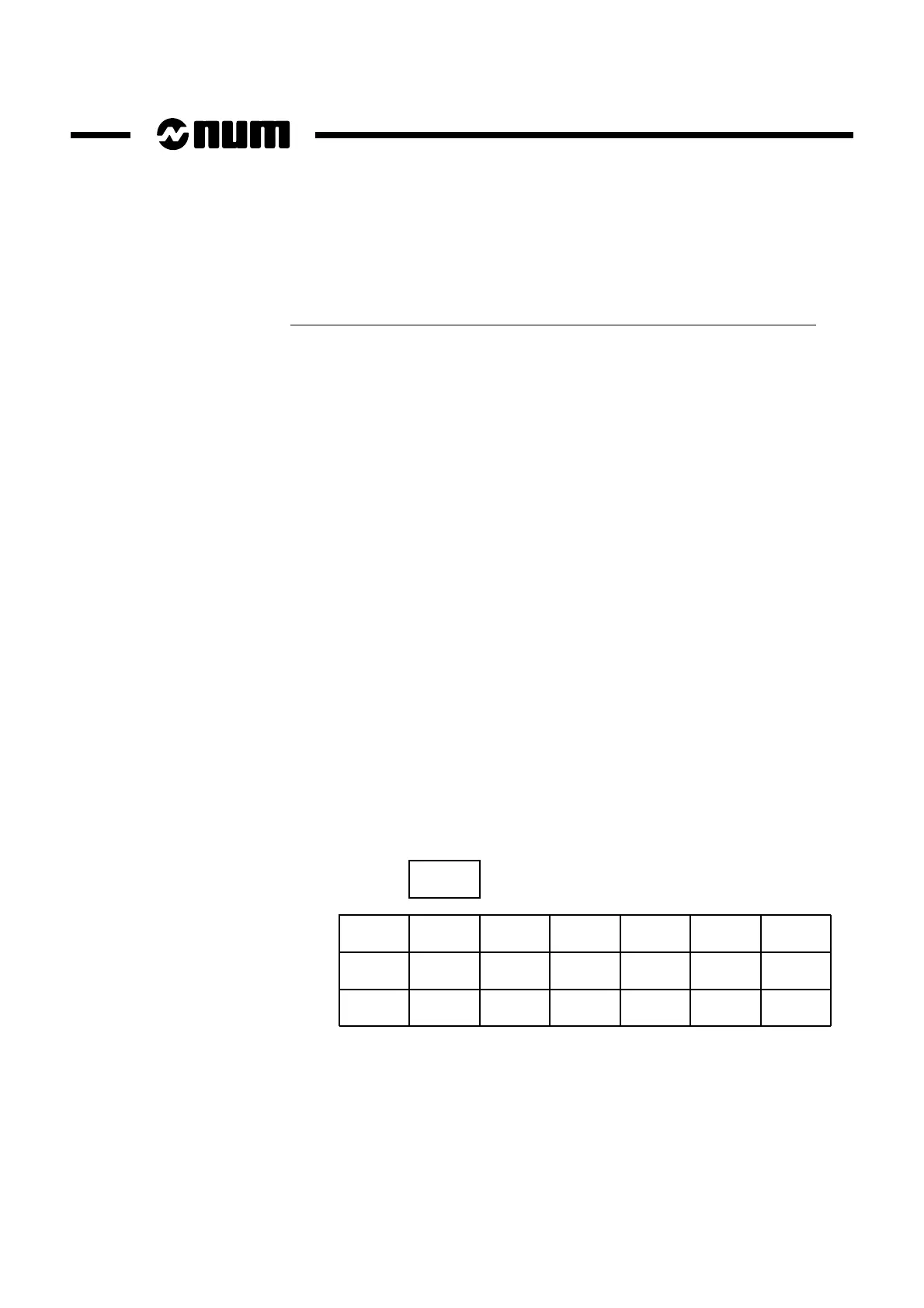
Table TAB and variable NB create the following table with 7 entries:
0
+1
0
20
20
10
10
50
20
0
20
0
0
30
0
10
20
20
10
10
50
3
NB
(blocks)
TAB



 To Next Page