1. Remove the power cord from the power supply unit.
2. Grasping the handle with your hand, push the latch release with your thumb while
pulling the handle outward. As the power supply unit unseats, the power supply unit
status LEDs will turn o.
3. Remove the power supply unit.
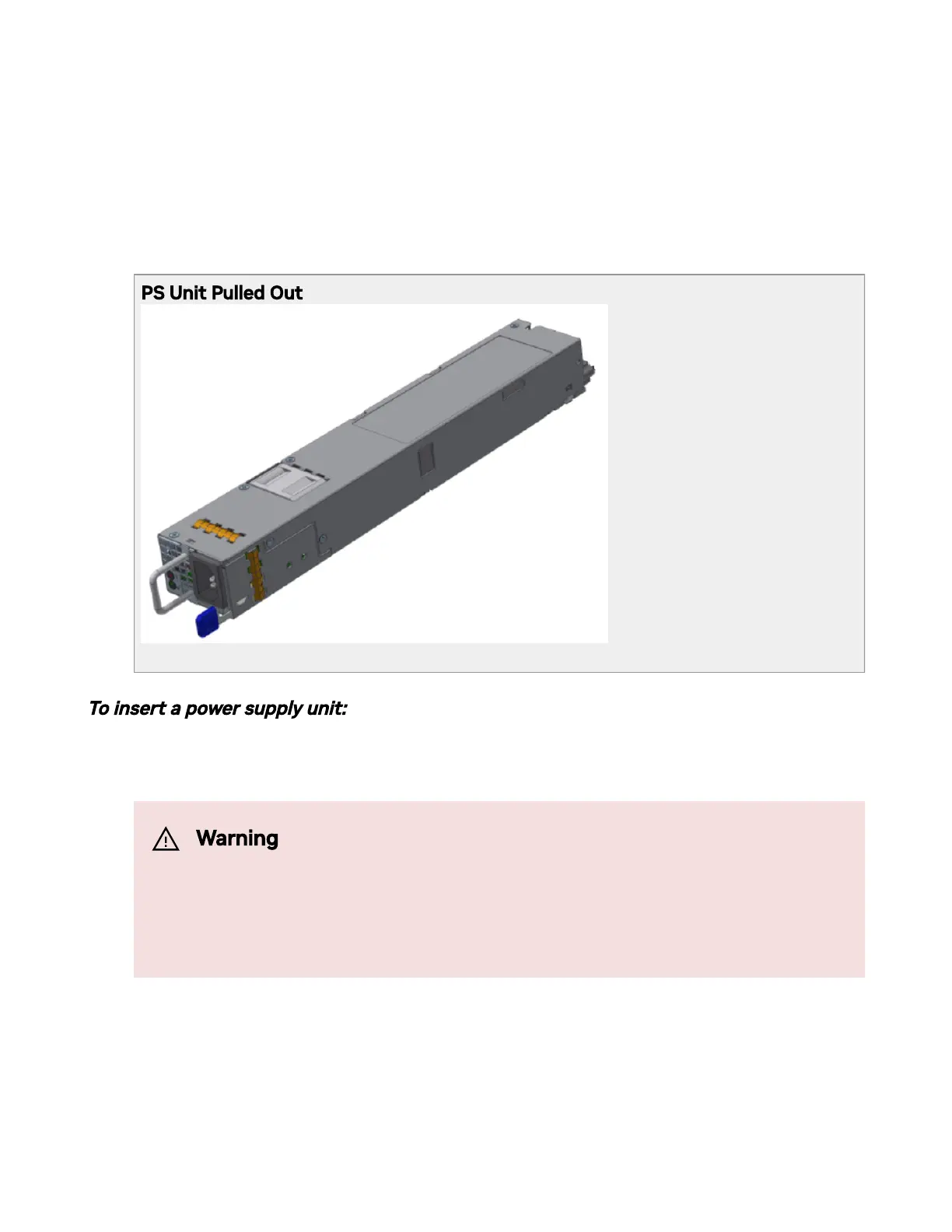
PS Unit Pulled Out
*Illustration only. The design may vary in dierent systems.
To insert a power supply unit:
1. Make sure the mating connector of the new unit is free of any dirt and/or obstacles.
2. Insert the power supply unit by sliding it into the opening, until a slight resistance is
felt.
3. Continue pressing the power supply unit until it seats completely. The latch will snap
into place, conrming the proper installation.
Warning
Do not attempt to insert a power supply unit with a power cord
connected to it.



 To Next Page