Power Supply Status LEDs
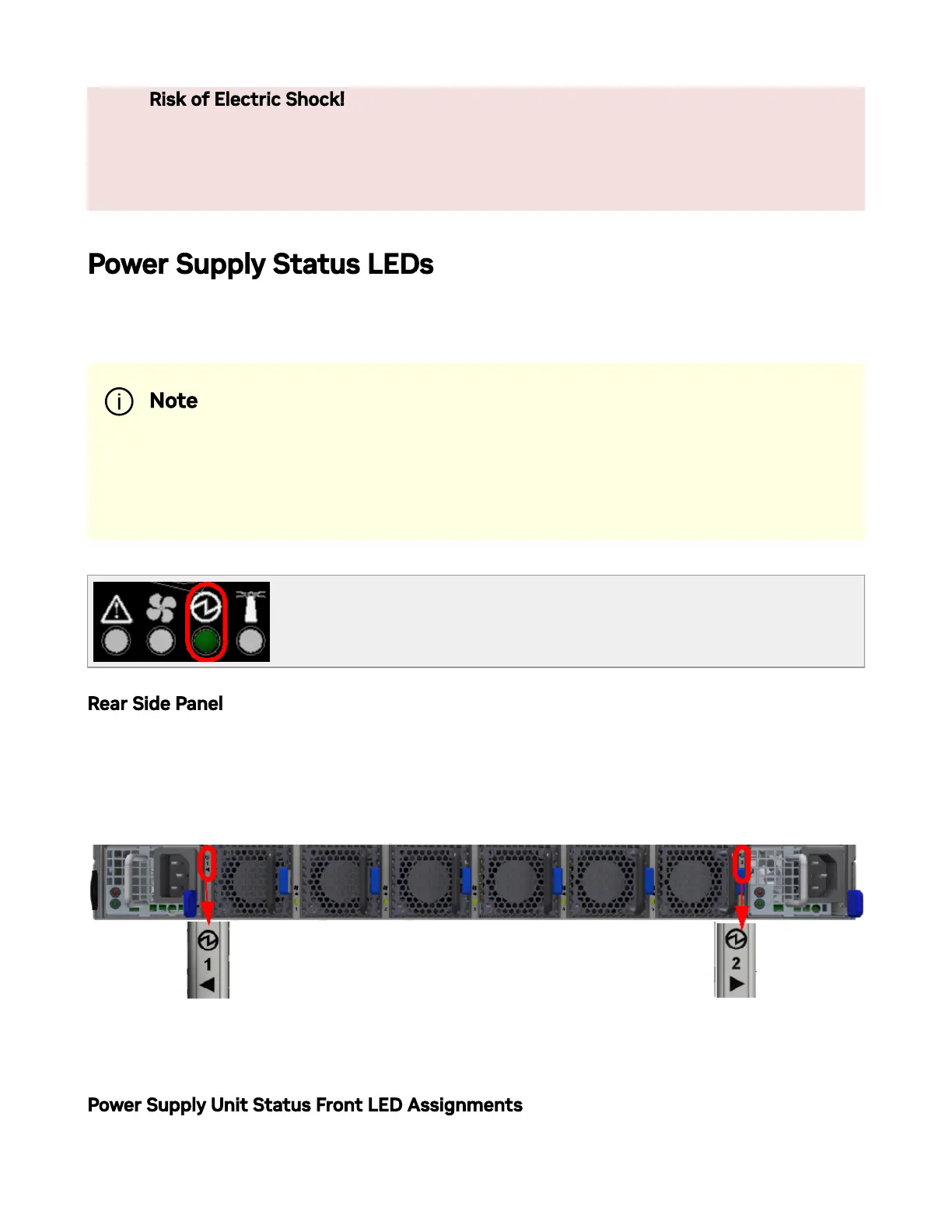
The LED in the red oval shows the power supply status.
Rear Side Panel
There are two power supply inlets in the system (for redundancy). The system can operate
with only one power supply connected. Each power supply unit has two single color LEDs
on the right side of the unit, that indicate the status of the unit.
The primary power supply (PS) unit is located on the left side, and the secondary unit is
located on the right side.
Power Supply Unit Status Front LED Assignments
Risk of Electric Shock! With the fan module removed, power pins are
accessible within the module cavity. Do not insert tools or body parts
into the fan module cavity.
Note
The images are for illustration only. The status LEDs' order and form
may slightly vary, depending on the system.



 To Next Page