LED Notications
The system’s LEDs are an important tool for hardware event notication and
troubleshooting.
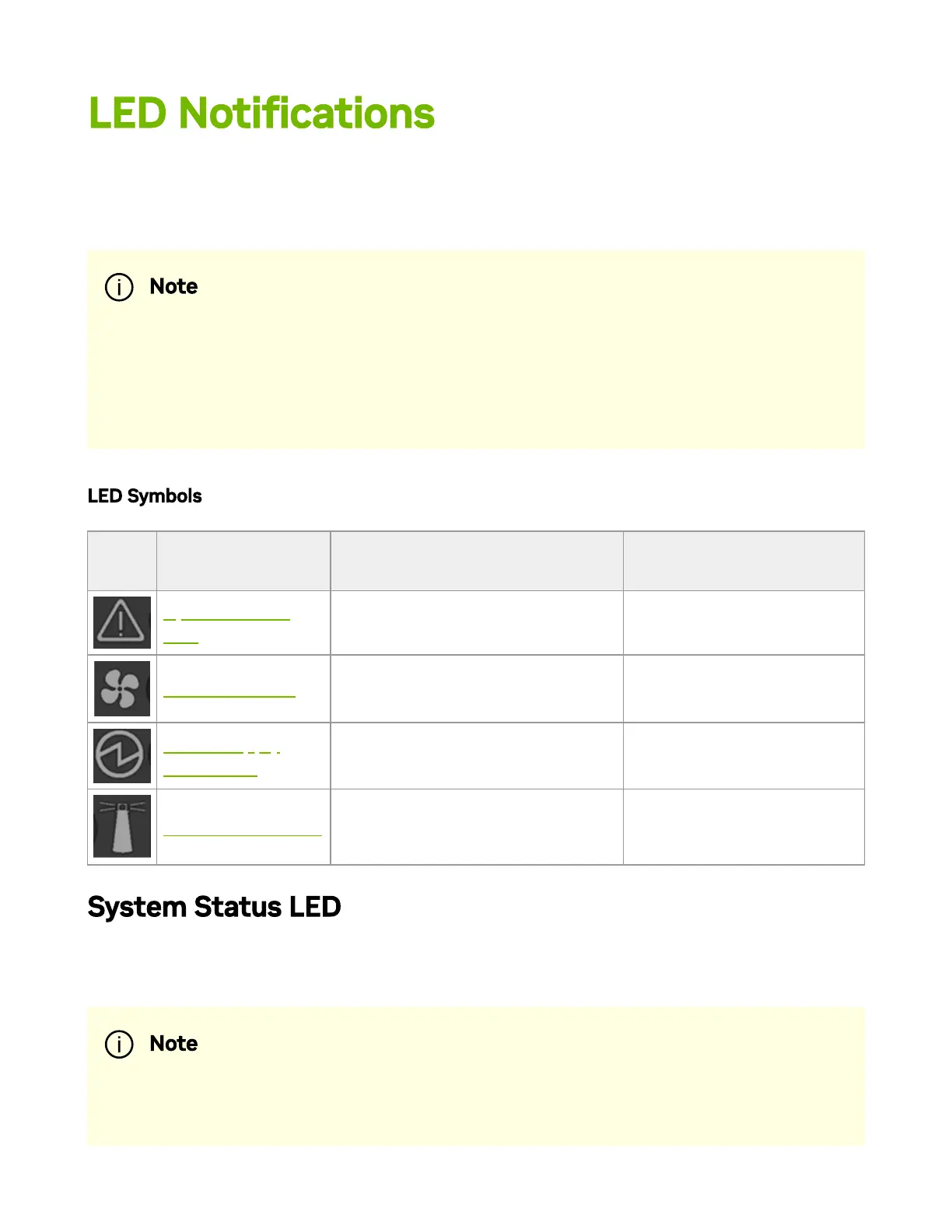
LED Symbols
Symb
ol
Name Description Normal Conditions
System Status
LED
Shows the health of the system.
Green/Flashing green
when booting
Fan Status LED Shows the health of the fans. Green
Power Supply
Units LEDs
Shows the health of the power
supply units.
Green
Unit Identier LED
Lights up on command through
the CLI.
O or blue when
identifying a port
System Status LED
The LED in the red oval shows the system’s status.
Note
In some systems, the Activity LED is positioned on the left side while
the Link LED on the right. The positions of the LEDs are reversed in
later system revisions.
Note



 To Next Page