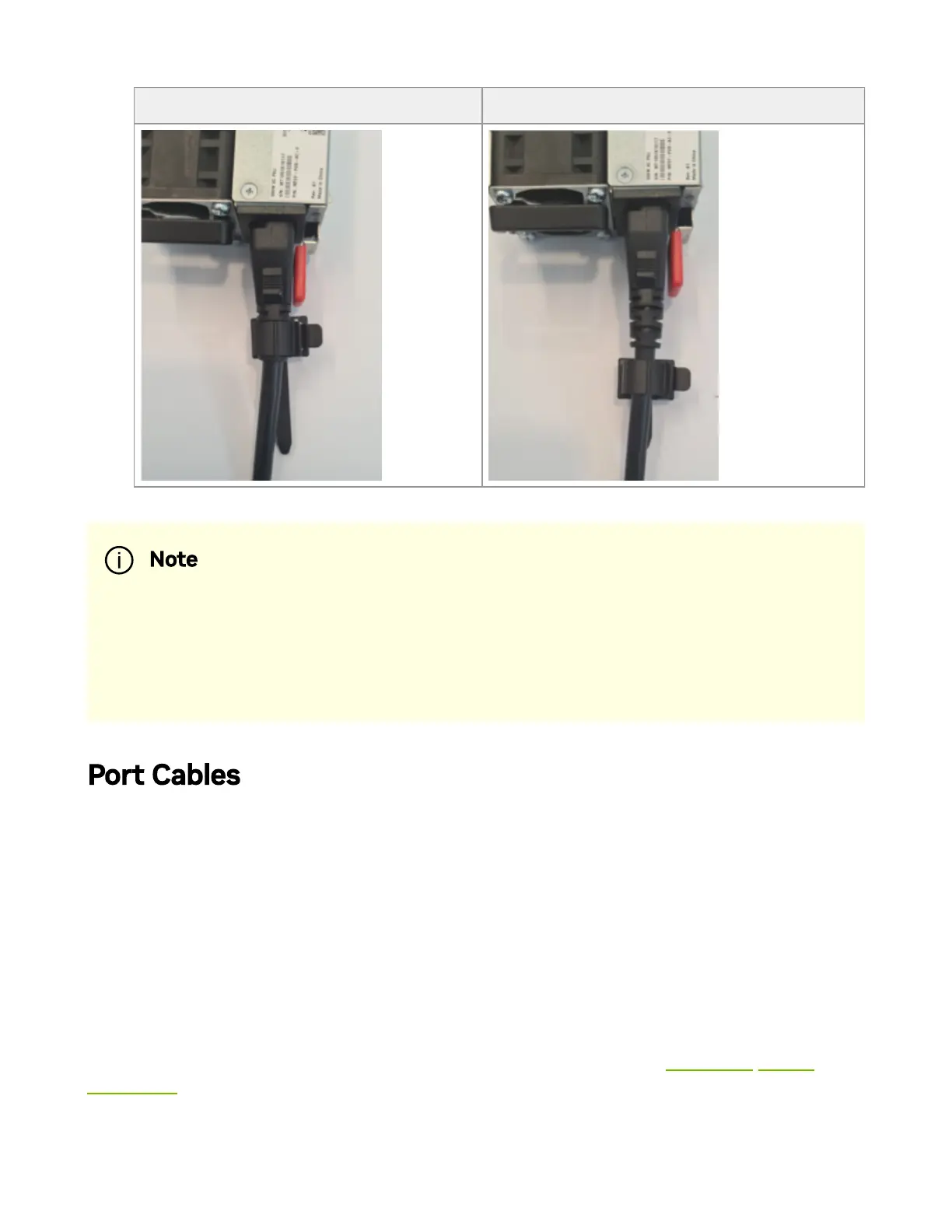
Proper Loop Placement Improper Loop Placement
Port Cables
All cables can be inserted or removed with the unit powered on.
To insert a cable, press the connector into the port receptacle until the connector is rmly
seated. The LED indicator, corresponding to each data port, will light when the physical
connection is established. When a logical connection is made, the relevant port LED will
turn on.
To remove a cable, disengage the locks and slowly pull the connector away from the port
receptacle. The LED indicator for that port will turn o when the cable is unseated.
For a list of Supported Cables and Transceivers, please refer to the SN3000 Systems
Datasheet.
Note
Each cable retainer can be used once only. Once the retainer has been
fully inserted and the shoulders' pins have been adjusted, the retainer
cannot be used again, and should be discarded if pulled out.



 To Next Page