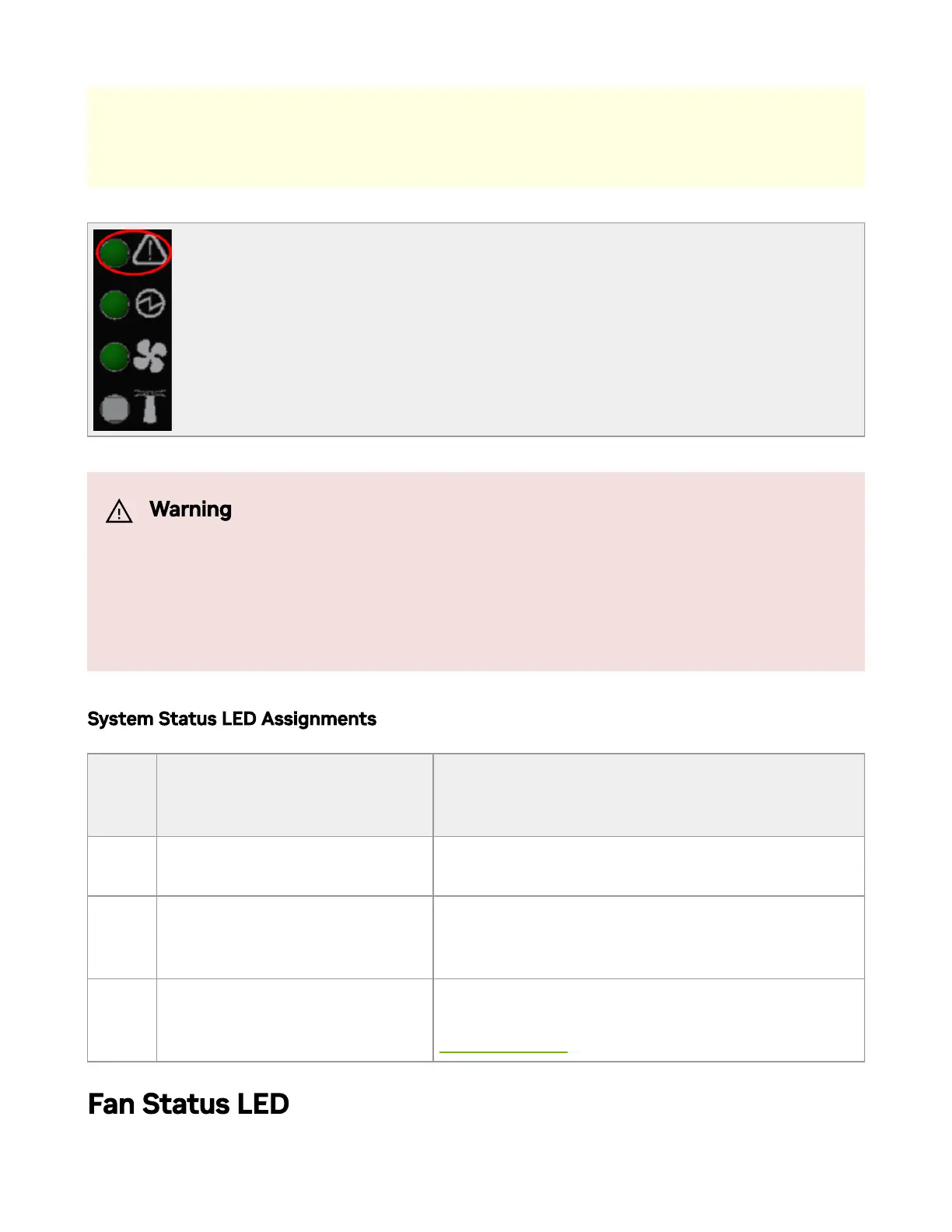
System Status LED Assignments
LED
Behav
ior
Description Action Required
Solid
Green
The system is up and running
normally.
N/A
Flashi
ng
Green
The system is booting up.
Wait up to ve minutes for the end of the
booting process.
Solid
Ambe
r
An error has occurred. For
example, corrupted rmware,
system is overheated etc..
In case the System Status LED shows amber
ve minutes after starting the system, refer to
Troubleshooting for further instructions.
Fan Status LED
The image is for illustration only. The status LEDs' order and form may
slightly vary, depending on the system.
Warning
It may take up to ve minutes to turn on the system. If the System
Status LED shows amber after ve minutes, unplug the system and
call your NVIDIA representative for assistance.



 To Next Page