Removing the System from the Rack
To remove a unit from the rack:
1. Turn o the system and disconnect it from peripherals and from the electrical
outlet.
2. Unscrew the two M6 screws securing the front of the inner rails’ ears to the outer
rails and to the rack.
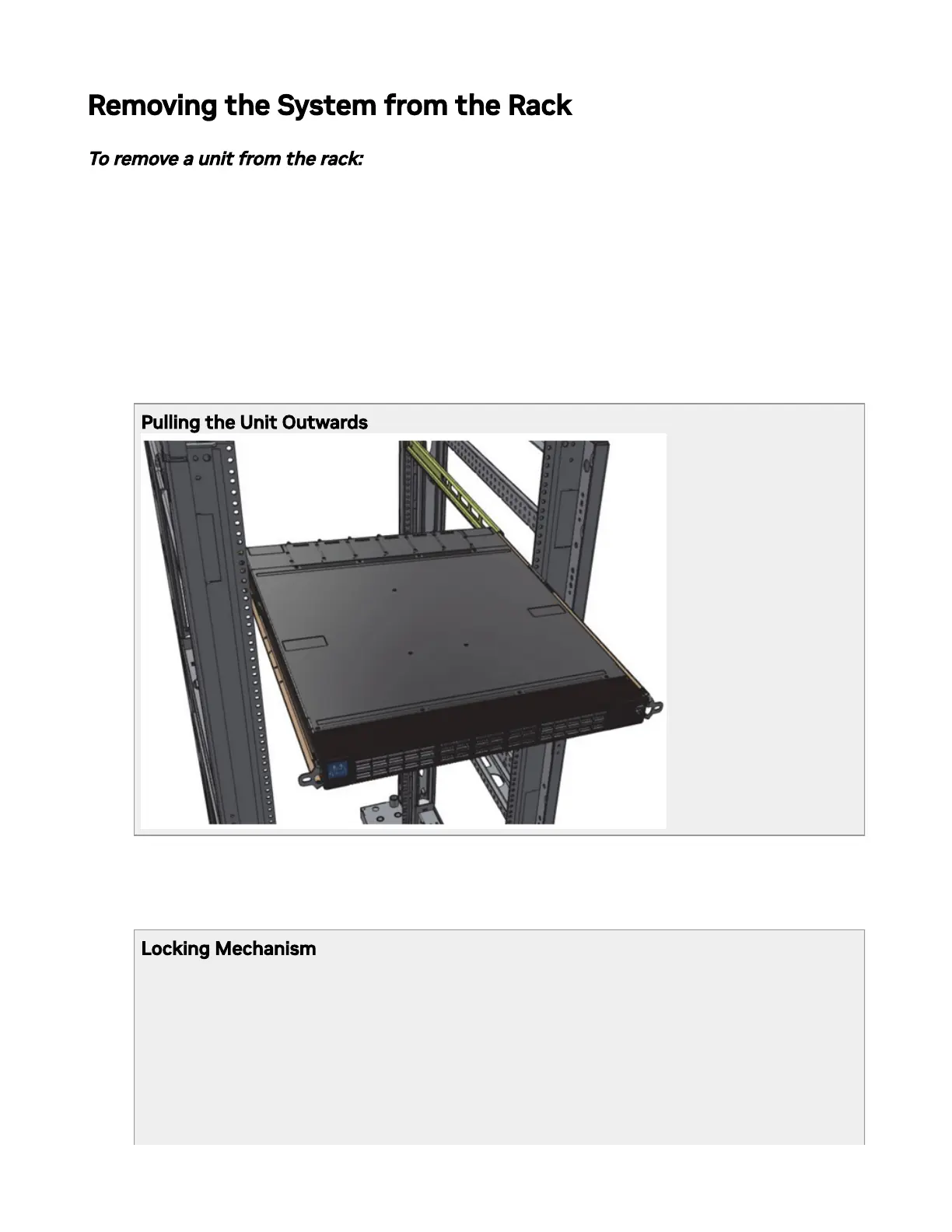
3. Pull the unit out until braking is felt. For safety purposes, the locking mechanism will
not allow a complete removal of the unit at this stage.
Pulling the Unit Outwards
4. Press on the locking spring (appears in red in the gure below) on both sides
simultaneously, and continue pulling the unit towards you until it is fully removed.
Locking Mechanism



 To Next Page