While your installation partner is supporting the system’s weight, perform the
following steps:
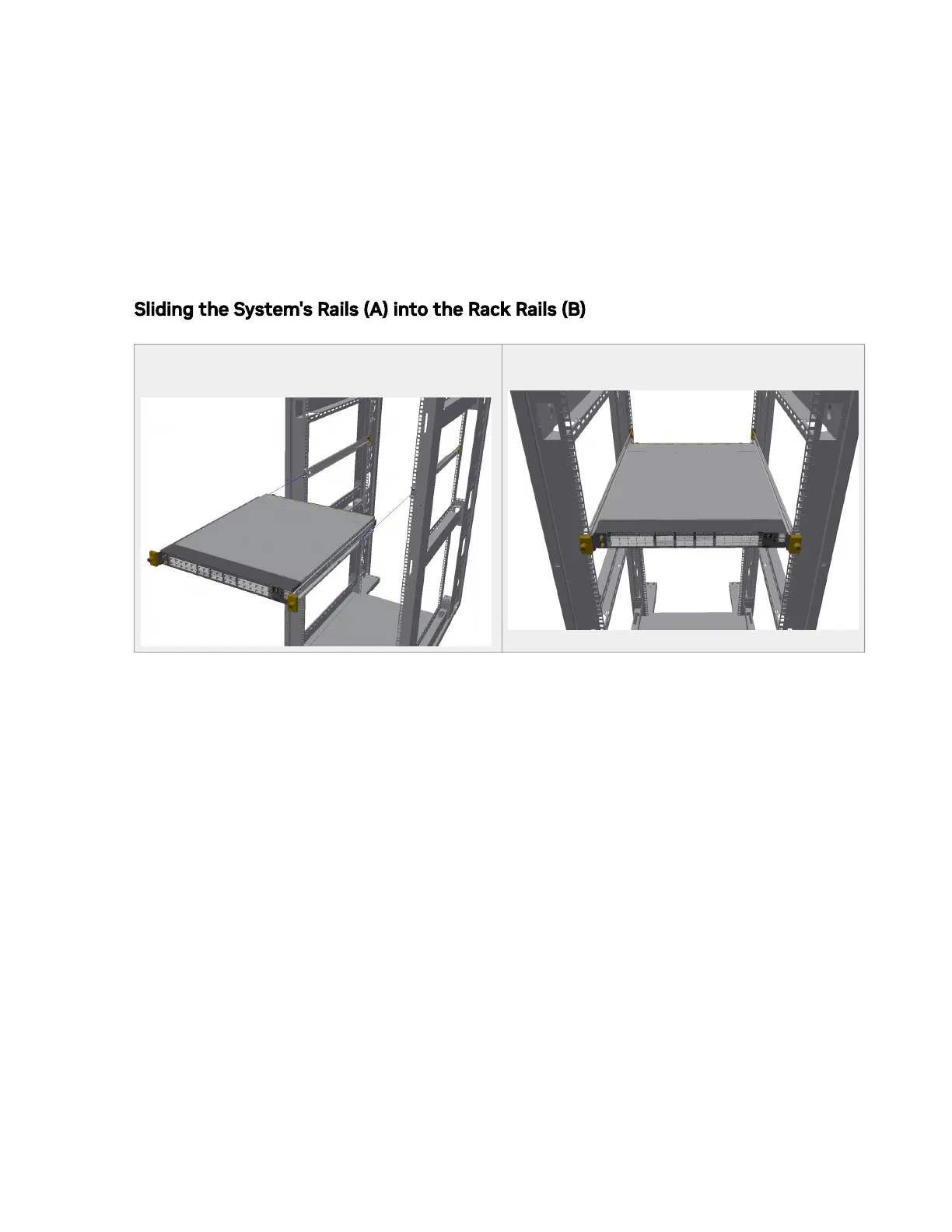
6. Slide the rails installed on the system into the channels in the rack rails. Push them
forward until the locking mechanism is activated on both sides, and a click is heard.
7. Tighten the captive screws on both sides to further secure the system to the rack's
posts.
Sliding the System's Rails (A) into the Rack Rails (B)
Sliding the System Rails (A) into the Rack
Rails (B)
Tightening the Captive Screws
To remove the system from the rack:
1. Turn o the system and disconnect it from peripherals and from the electrical
outlet.
While your installation partner is supporting the system’s weight:
2. Loosen the captive screws attaching the system's rails to the rack's posts.
3. Use two hands to pull the system out until the rails are stopped.



 To Next Page