Other clever things your phone can do for you.
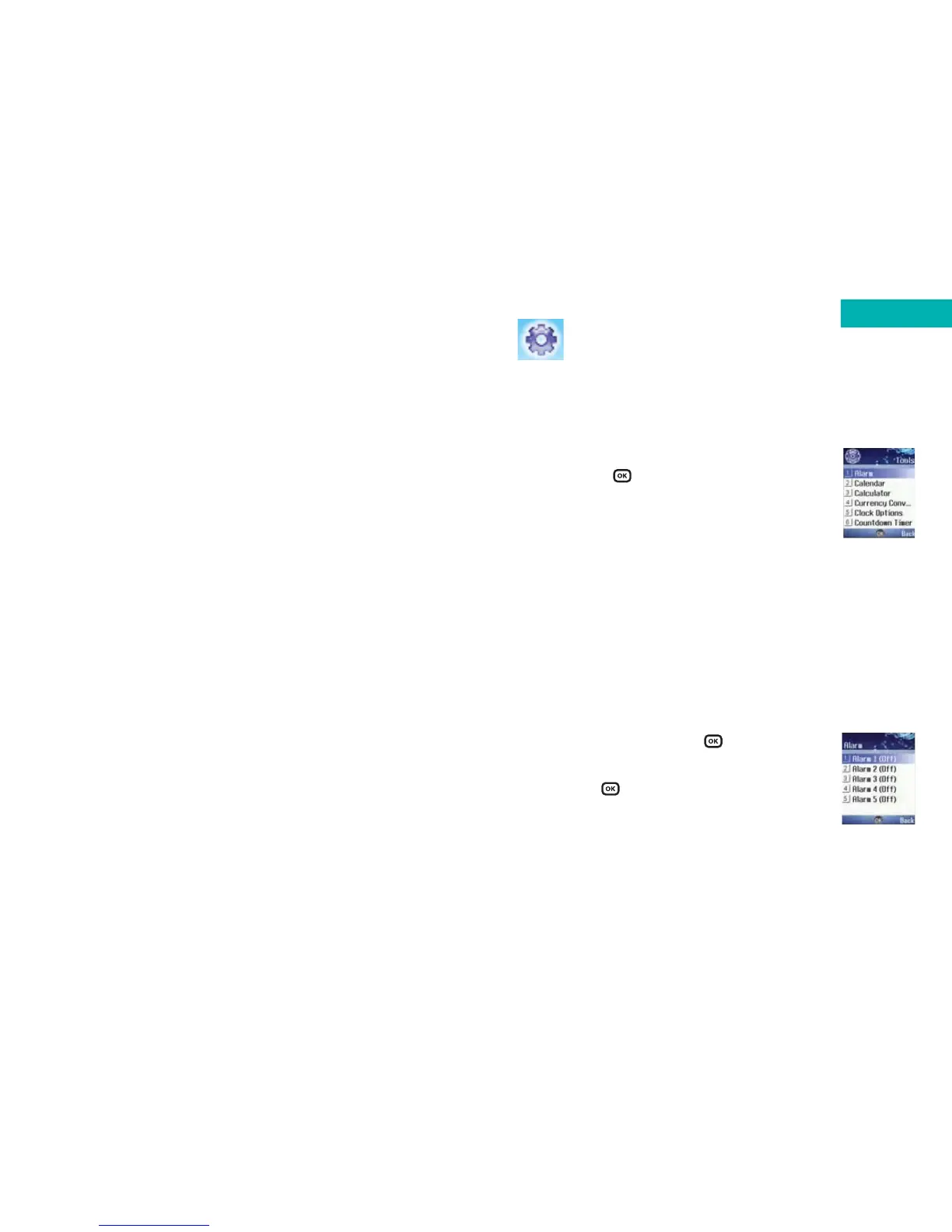
•In the main menu scroll to Tools and select
by pressing
My Services
• Select My Services if you are on Pay & Go to
access a list of useful numbers and services
Please note:
My Services is only available to Pay & Go customers. If you
are on a Pay Monthly calling plan your first menu option
within Tools is Alarm (please see below).
Alarm
• Scroll to Alarm and press
• Select the alarm you wish to set and activate
and press to select
Please note:
If you activate the alarm feature, when the specified date
and time arrive, your mobile will sound the alarm, even if it
is switched off.
Tools
145
Tools
ignore
this
page



 To Next Page