Display
Adjust your mobile’s display settings including the welcome
animation, outer display and more...
• Scroll to Display and press
• Then select the following options:
Backlight
Adjust the brightness of your mobile‘s display backlighting
and also set the length of time that the backlighting
remains activated after a key has been pressed or the flip
is opened.
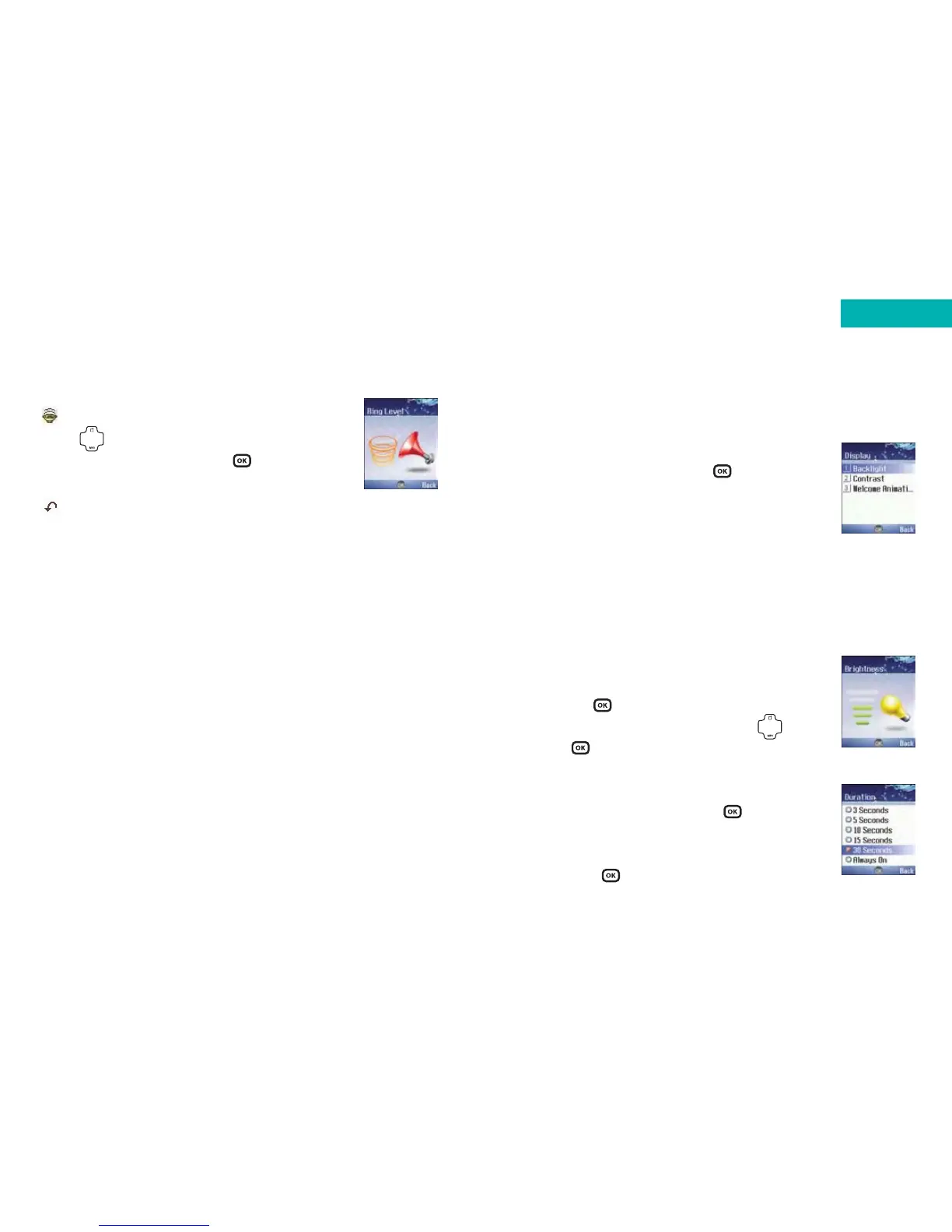
Brightness
• Scroll to Brightness and select by
pressing
• Adjust the brightness by pressing
•Press to confirm
Duration
• Scroll to Duration and press to select
• Set the length of time the backlight stays on
by scrolling to the required length of time
and press to select
169
Ring volume
Press to adjust the ring tone volume
or mute the ring tone. Press to confirm.
Restore
To return all settings to the original factory settings.
Please note:
The restore setting requires a password. The default for
this is 1234.
168
Settings



 To Next Page