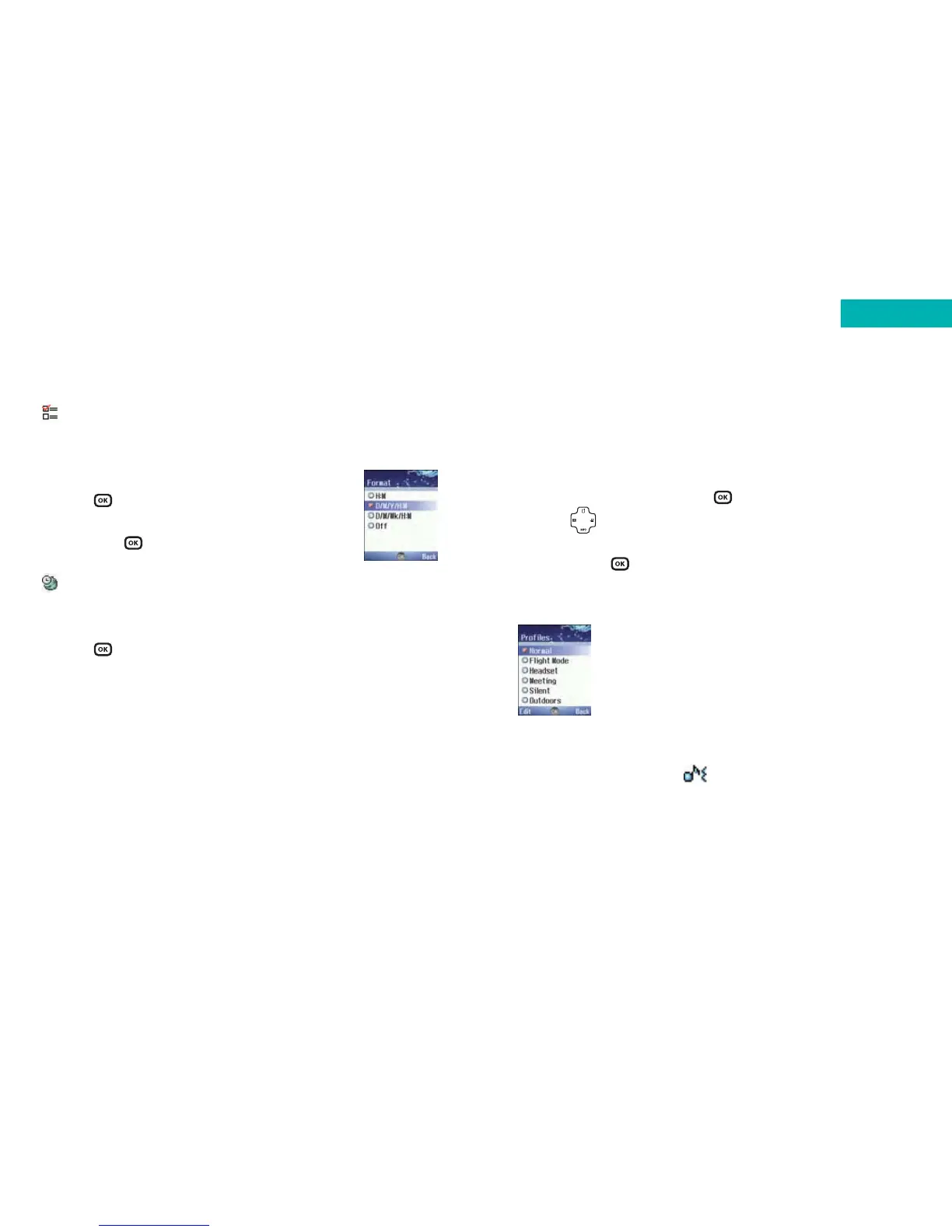
Profiles
A ‘profile’ is just the way your phone reacts when it receives
a call or message.
• Scroll to Profiles and press
•Press and scroll to the profile that best suits the
environment you are in
•Then press to activate
Choose from the following:
Normal
This is the default profile. Once activated the display’s
status bar will show the icon.
Format
Scroll to Format and decide the format in which the time
and date will appear on the standby screen.
•Press to select Format
• Scroll through the format options available
and press to select
Time zone
Confirm where you are in the world.
•Press to select Time Zone
• Scroll through the list of countries and select one
162 163
Settings



 To Next Page