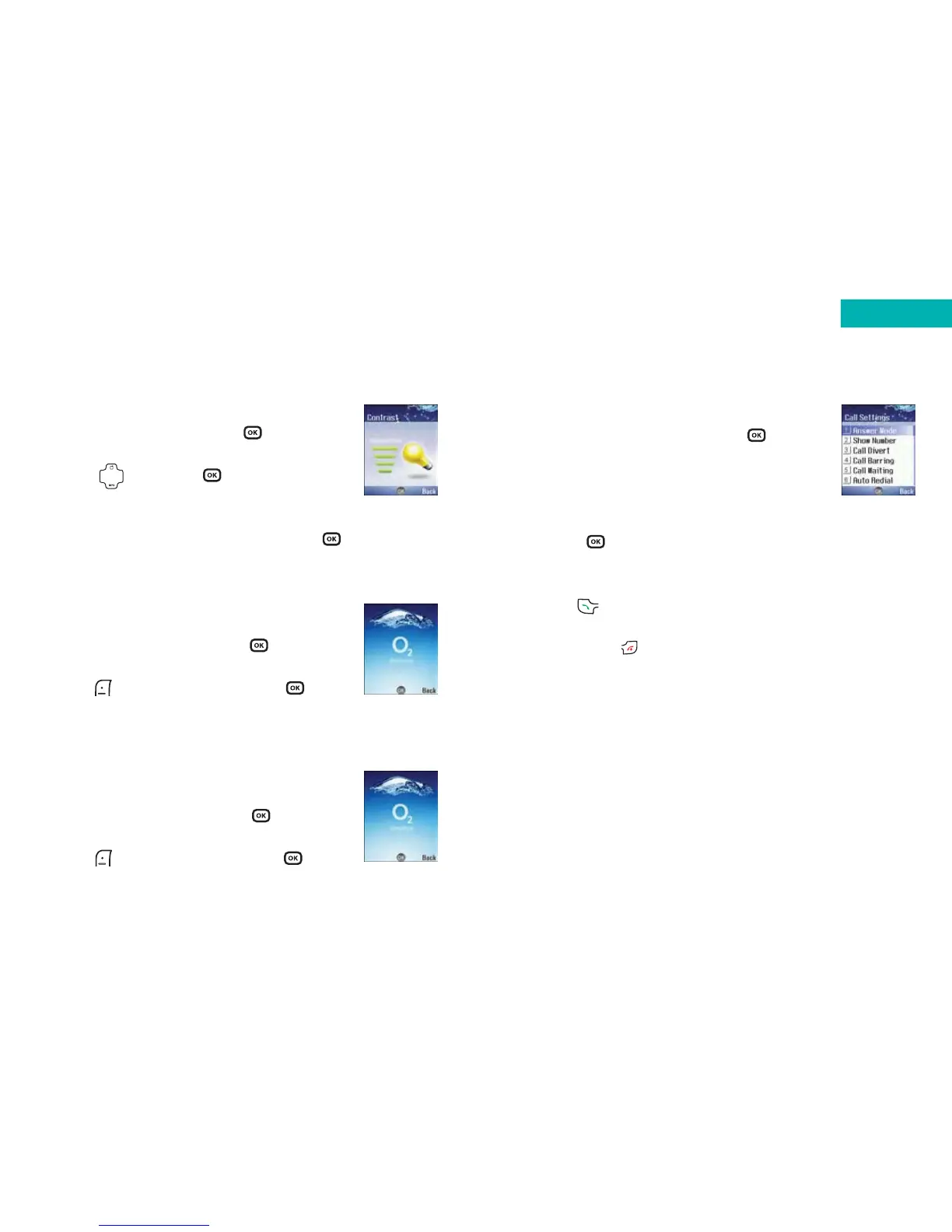
Call settings
• Scroll to Call Settings and press
•Then select from one of the following options:
Answer mode
Choose how to answer an incoming call from the list below
and press to confirm.
Send key – allows incoming calls to be answered only by
pressing
Any key – allows incoming calls to be answered by pressing
any key except , which is used to reject incoming calls
Flip answer – allows incoming calls to be answered by
opening the flip
171
Contrast
• Scroll to Contrast and press to select
• Adjust the contrast of the screen’s display
using and press to confirm
Welcome animation
• Scroll to Welcome Animation and press to select
Power on
Choose the animation that will be
displayed when your mobile is turned on.
• Select Power On by pressing
• Scroll through the animations available and
press to select View and press to
confirm selection
Power off
Choose the animation that will be displayed
when your mobile is turned off.
• Select Power Off by pressing
• Scroll through the animations available and
press to select View and press to
confirm selection
170
Settings



 To Next Page