10 Océ 7050/7051 User Manual
Dew Preventer (optional)
If the Océ 7050/7051 is equipped with the optional manual roll, a ‘Dew
Preventer’ can be installed as separate option. Only in extreme humidity
conditions it is recommended to switch on the ‘Dew Preventer’ to enhance
copy quality.
▼
Switching on Dew Preventer
1
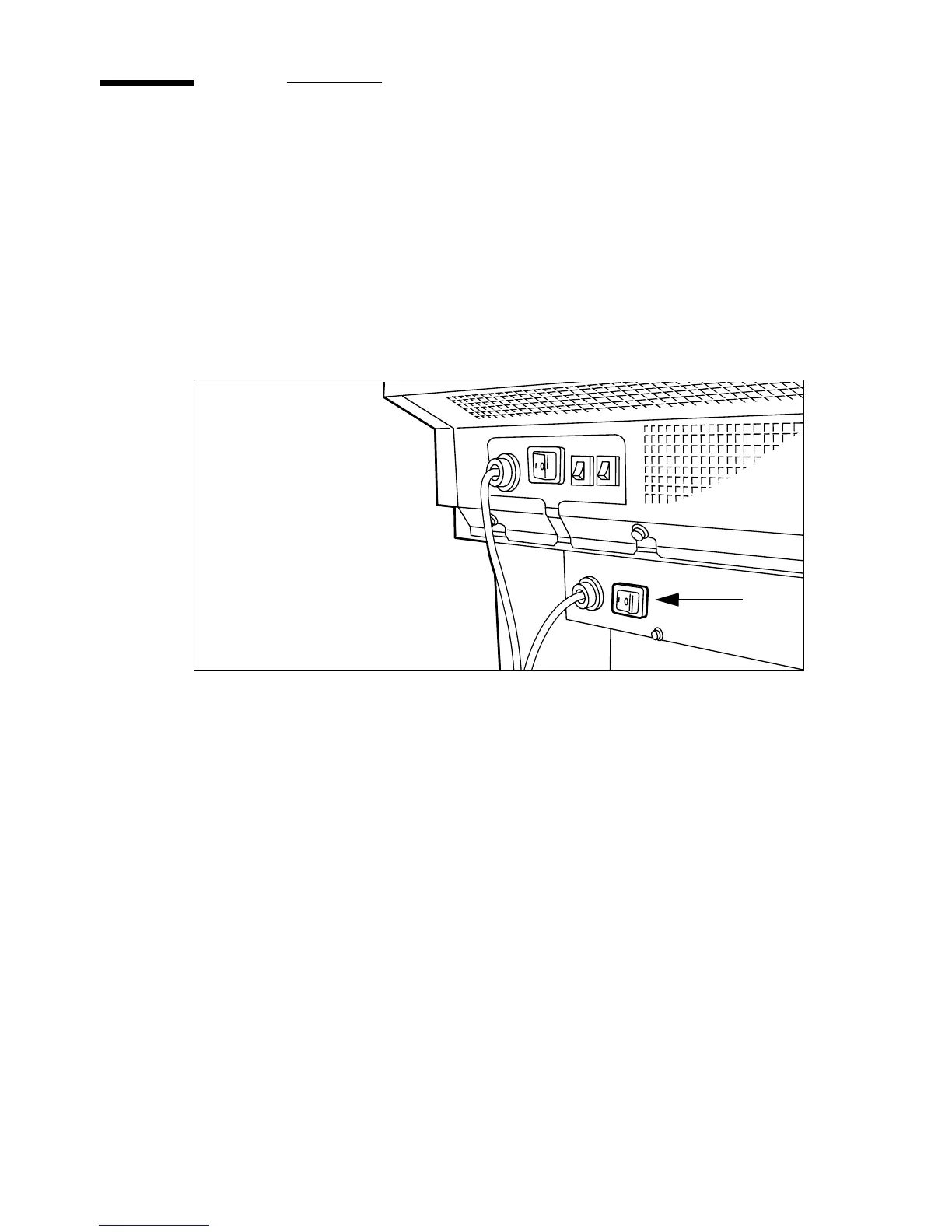
Set the Dew Preventer switch at the rear of the machine, to position ‘1’ (see
figure 2). If the machine is switched on, the green switch will light up.
[2] Dew Preventer switch
Note:
The Dew Preventer will only be effective if it is left on.
▼
Switching off
1
Set the Dew Preventer switch at the rear of the machine, to position ‘0’ (see
figure 2).



 To Next Page