36 Océ 7050/7051 User Manual
Clearing paper jams
When paper feeds incorrectly, the paper path indicator will flash.
▼
Clearing a paper jam in the copy material feed section
1
Switch off the copier.
2
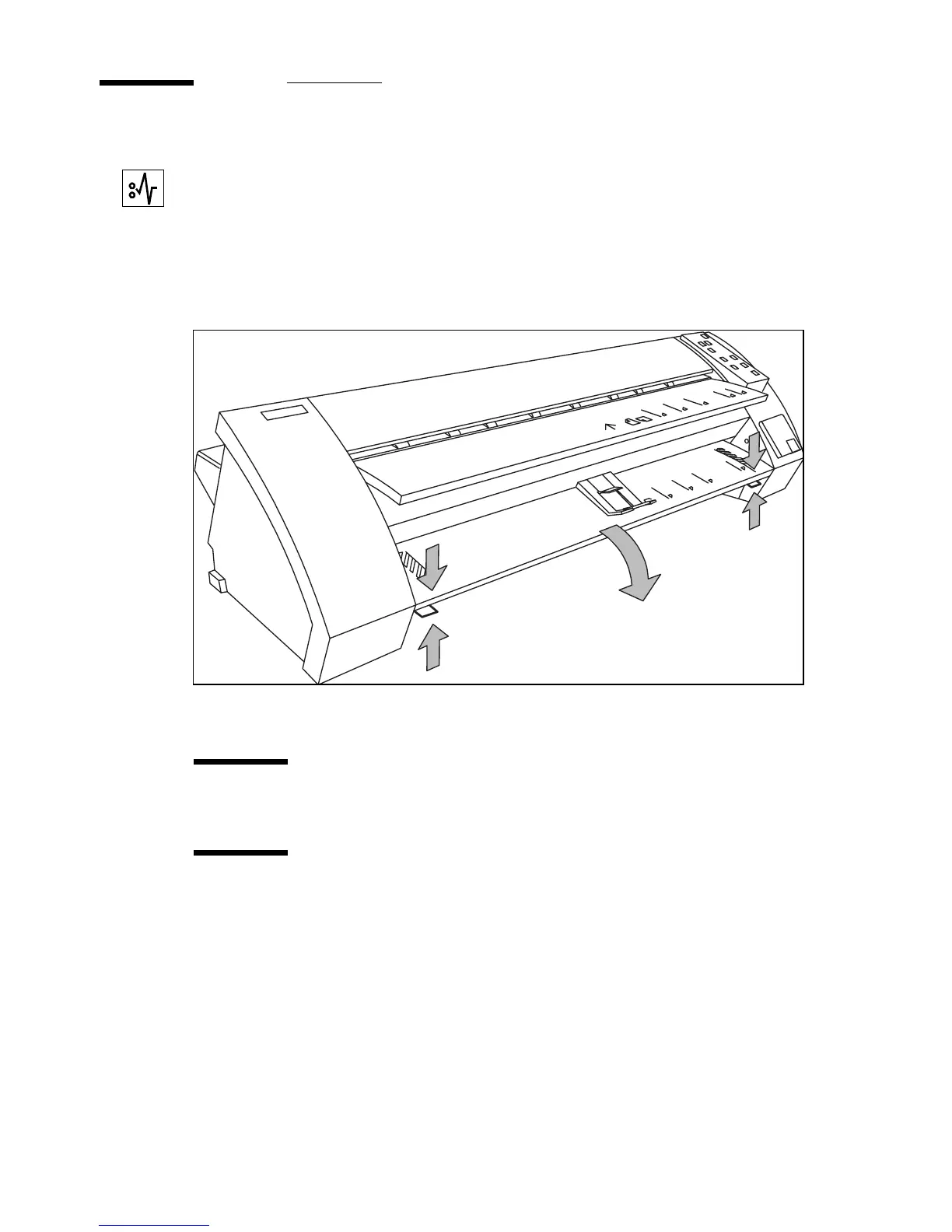
Lower the copy feed table, using the two catches on the front underneath the
copy feed table (see figure 24 ).
[24] .Lowering the copy feed table
3
Remove the jammed copy material.
Attention:
Make sure the copy feed table is lowered before removing copy
material.
Attention:
Pull the sheet of paper backwards carefully, the sheet might be
unfused on some parts.
Note:
Check thoroughly that no scraps of material are left behind.
4
Close the copy feed table.
5
Switch on the copier.



 To Next Page