Solving problems 35
Clearing original jams
When during copying an original jam occurs, the paper path indicator will start
flashing and the display shows the error message E0.
▼
Clearing an original jam
1
Switch off the copier.
2
First try to remove the jammed original by pulling it gently towards you with
both hands.
In case of a very fragile original:
3
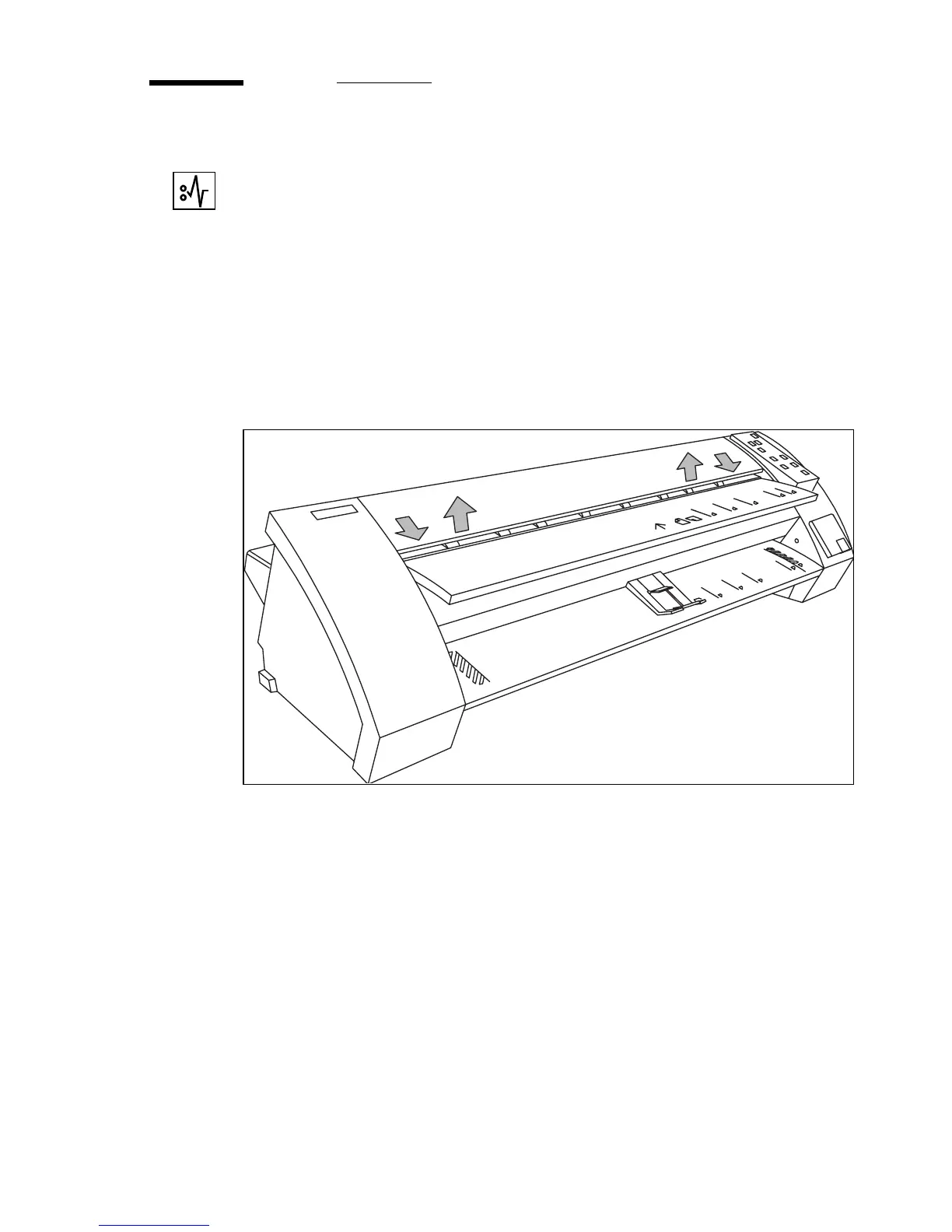
Open the top cover by pulling it towards you and raising the cover
(see figure 23 ).
[23] Opening the top cover
4
Remove the original.
5
Close the top cover and push it back until you hear a click.
6
If there is copy material in the copier, clear copy path see ‘Clearing paper jams’
on page 36.
7
Switch on the copier.
1
1
2
2



 To Next Page