Copy jobs 13
Making copies
By feeding the original or the copy material the operating panel will go ‘on’
and the copying process will start automatically. When you have a copier
which is equipped with a repeat function (Océ 7051), you can make a
maximum of 9 copies when feeding 1 original.
Note:
After 2 minutes of idleness, the operator panel returns to the ready mode.
When you wait more than 2 minutes between two operations, you have to
restart the procedure.
▼
Making copies using cut sheet copy material
1
If required, use the copy material selection button to select copying on paper
or film.
2
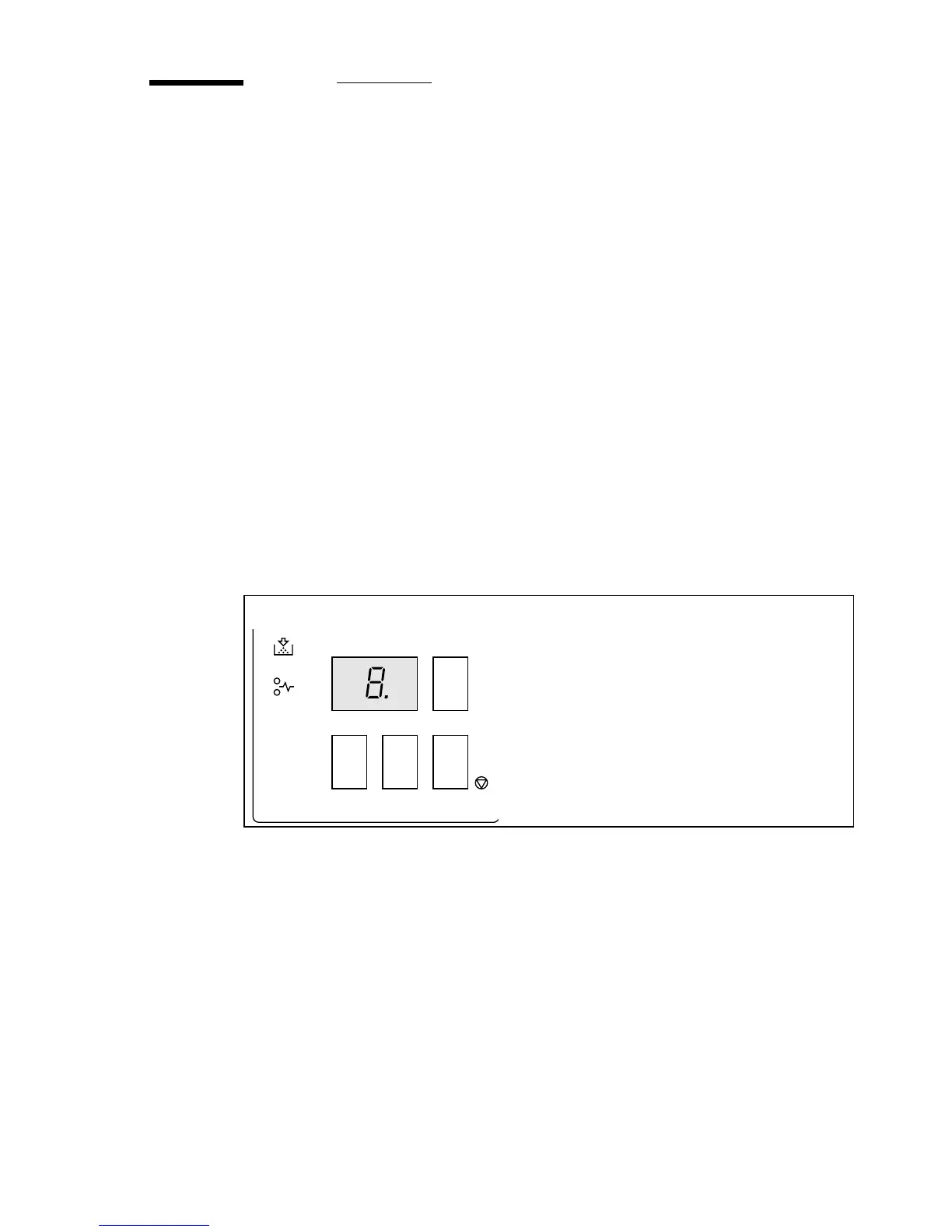
Select the desired number of copies by pressing the ‘+’ or ‘-’ button on the
operating panel (Océ 7051 only, see figure 3).
Note:
Changing the copy quantity can be done at all times. When you make a
mistake you simply press the correction button to correct the copy quantity.
[3] Setting more than one copy using the ‘+’ or ‘-’ button
stop+-
correction
C
darker
paperpath
add toner
4
Océ 7051



 To Next Page