30 Océ 7050/7051 User Manual
Cleaning the transparent platen
If the transparent platen is dirty or static it should be cleaned to ensure top
quality copies. At the same time you can clean the white pressure platen
Attention:
To achieve the best results, we recommend the use of Océ
cleaner ‘A’. (Codenr. 1068117; Cleaner kit).
▼
Cleaning the transparent platen and the pressure platen
1
Switch off the copier.
2
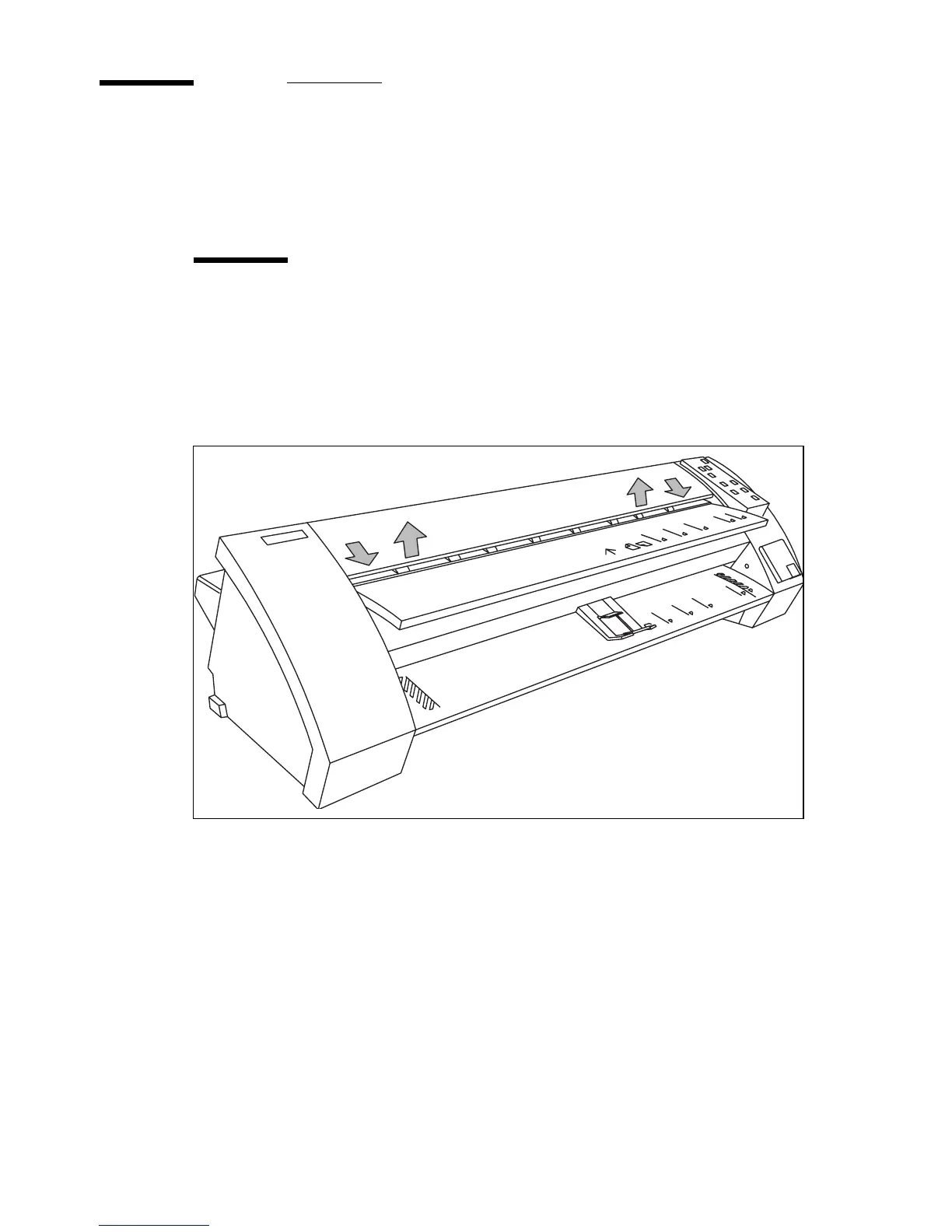
Open the top cover by pulling it towards you and raising the cover
(figure 21).
[21] Opening the top cover
1
1
2
2



 To Next Page