Copy jobs 19
Special settings
Exposure setting
When copying extremely light or dark originals, or originals with unequal
background density, the result may not meet your requirements (e.g. too much
background). In such cases you can adjust the exposure scale.
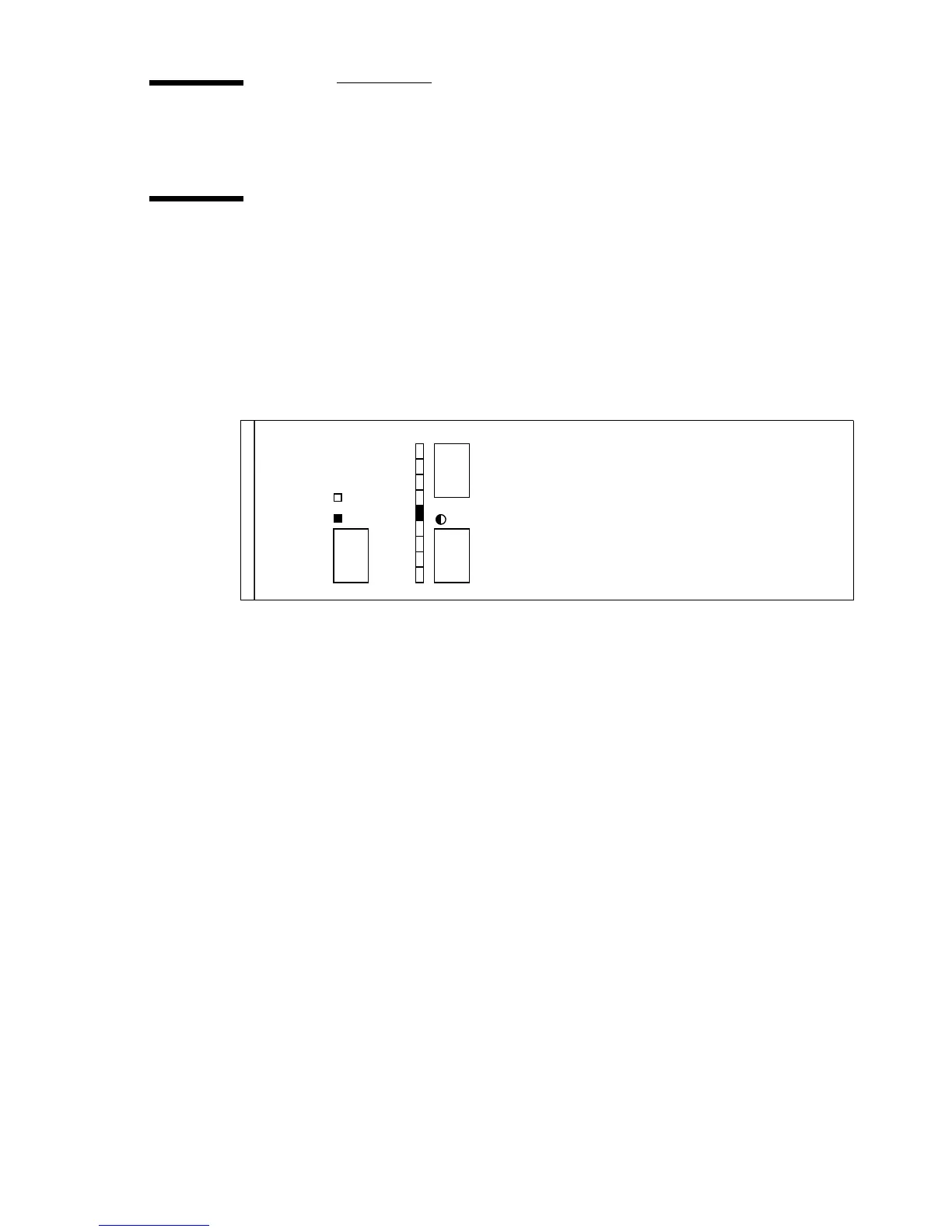
In the default setting the exposure scale indicator is in the neutral position
(see figure 10).
[10] Exposure setting
▼
Exposure setting
1
If the copy is too dark, you can modify the exposure scale using the ‘lighter’
(+) button.
2
If the copy is too light, you can modify the exposure scale using the ‘darker’
(-) button.
lighter
darker
paper
4
2
0
2
4
film
Océ 7050/7051



 To Next Page