18 Océ 7050/7051 User Manual
Attention:
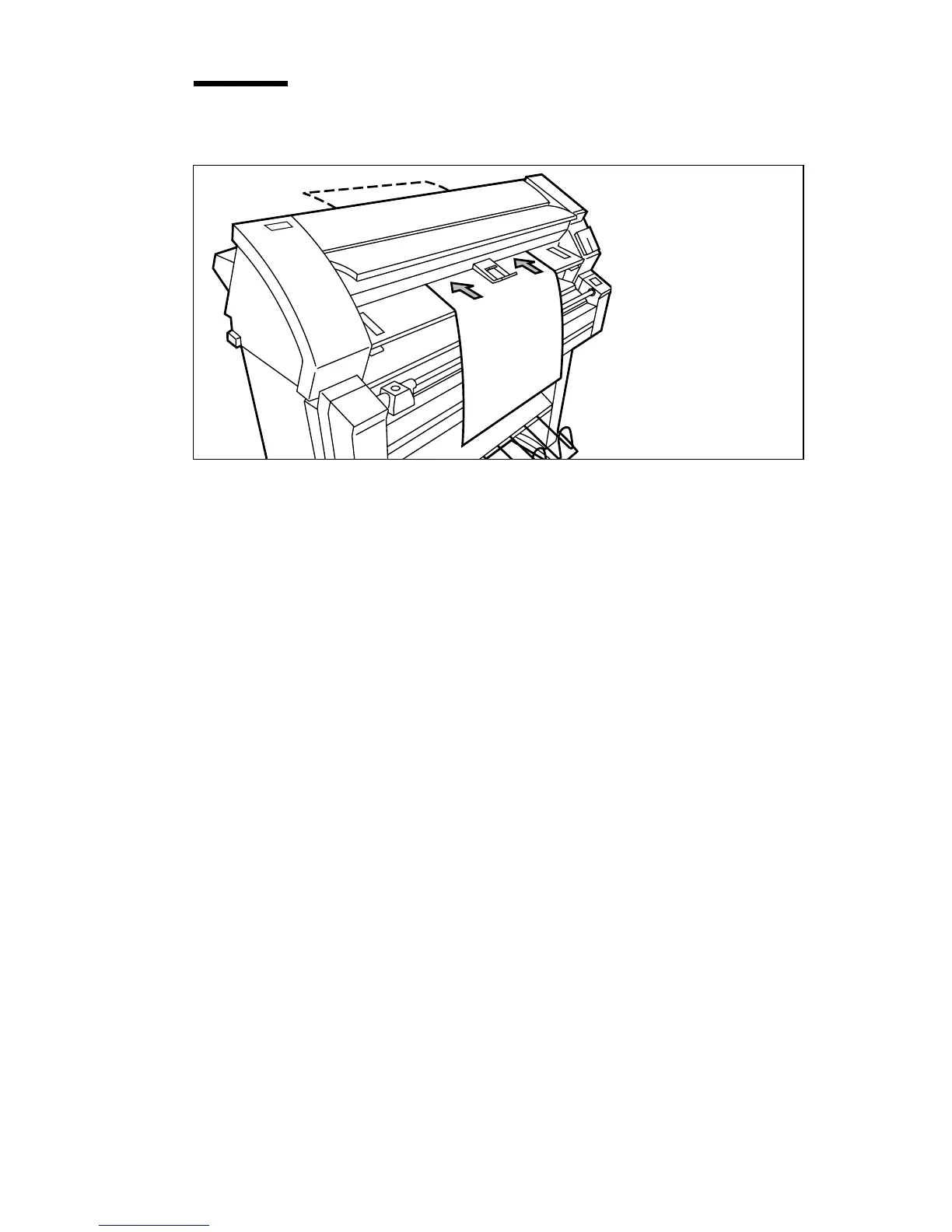
Do not turn the copy material before feeding, to ensure that
possible curls in the copy material are facing down.
[9] Feeding the copy material
10
Océ 7051 only: After making a copy, the copy quantity counter at the bottom
of the operating panel decreases by one. Repeat step 4 to 9 until the copy
counter is set to 0.
If you want to make more copies of the same original, you don’t have to feed
the original again as long as you haven’t pulled it from the original feed table.
By pulling out the original the counter will be set to 1.



 To Next Page