Copy jobs 17
6
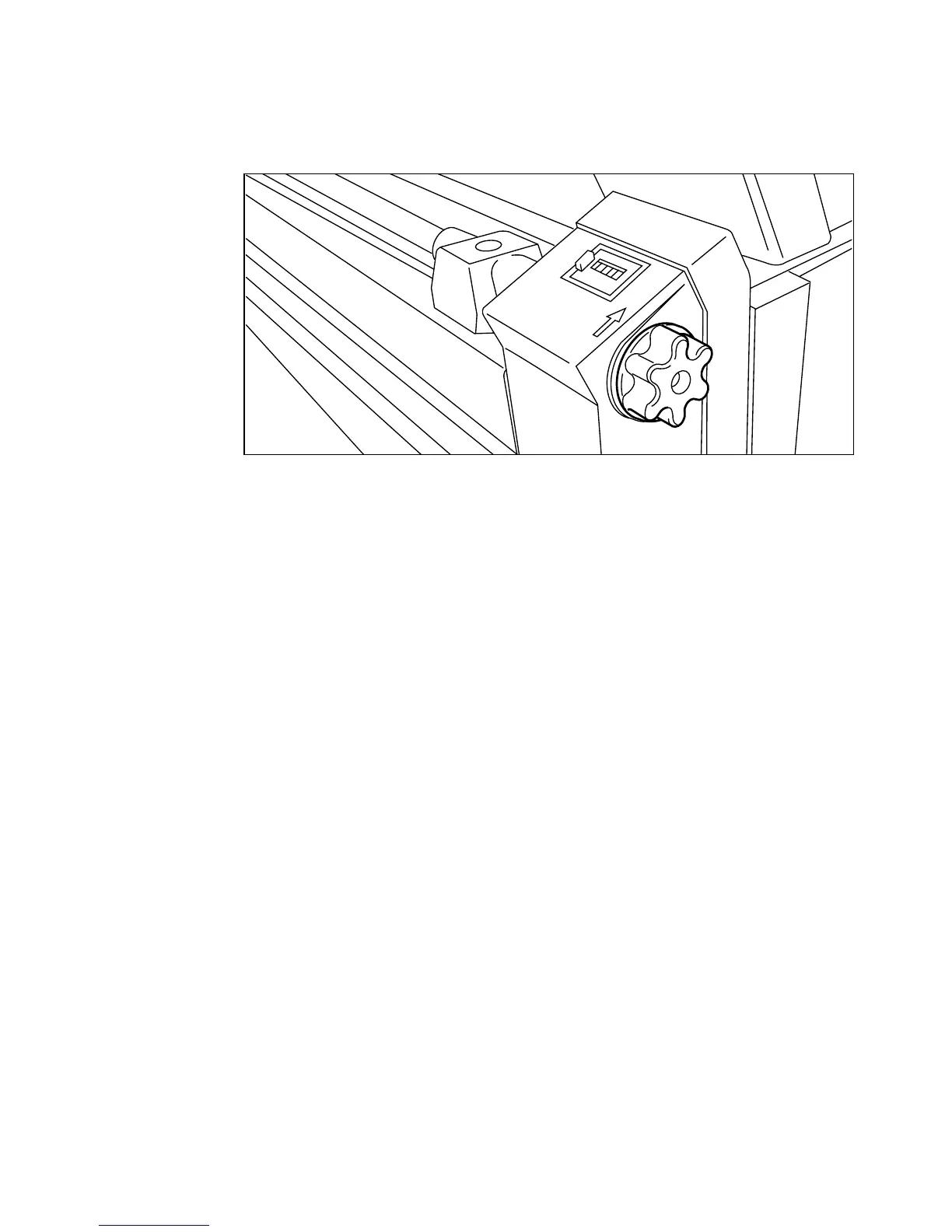
Notice the direction arrow near the roll feeding knob. Turn the knob in the
direction of the arrow, to feed out some copy material (see figure 8).
Note:
If you turn the knob in the wrong direction, the copy material can slip
out of the feeder (see ‘Inserting a new copy material roll’ on page 24).
[8] Turning the roll feeding knob.
7
Hold the copy material in the middle, and pull out material until the copy
length counter shows the same length as the original, as shown by the display
on the operating panel.
Note:
Minimum length of the copy material is 420 mm.
Note:
You can turn the roll feeding knob to adjust the length of the copy
material.
8
Hold the copy material with one hand, and move the cutter with your other
hand entirely to the left or right side to cut the material.
9
Feed the copy material into the copy feed table in accordance with the
guidelines. Start feeding the cutting edge and feed in line with the original.
(see figure 9 on page 18). The copy will now be made.
Note:
The copy material is aligned in the nip of the rollers. By inserting the
material with an amount of slack, the leading edge is aligned in the nip. A delay
between insertion of the material and the start of the transport ensures proper
alignment.



 To Next Page