24 Océ 7050/7051 User Manual
Inserting a new copy material roll
If the Océ 7050/7051 is equipped with the optional manual roll, you can insert
a new copy material roll as follows:
▼
Inserting a new copy material roll
1
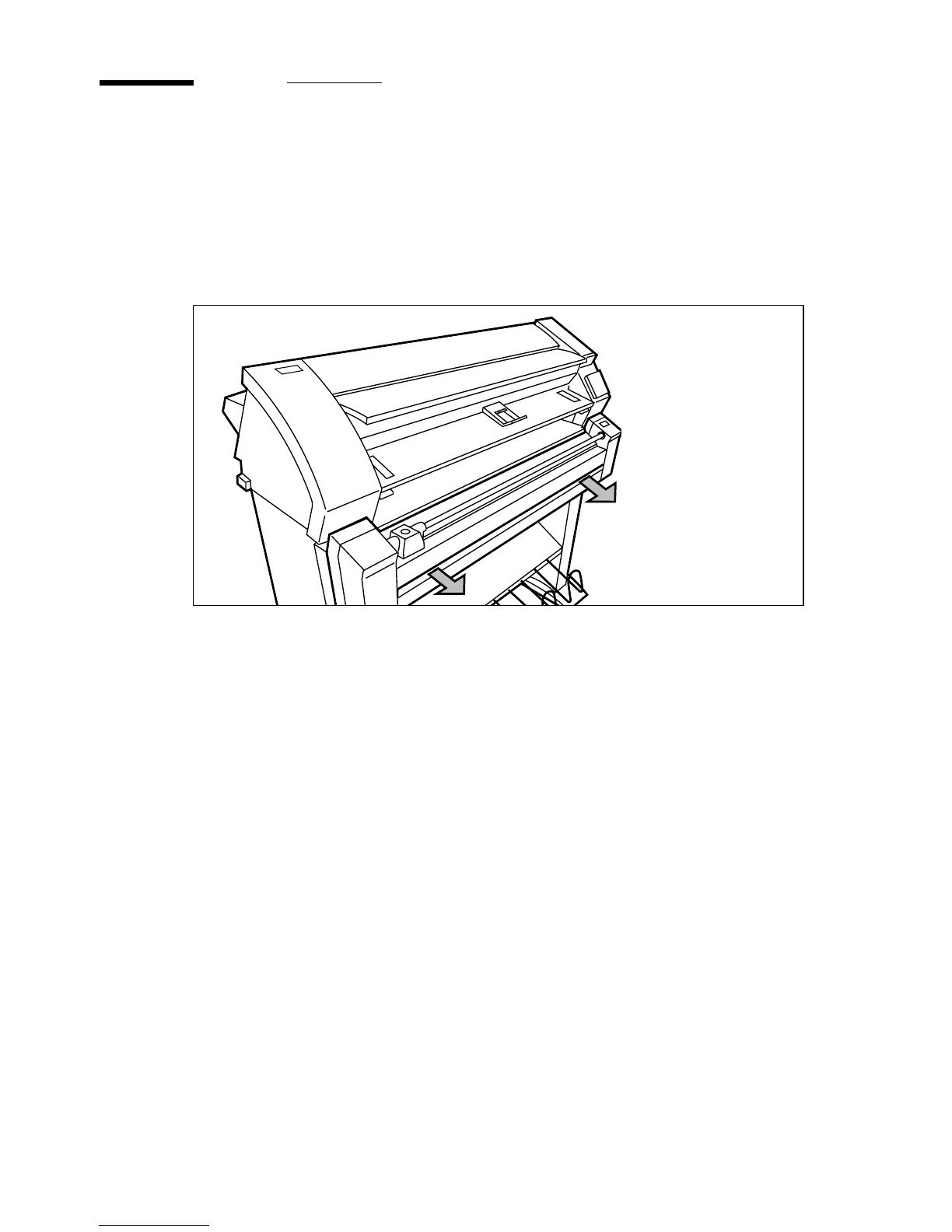
Pull open the drawer by using the two catches. (see figure 13)
[13] Opening the drawer section
2
If one of the rolls is still in use, turn the roll feeding knob in the opposite
direction of the arrow to let the copy material slip out of the feeder.
3
If you want to use the other roll in the drawer, simply feed in the material of
that roll as described in step 11 on page 26 and on.
Note:
The front and the back roll do not have to be switched.



 To Next Page