16 Océ 7050/7051 User Manual
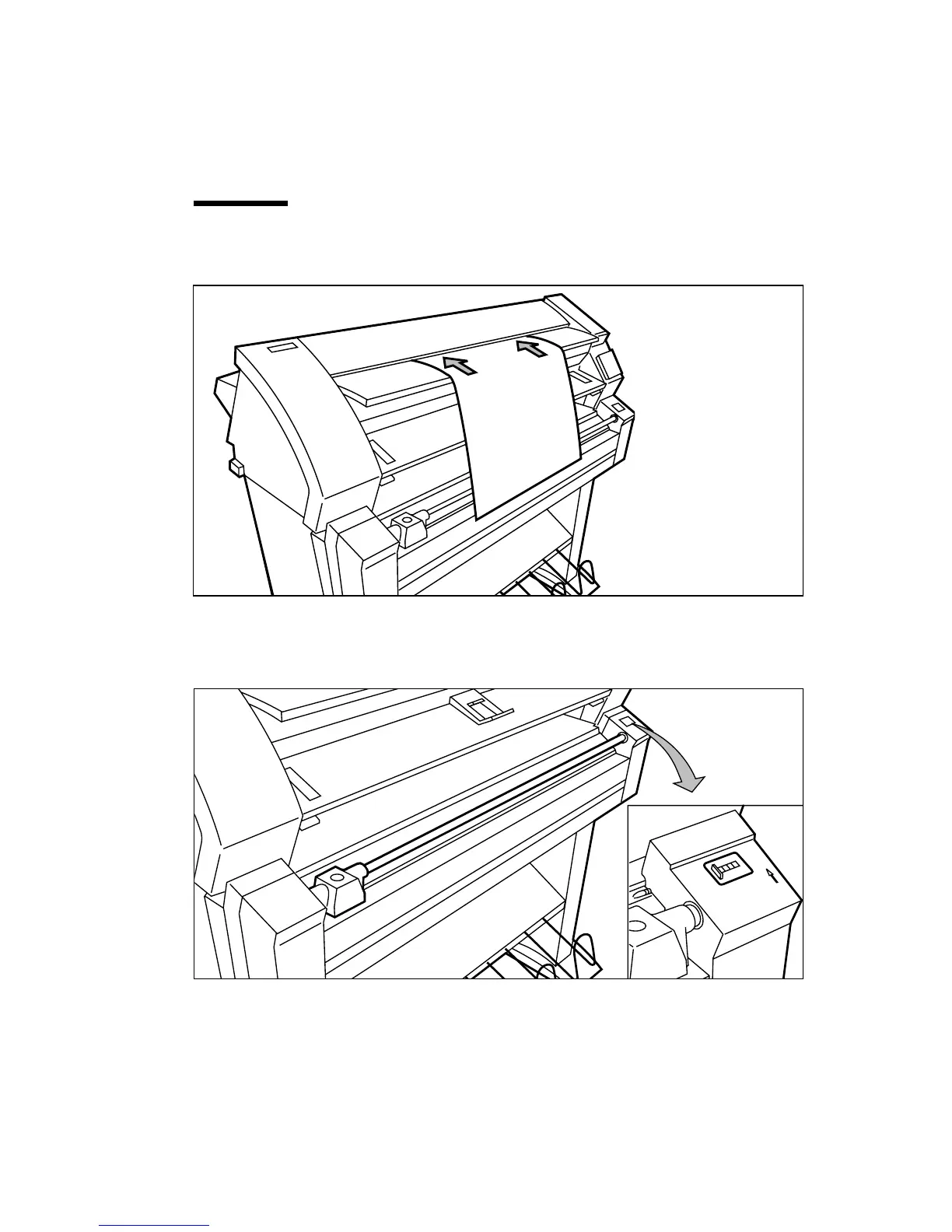
The original is transported to the rear of the machine and the display shows the
length of the original in cm.
Note:
After 2 minutes the operator panel returns to the ready mode. When you
wait more than 2 minutes you have to re-feed your original.
Attention:
Strongly curled originals have to be fed in carefully. In certain
circumstances the copier can pull the original in.
[6] Feeding an original
4
Make sure that the cutter is moved entirely to the left or the right side.
5
Reset the copy length counter to 0 by pressing the reset button (see figure 7).
[7] Resetting the copy length counter.



 To Next Page